NET Series
Software Installation and Configuration
Page 68 Firmware Ver. 1.00.42/Software Ver. 1.0.2.6 LEIGHTRONIX, INC.
2010-07-09
“Fallback Enable” can be set to “Yes” or “No.”
1. Select “No” to disable loss-of-video fallback.
2. Select “Yes” to enable fallback capabilities. “Fallback Input” and
“Delay” fields appear upon selection. “Fallback input” is fixed at 8.
Delay can be set from 1–99 seconds. This means that if valid video is
lost from Output 1 and not restored within the delay time, the output will
be switched to Input 8.
NET-164
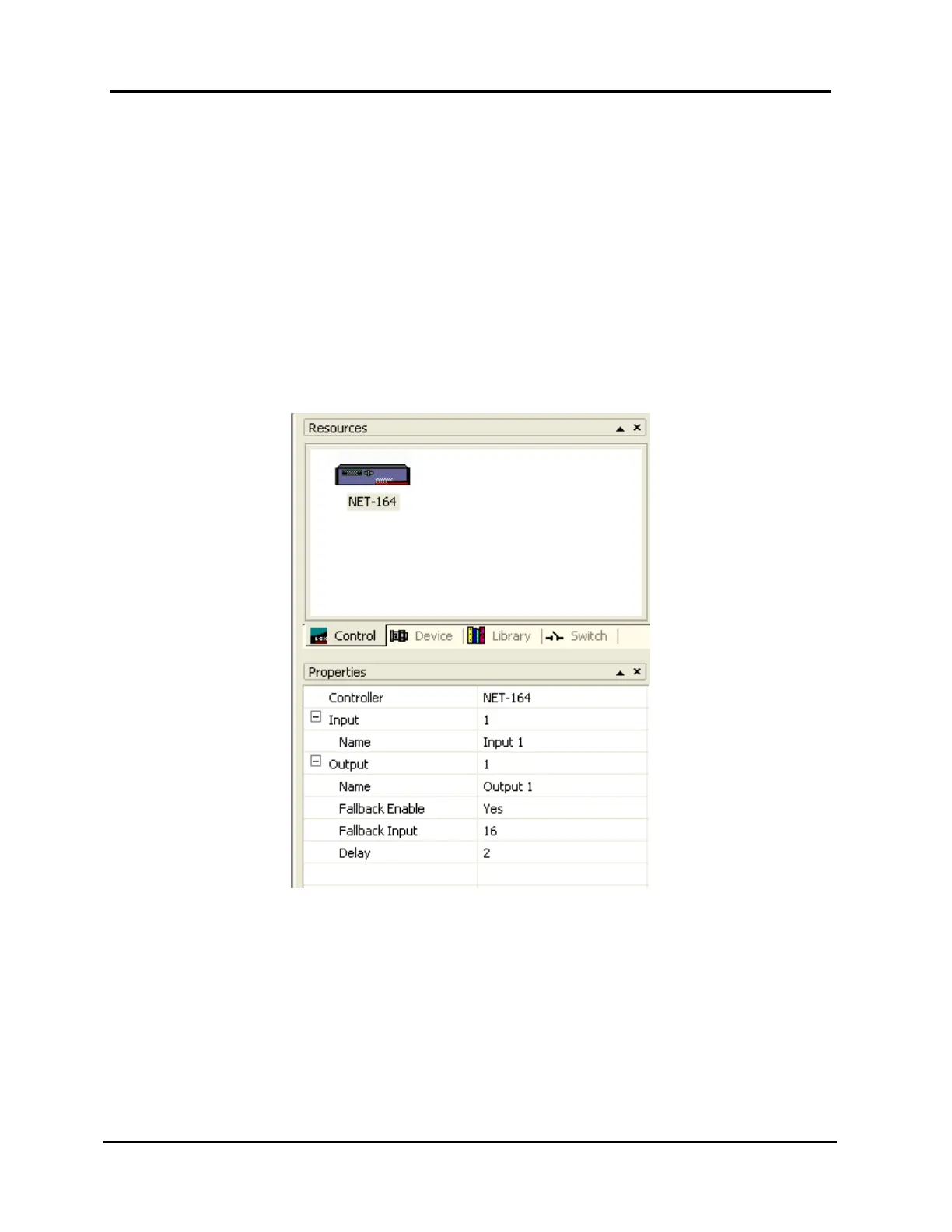
The NET-164’s control properties may be set as follows (see Illustration 44,
NET-164 Control Property Settings):
Illustration 44, NET-164 Control Property Settings
Input aliases
1. In the Input field, select an input (1 – 16 may be chosen).
2. Type the selected input’s alias in the “Name” field (up to 31 characters).
Output aliases
1. In the Output field, select an output (1 – 4 may be chosen).
2. Type the selected output’s alias in the “Name” field (up to 31
characters).



 To Next Page