NET Series
Software Installation and Configuration
Page 70 Firmware Ver. 1.00.42/Software Ver. 1.0.2.6 LEIGHTRONIX, INC.
2010-07-09
NET-EC
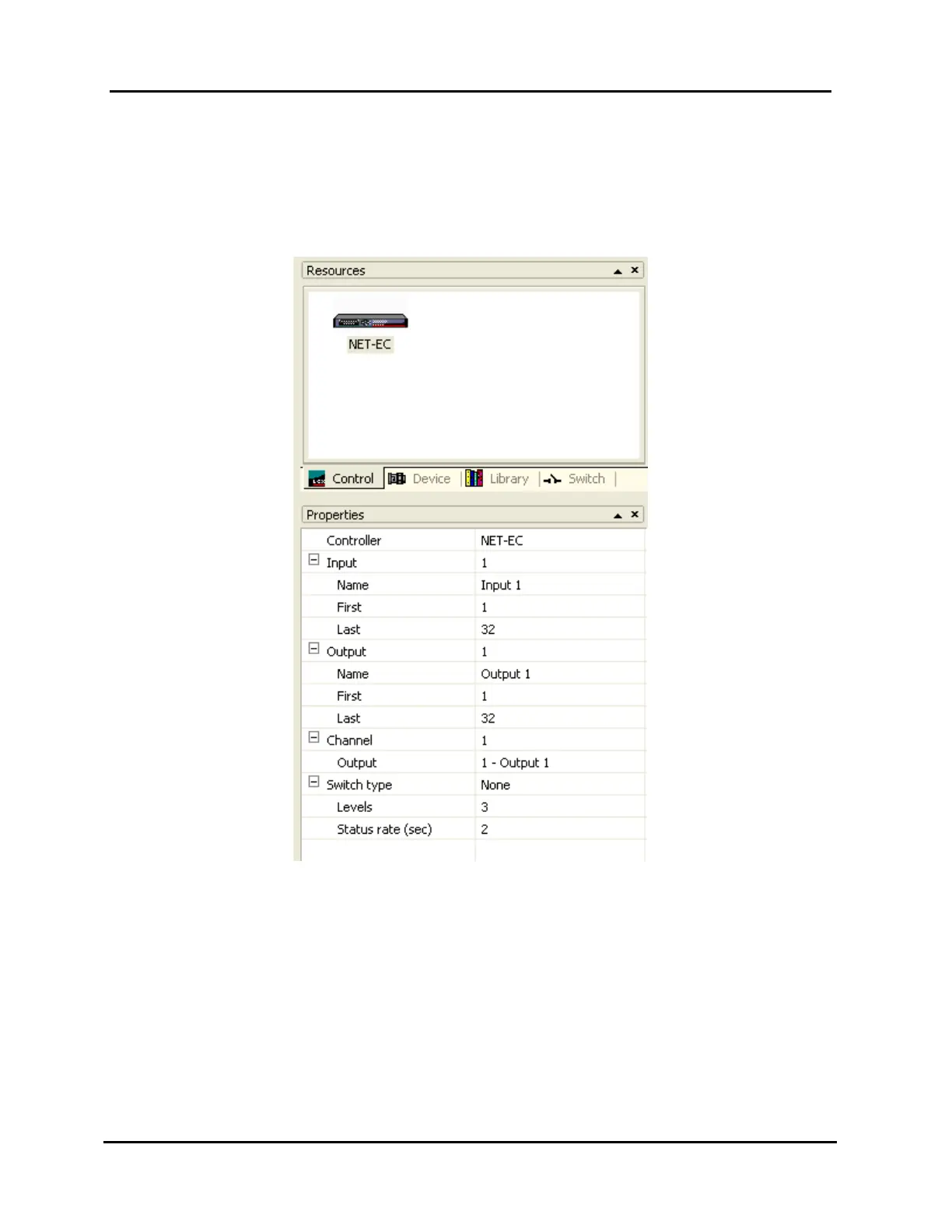
The NET-EC’s control properties must be set as follows (see Illustration 45,
NET-EC Control Property Settings):
NOTE: Input and output alias assignments are optional.
Illustration 45, NET-EC Control Property Settings
Input aliases
1. Enter the external switch’s first and last input values into the “First” and
“Last” input fields. Each of the inputs in this range may be assigned an
alias.
2. Type an alias into the “Name” field of the selected input (up to 31
characters).



 To Next Page