NET Series
Software Operation
LEIGHTRONIX, INC. Firmware Ver. 1.00.42/Software Ver. 1.0.2.6 Page 81
2010-07-09
PRINTING PLAYLISTS FROM WINNET
Perform the following steps to print the current playlist from WinNET:
1. Create a print template to select the desired playlist information for printing (see
“Creating Templates for Exporting or Printing Playlists,” on page 57).
2. Determine the page layout of your playlist printout (see “Configuring Page Layouts
For Playlists Printed from WinNET,” on page 59).
3. Select “Print” in the “File” menu or click the
icon on the main toolbar to open the
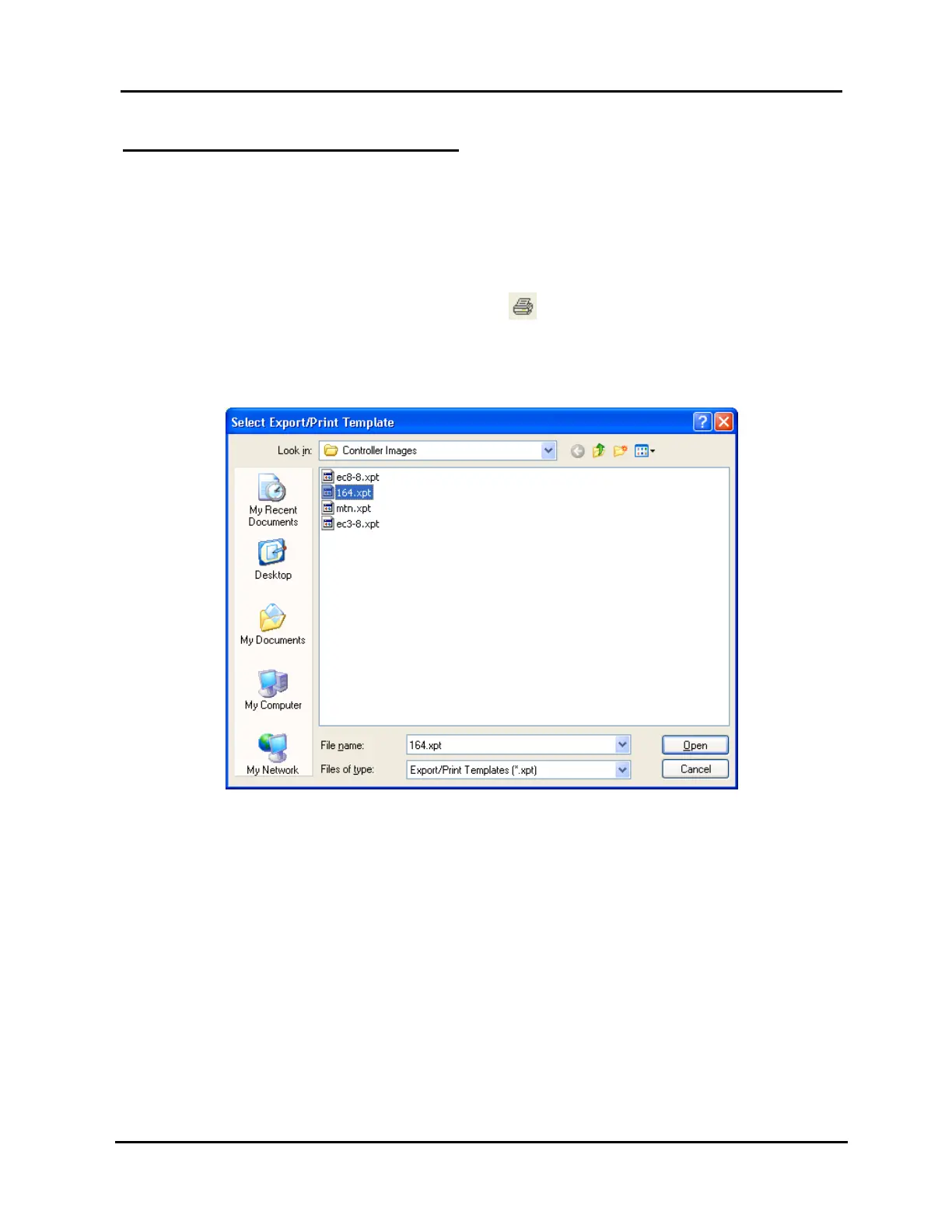
template selection window shown in Illustration 52, “Select Export/Print Template”
Window.
Illustration 52, “Select Export/Print Template” Window



 To Next Page