NET Series
Controller Installation & Configuration
LEIGHTRONIX, INC. Firmware Ver. 1.00.42/Software Ver. 1.0.2.6 Page 33
2010-07-09
EDITING GATEWAY ADDRESS
Obtain gateway address from your technical support personnel or network
administrator. See Table 9, Editing Gateway Address from Front Panel, for editing
instructions.
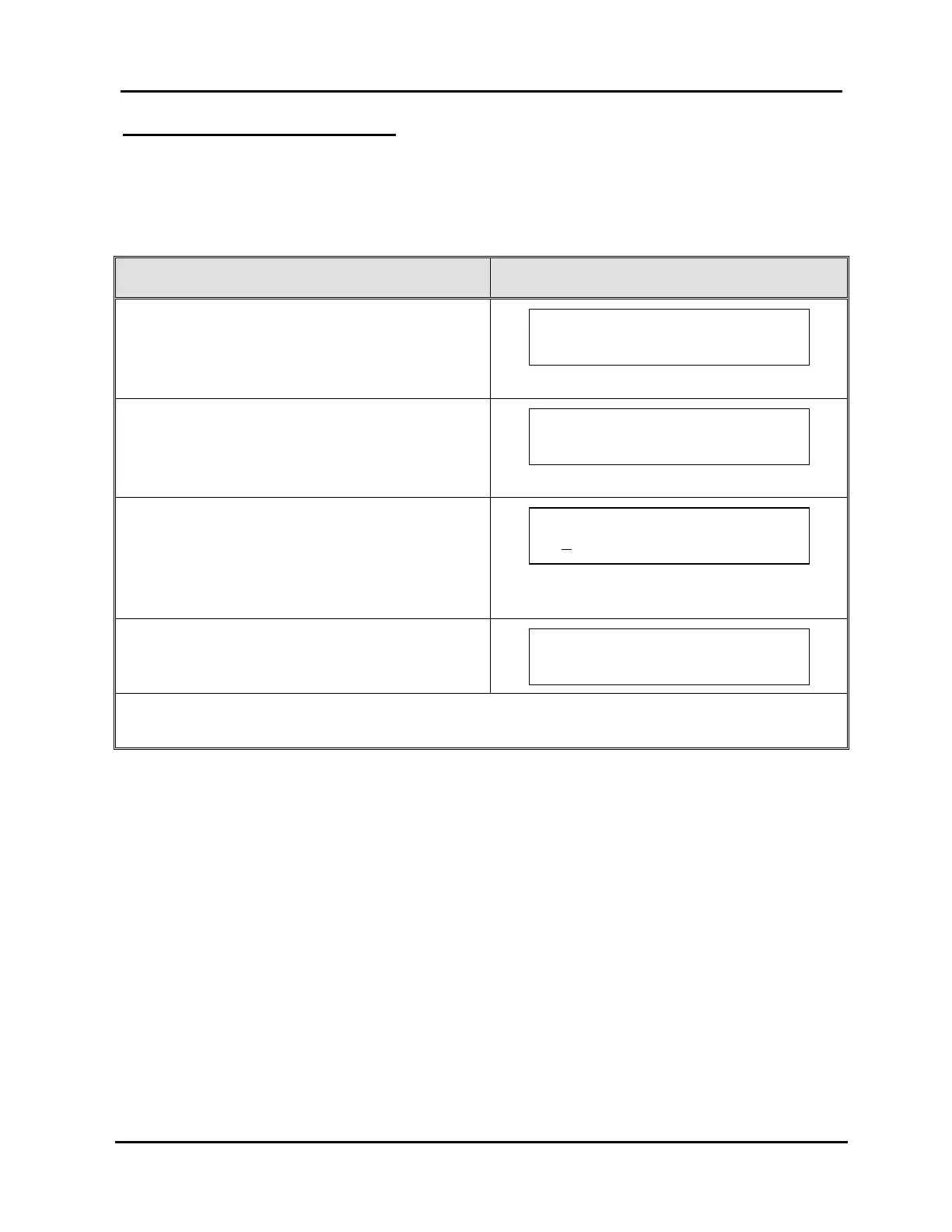
Table 9, Editing Gateway Address from Front Panel
GATEWAY ADDRESS CONFIGURATION STEPS CORRESPONDING SCREEN DISPLAYS
1. From the “MAIN MENU” screen, press “↑” or “↓”
to proceed to “TCP/IP Configuration.”
2. Press “→” to select “TCP/IP Configuration.”
3. Press “↑” or “↓” to proceed to “Edit Gateway
Address.”
4. Press “→” to select “Edit Gateway Address.”
5. Press “→” or “←” to position the underscore
under the editable fields and press “↑” or “↓” to
edit the values.
6. Press “→” to enter next screen.
7. Either press “→” again to save your changes or
“←” to abort changes.
NOTE: Unit must be rebooted to apply any TCP/IP address changes (simultaneously press
“↓” and “→” and then press “↑”). Refer to “Rebooting Controller,” on page 126.
Press ~ to confirm
Gateway address.
Enter new Gateway
0
. 0. 0. 0 (none)~
IP CONFIG MENU Use `/ˆ
Edit Gateway Address ~
MAIN MENU Use `/ˆ
TCP/IP Configuration ~



 To Next Page