NET Series
Software Installation and Configuration
Page 44 Firmware Ver. 1.00.42/Software Ver. 1.0.2.6 LEIGHTRONIX, INC.
2010-07-09
CONFIGURING THE MAIN WINDOW COMPONENTS
Hiding/Displaying Toolbars, Windows, and Playlist Columns
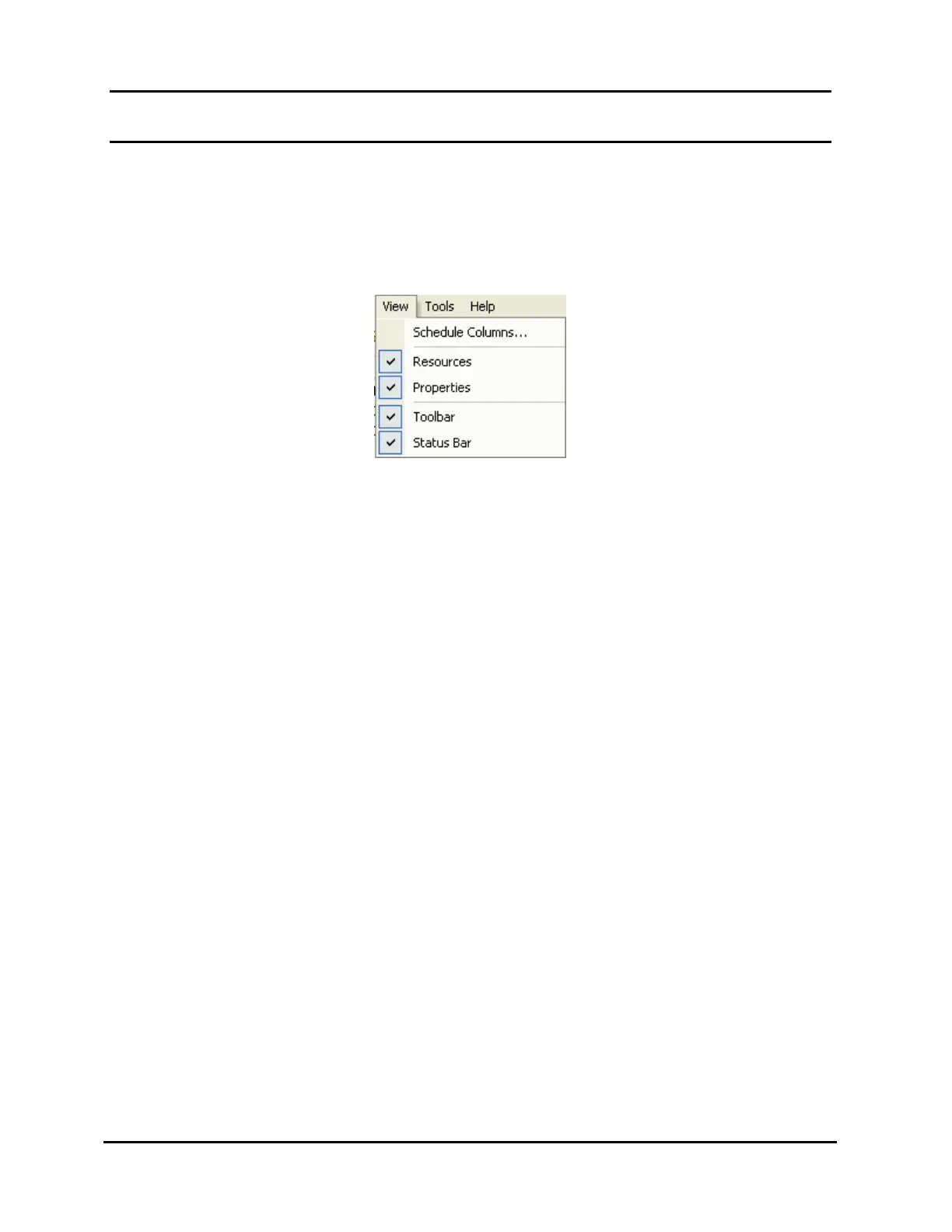
The “View” menu, shown in Illustration 18, may be used to hide or show the
playlist column headings, “Resources” window, “Properties” window, main
toolbar, and status bar.
Illustration 18, “View” Menu
To hide/display a window or toolbar item, click on the desired checked item
in the “View” menu to hide it on the main window or on an unchecked item
to display it. The toolbar/window show/hide function may also be
accessed by right clicking on the menu bar, the main toolbar or the
“Playlist,” “Resources,” or “Properties” window title bars. Once the
“Resources” and “Properties” windows are removed from their original
positions, they may also be hidden by right clicking on each window’s title
bar and selecting “Hide” in the context menu that appears.



 To Next Page