NET Series
Software Operation
LEIGHTRONIX, INC. Firmware Ver. 1.00.42/Software Ver. 1.0.2.6 Page 111
2010-07-09
SENDING CONTROLLER IMAGE FILES
After creating a Controller image with a playlist of event actions, the image must be
sent to the NET Series Controller to run the scheduled programs as follows:
1. Select “Send” in the “File” menu or click its toolbar icon to open a box confirming
that you want to send the loaded image to the default Controller.
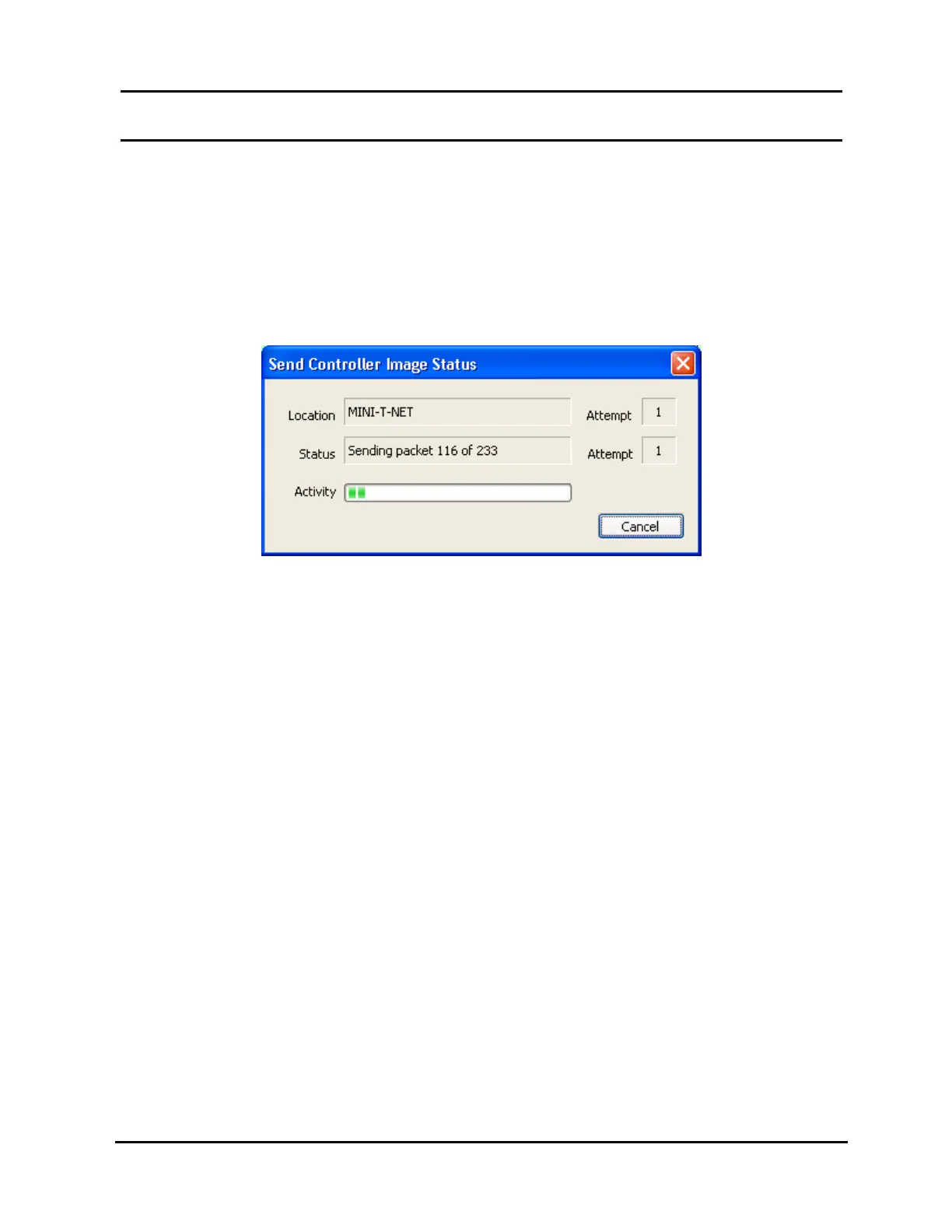
2. Click “Yes” to open the status box shown in Illustration 75, which lists location
name, send status, progress bar, and connection and send attempts.
Illustration 75, “Send Controller Image Status” Window
NOTE: To interrupt the send, click the “Cancel” button. If the send appears to
be stalled, cancel it and check your default location IP address and your
network connections.
3. “Send Completed” appears when transfer is finished. The Controller will now
contain and execute the image data.



 To Next Page