NET Series
Software Installation and Configuration
LEIGHTRONIX, INC. Firmware Ver. 1.00.42/Software Ver. 1.0.2.6 Page 39
2010-07-09
INSTALLING WINNET
NOTE: WinNET must be installed on a PC with a 98/ME/NT/2000/XP operating
system.
1. Place the LEIGHTRONIX PRODUCT RESOURCE DISC in your CD-ROM drive.
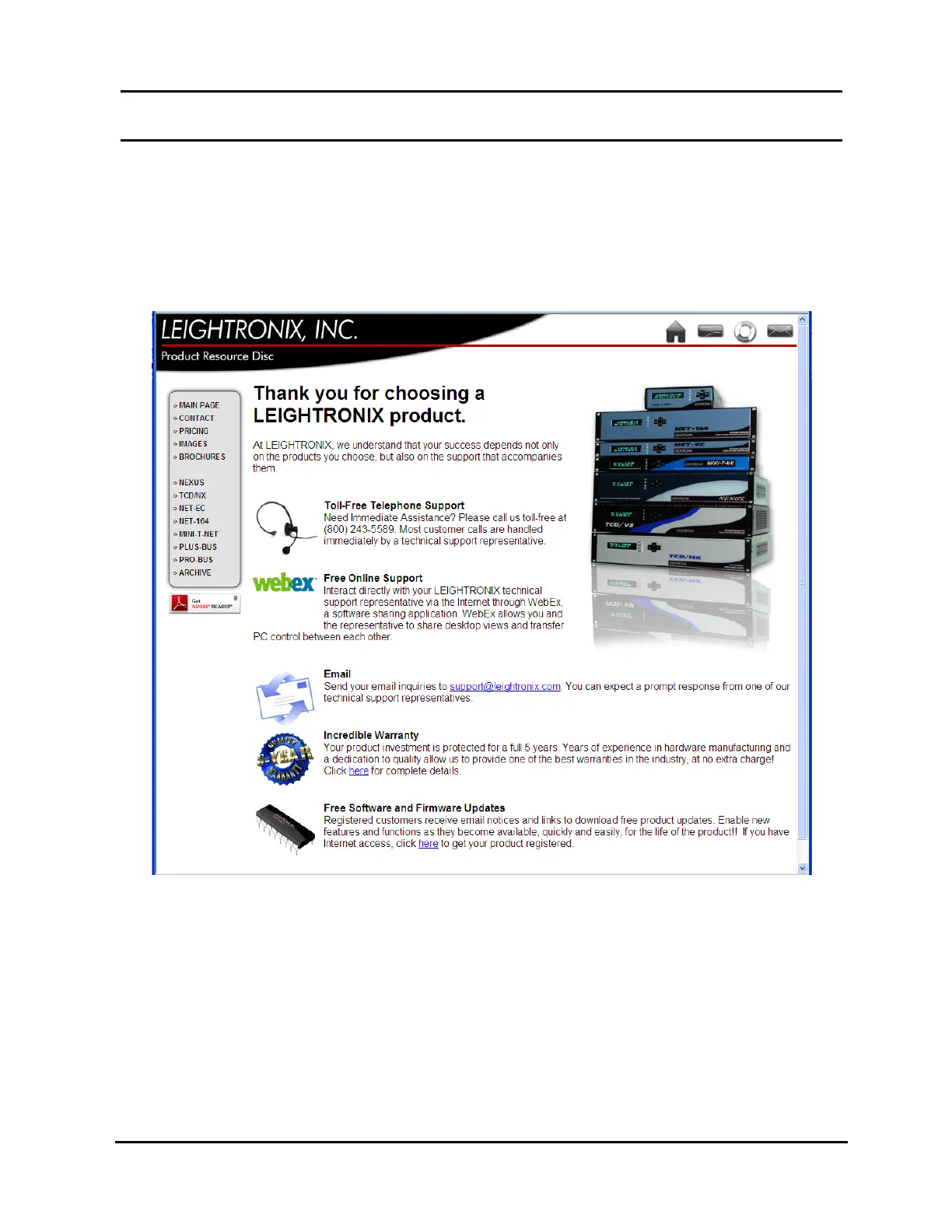
The HTML page shown in Illustration 14 should automatically load.
Illustration 14, LEIGHTRONIX HTML Page
If the HTML page does not load, perform the following steps:
a. Open the Windows “My Computer” folder.
b. Double click your CD-ROM drive.
2. From the LEIGHTRONIX HTML page shown in Illustration 14, click the button that
matches your Controller. This will load a new page with content specifically for
your system.



 To Next Page