NET Series
Software Installation and Configuration
Page 46 Firmware Ver. 1.00.42/Software Ver. 1.0.2.6 LEIGHTRONIX, INC.
2010-07-09
in their original positions, click on the windows’ title bars and drag to the far right
side of the main window.
Rearranging Playlist Column Headings
To rearrange the order of the playlist column headings, click on the desired
heading and drag it over the heading you would like it to displace. The
displaced heading will shift to the left of the newly positioned heading.
Resizing Playlist Column Widths
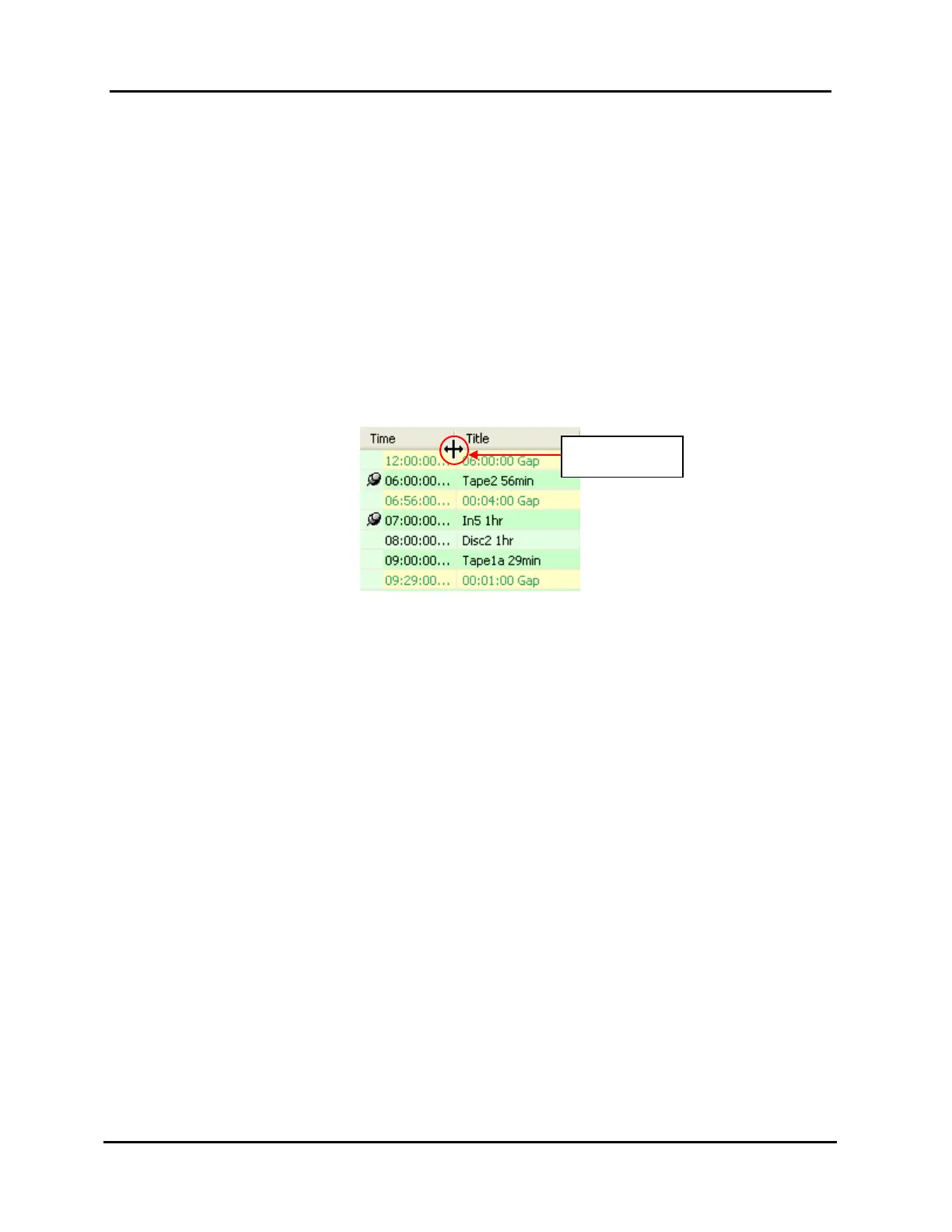
To resize a column heading, move the mouse pointer over the right-side border
of the column you wish to resize. When the pointer changes to the resize
arrows symbol (see Illustration 20, Resizing Playlist Column), you may perform
one of the following:
Illustration 20, Resizing Playlist Column
Drag the column border to the desired width.
Double click to resize the column so it is only wide enough to accommodate
the column’s largest field item.
Resize Arrows
Symbol



 To Next Page