6B-12 90-13645--2 495POWER TRIM
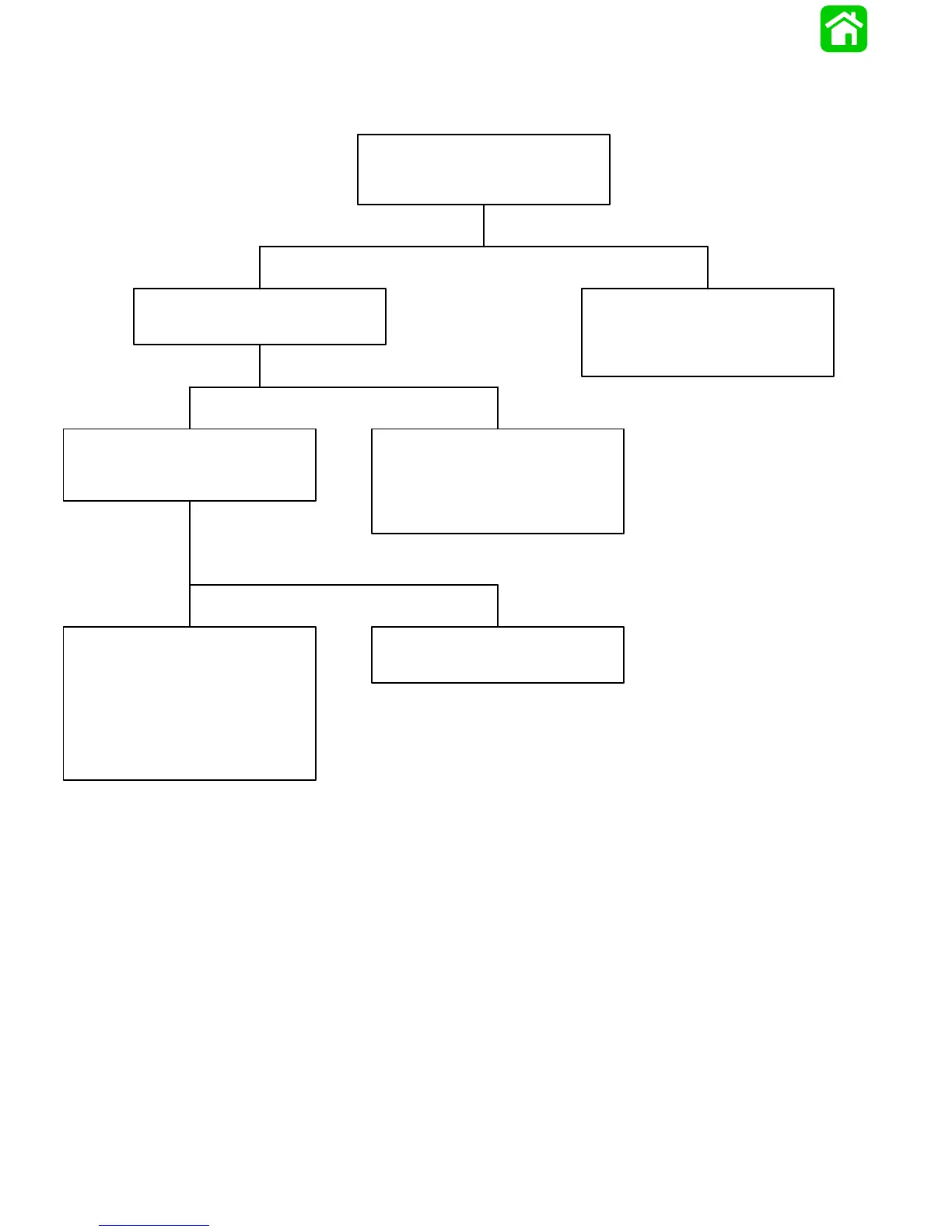
Troubleshooting the “Up” Circuit
(When “Down” Circuit is OK)
Battery Voltage Indicated:
Battery Voltage Indicated:
Battery Voltage Indicated: No Voltage Indicated:
No Voltage Indicated:
No Voltage Indicated:
Solenoid is defective.
• Connect Voltmeter RED lead to Point 6.
Connect Voltmeter RED lead to Point 3.
There is an open circuit in wires (BLUE-
WHITE, PURPLE-WHITE, or PURPLE)
between “Up” solenoid and trim switch.
Depress the “Up” trim button.
• Depress “Up” trim button.
• Check “Up” solenoid terminals for
loose or corroded connections.
• Check BLACK ground wire (on “Up”
solenoid) for corrosion or open.
• Check for loose or corroded connec-
tion at Point 9 or Point 3.
• Check RED lead between Point 9
and Point 3 for open.
• Test “Up” solenoid. Refer to “Motor and
Electrical Tests/Repair”, following.
Connect Voltmeter RED lead to Point 10
and BLACK lead to ground.



 To Next Page