98
C
ONFIGURING SOFTKEYS
Configuring Softkeys
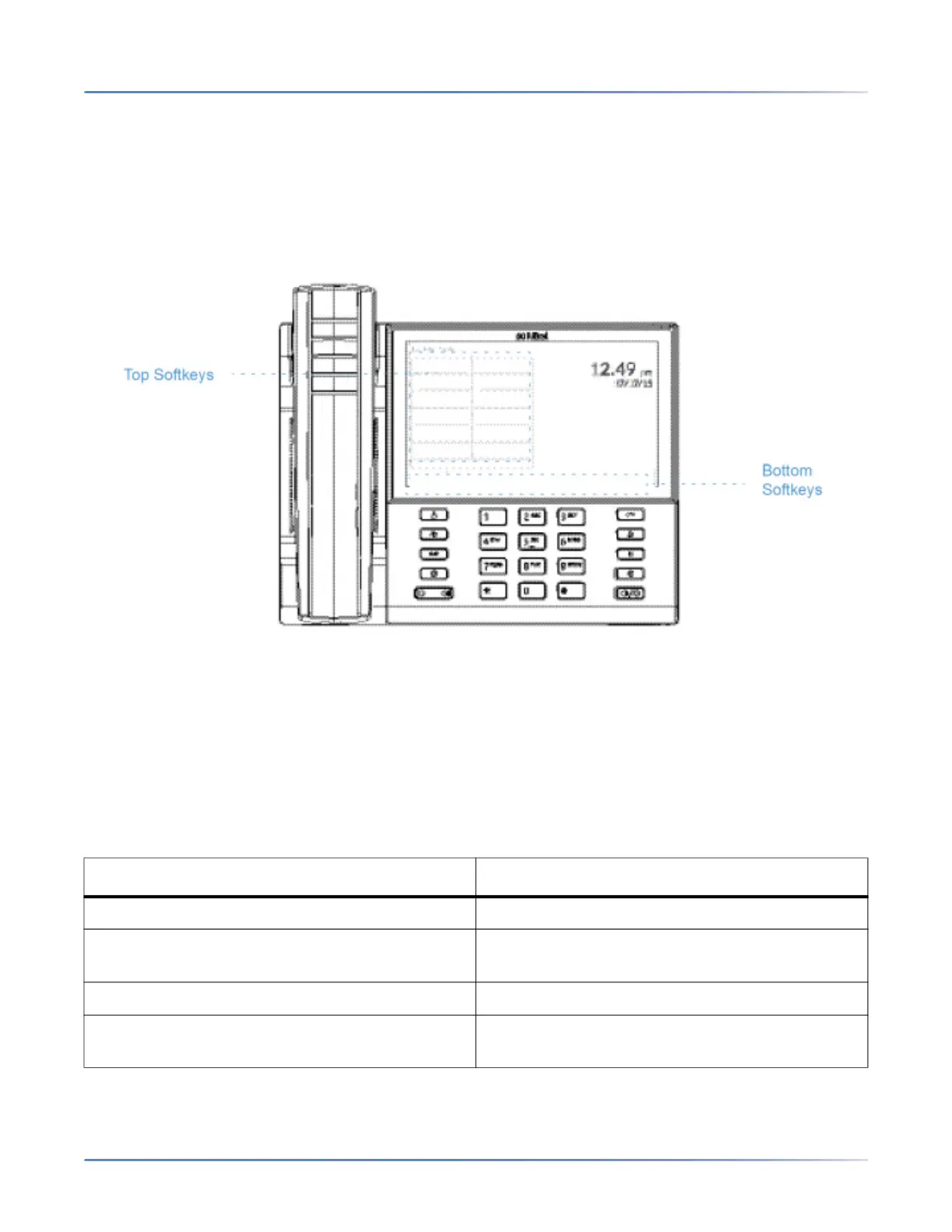
Your 6940 has 12 multi-functional top softkeys and 6 multi-functional bottom softkeys:
• 12 top softkeys: programmable non-state-based softkeys (up to 48 programmable functions)
• 6 bottom softkeys: programmable state-based softkeys (up to 30 programmable functions)
•
NOTE:
1. If M695 Expansion Modules are attached to the phone, you can configure up to an additional 84 soft-
keys on each M695 Expansion Module.
2. The 6940 IP phone allows up to 3 expansion modules on each phone. For more information about
expansion modules, see “Model M695 Expansion Module” on page 224.
You can use the Mitel Web UI to configure key functions.
The following table lists the functions you can set on the softkeys and provides a description for each func-
tion.
Key Function Description
None Indicates the key has no function assigned.
Line Indicates the key is configured for line use
(programmable on the top softkeys only).
Speed Dial Indicates the key is configured for speed dial use.
Do Not Disturb Indicates the key is configured for Do Not Disturb
(DND) functionality.



 To Next Page