210
M
OBILELINK
Mobilelink
NOTE: The 6940w IP Phone supports MobileLink.
NOTE: The 6940w IP Phone has built in support for Bluetooth 5.2.
MobileLink provides seamless mobile integration using Bluetooth wireless technology. MobileLink high-
lights include the ability to:
• Sync your mobile phone’s contact list and call history with your Mitel 6940 IP phone.
• Answer a mobile phone call using your Mitel 6940 IP phone.
• Move mobile call audio between the Mitel 6940 IP phone and your mobile phone.
For more information on configuring a mobile key, see “Mobile Key”.
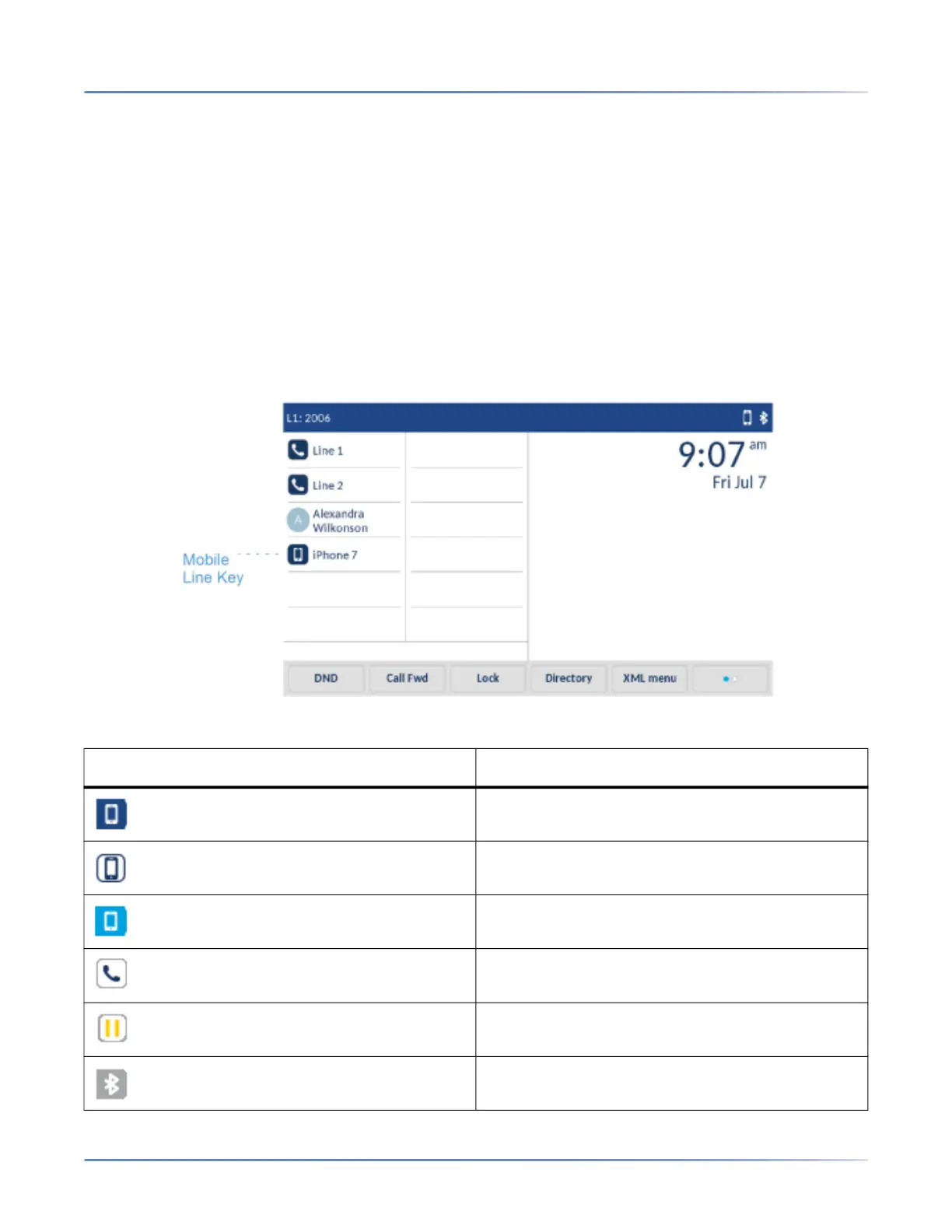
The Mobile Line key icon changes to reflect the status of the line as per the following table.
Icon Description
Indicates the mobile line is connected with a
mobile phone and is idle.
(Blinking) Indicates the mobile line is ringing due
to an incoming call on your mobile phone.
Indicates the mobile line is busy.
(Blinking) Indicates an ongoing call with active
audio on the mobile phone.
(Blinking) Indicates the call on the mobile line is
on hold.
Indicates the mobile phone is not connected.



 To Next Page