18
G
ETTING STARTED PLUGGING IN AND STARTING THE PHONE
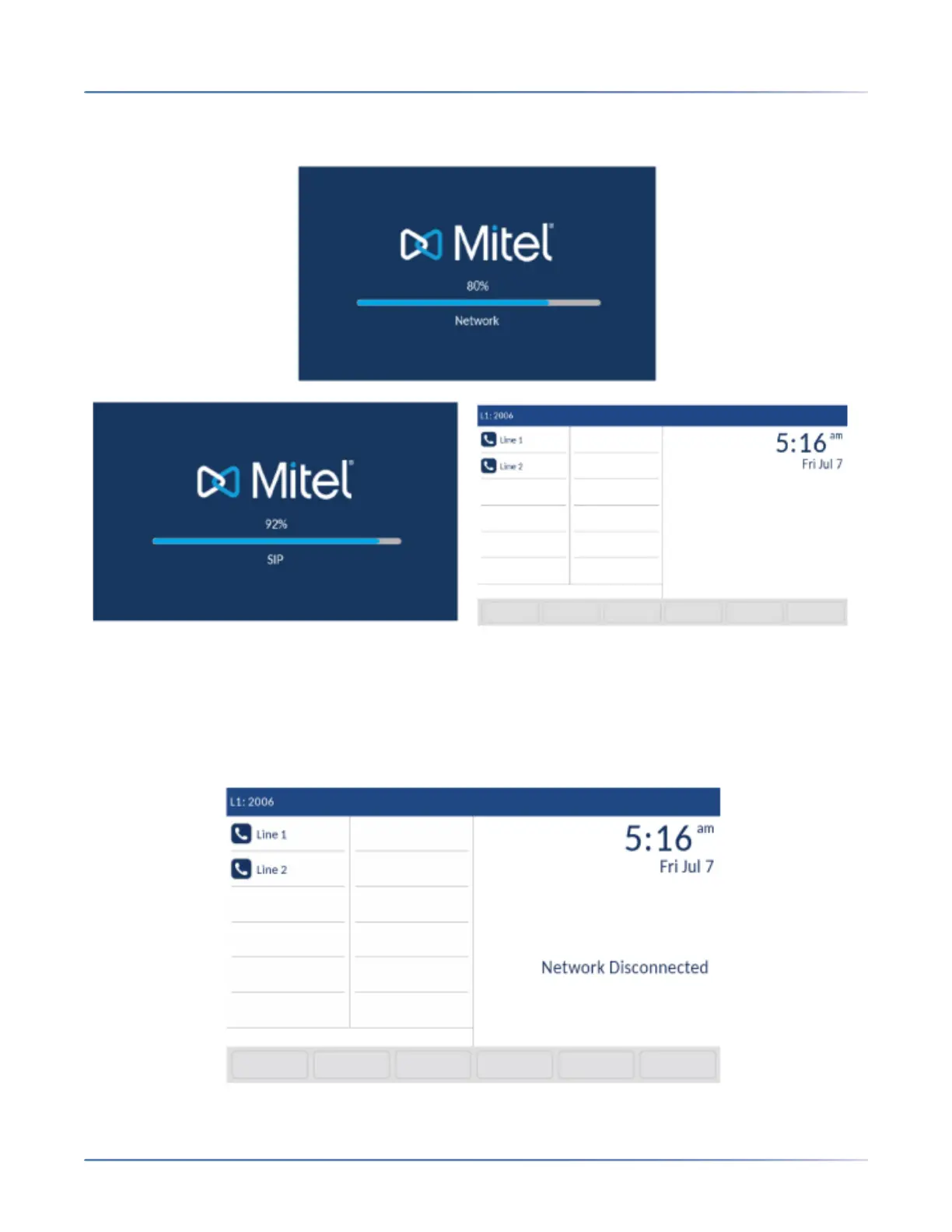
When the configuration update is complete, the phone displays the following screens and then displays
the Home screen.
Network Connected/Network Disconnected
If your phone successfully connects to the network the phone will go directly to the Homescreen.
If your phone did not successfully connect to the network, the Network Disconnected prompt appears
on the display and the telephone status light turns on.



 To Next Page