141
C
ONFIGURING SOFTKEYS CALL HISTORY KEY
4. Click Save Settings.
Expansion Module Keys
5. Select from Key 1 through Key 84(M695).
6. In the Type field, selectDiscreet Ringing.
7. Click Save Settings.
Call History Key
You can configure a Call History key on the phone that when pressed will directly access the list of all
calls in the Call History.
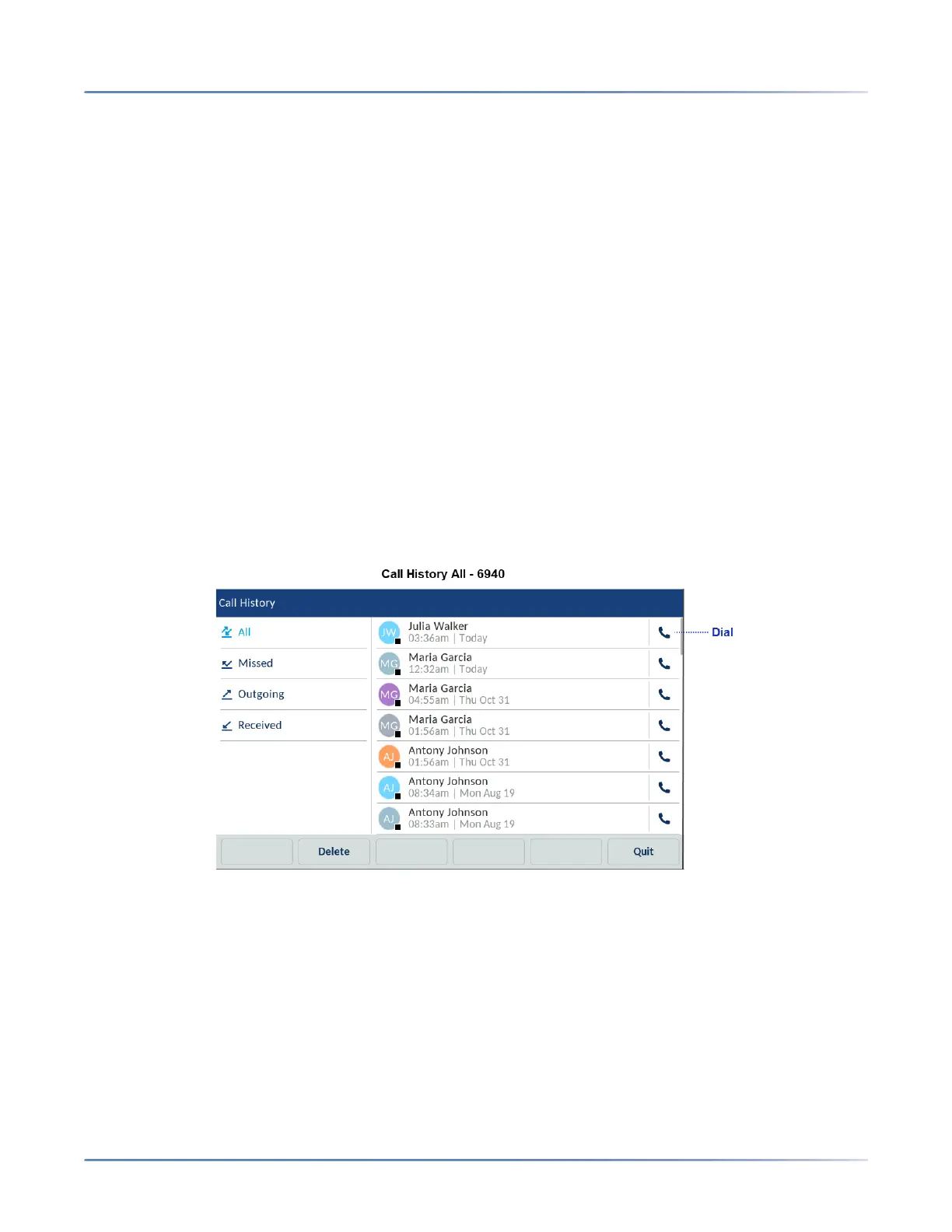
The call history key has the following folders:
• All - Provides a list of all the calls made
• Missed - Provides a list of missed calls
• Received - Provides a list of received calls
• Outgoing - Provides a list of calls made
NOTE: From any of the folders under call history, you can directly make a call by tapping the Dial icon.
Configuring a Call History Key Using the Mitel Web UI
1. Click on Operation > Softkeys and XML
or



 To Next Page