71
C
USTOMIZING YOUR PHONE DIRECTORY
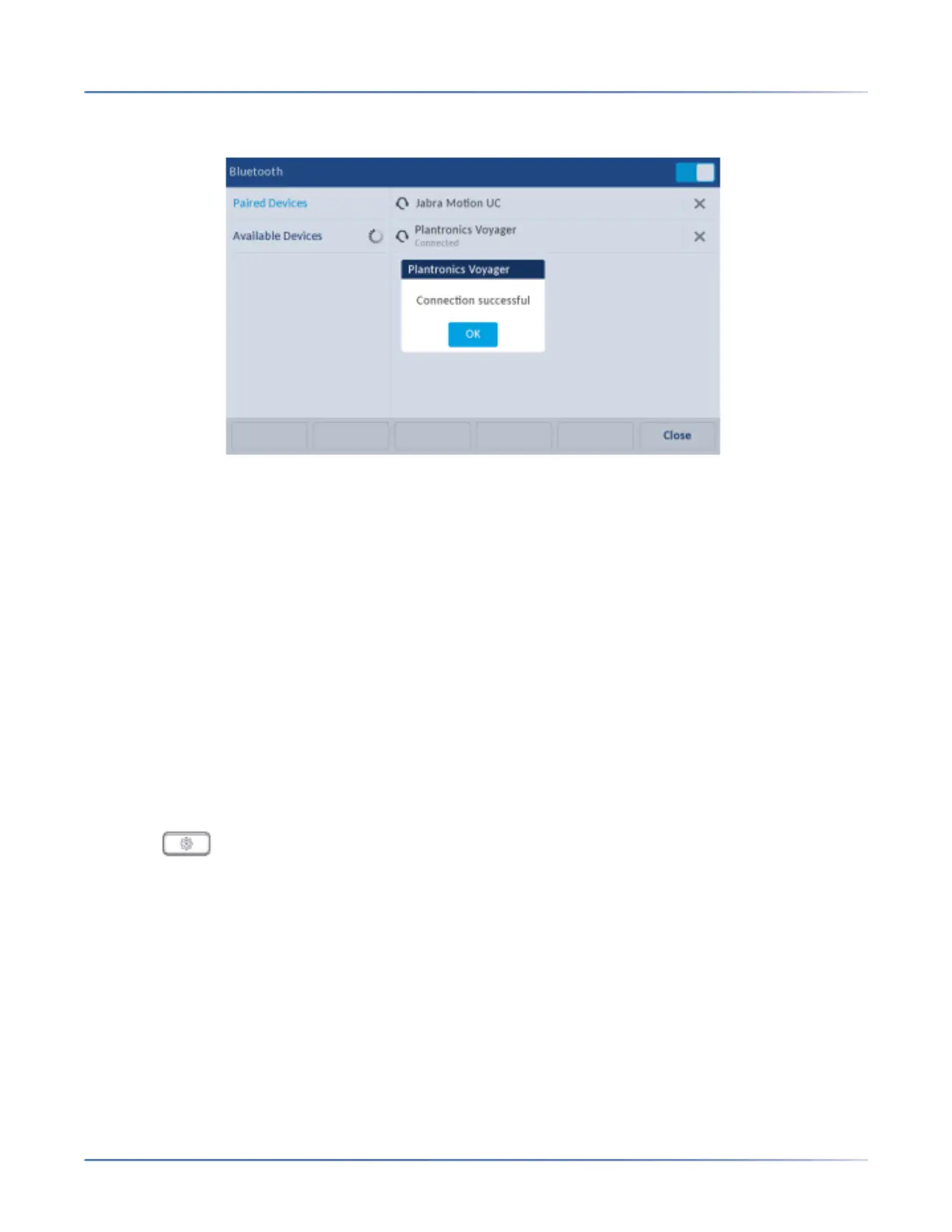
NOTE: If connecting fails, an error message displays on screen. Press Retryto attempt to connect
again, or Cancel to cancel the attempt.
Press the Ok to acknowledge the successful connection.The connected Bluetooth device is ready to
use.
Directory
You can configure directory entries to display using the contact’s first name and then last name or vice
versa. Moreover, the option to sort contacts using either their first name or last name is available through
the Directory > Settings options menu.
If external Directory sources are configured, you can enable/disable the respective Directory sources as
well as rename Directory folder labels through the Directory > External Sources options menu.
NOTE: For more information on Directory functionality, see “Directory” on page 163.
Settings
Configuring Directory Display and Sorting Options Using the IP Phone UI
1. Press on the phone to enter the Options List.
2. Press the Directoryicon.



 To Next Page