152
O
UTGOING REDIAL LIST DELETING ALL ENTRIES IN THE OUTGOING REDIAL LIST
4. Press the Edit softkey.
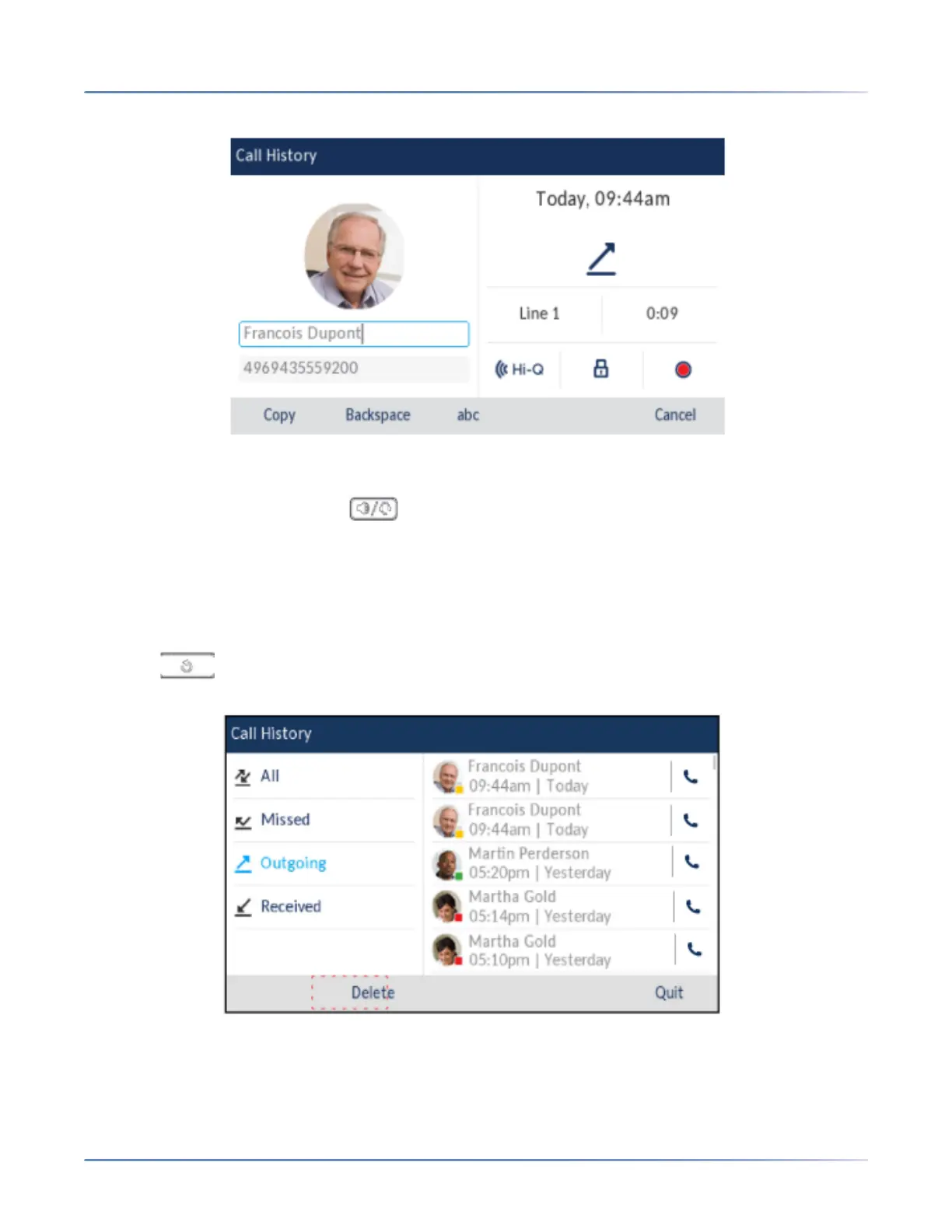
5. Using the on-screen keyboard, edit the name and/or number.
6. To dial the new number, press , lift the handset, or press any of the line keys.
7. To copy the new number to the Local Directory, press the Copysoftkey.
Deleting All Entries in the Outgoing Redial List
1. Press once to access the Outgoing Redial List.
2. Press the Delete softkey.
3. Press the Deletekey to erase all items.



 To Next Page