33
M
ETHODS OF CUSTOMIZING YOUR PHONE PHONE OPTIONS THROUGH THE IP PHONE UI
Using the IP Phone UI
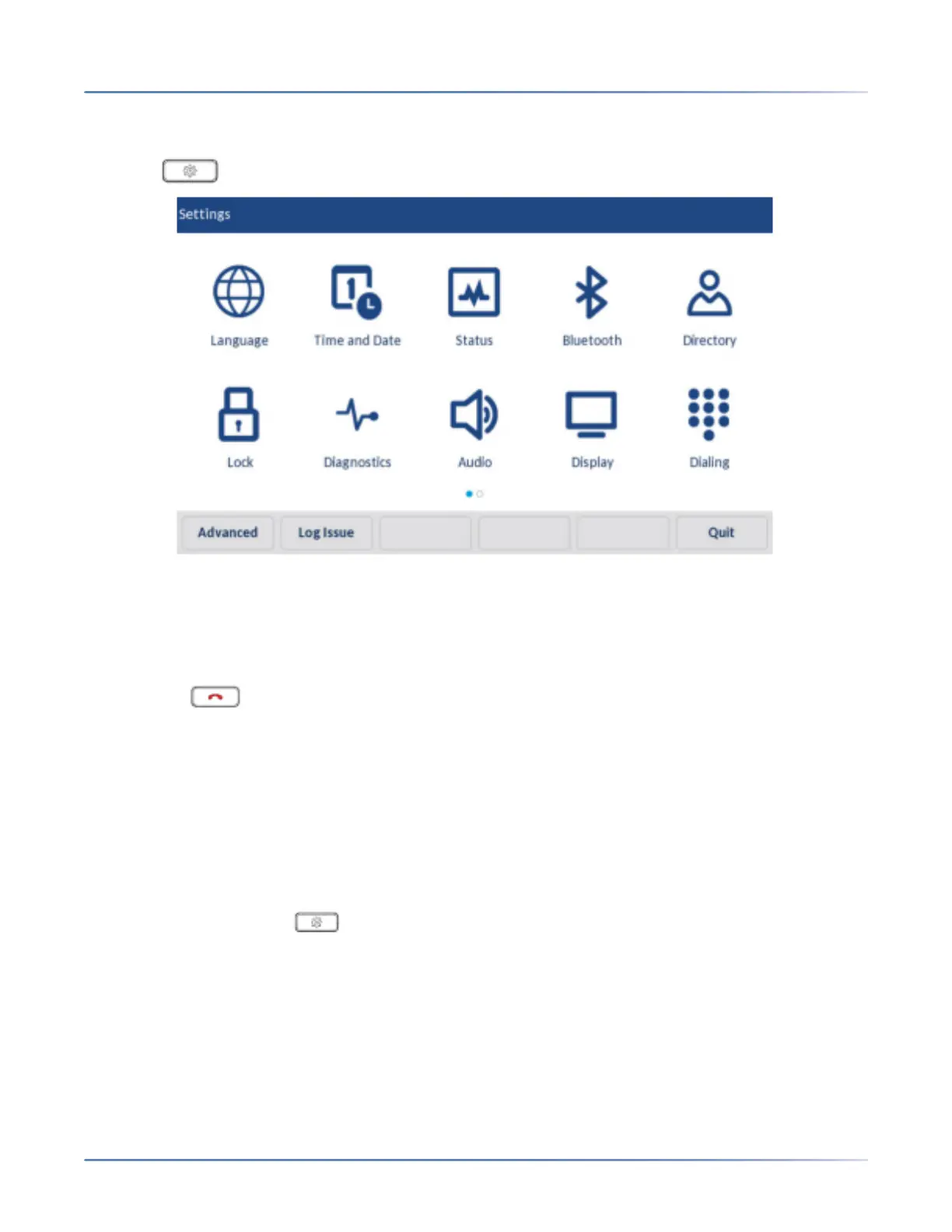
1. Press on the phone to enter the Options List.
2. Tap on the icon to access an option menu.
NOTE: Swipe left or right to switch pages in the Options List.
3. Swipe up and down to scroll through any lists and press on an item to make any desired changes.
4. Tap the Savesoftkey to save your changes.
5. Press the button or tap the Quit softkey at any time to exit without saving changes.
NOTE:
a. For more information about customizing your phone using the available options from the IP
phone UI, see “Customizing Your Phone” on page 44 .
b. For more information aboutAdvancedoptions, contact your System Administrator.
Log Issue Key
To collect and upload logs to the diagnostic server from your 6940 SIP phone -
1. Press the Settings key on your phone.
2. Tap the Log Issuesoftkey, and wait five minutes for the log processing to occur. The phone UI
displays 'Logging the issue - Please wait...'.



 To Next Page