82
C
USTOMIZING YOUR PHONE AUDIO
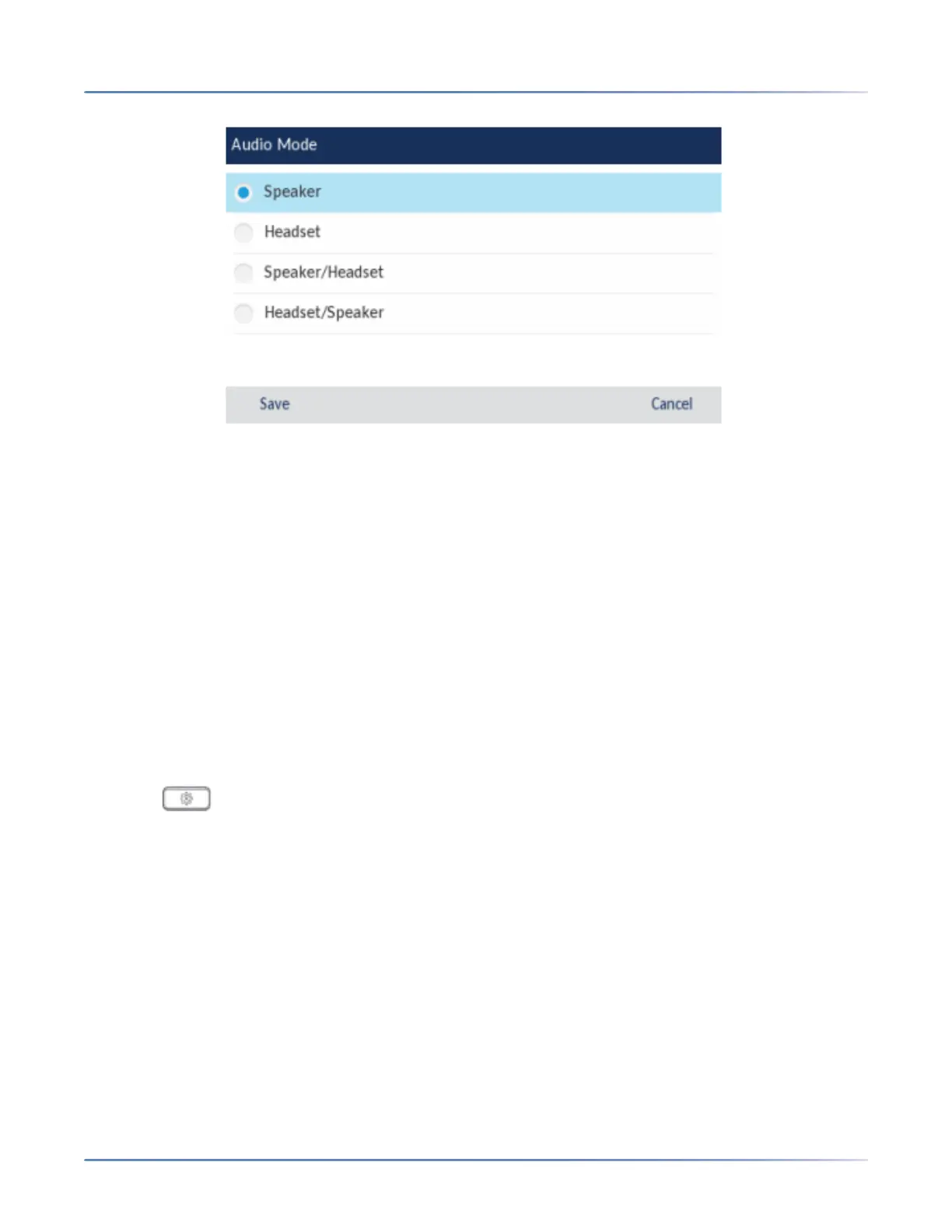
4. Choose the desired audio mode. Valid values are:
– Speaker (default)
– Headset
– Speaker/Headset
– Headset/Speaker
5. Press the Save softkey to save your changes.
Headset
The Headset option allows you to:
• Set the volume level for the headset microphone (if supported)
• Enable USB Wireless mode when a USB Wireless headset is connected to the phone
Configuring Headset Mic Volume Using the IP Phone UI
1. Press on the phone to enter the Options List.
2. Tap the Audio icon.
3. Tap the Headset icon.
4. Tap Headset Mic Vol.



 To Next Page