65
C
USTOMIZING YOUR PHONE BLUETOOTH
• The 6940w IP Phone has built in support for Bluetooth 5.2.
• Connecting Plantronics Voyager Focus Bluetooth device to the Mitel 6940w IP Phone using a USB
Dongle (BT600) is not supported. Mitel 6940w IP Phone supports integrated Bluetooth capability,
therefore, Plantronics Voyager Focus Bluetooth device must be paired using Bluetooth when used with
Mitel 6940w IP Phones.
The 6940 supports Bluetooth connections to the following Bluetooth devices:
• Bluetooth headset
• Cordless Bluetooth handset
• Mobile phones
The 6940 IP phone supports MobileLink, a feature that provides seamless mobile integration using Blue-
tooth wireless technology.
NOTE: For more information on how to use the MobileLink features, see Mobilelink.
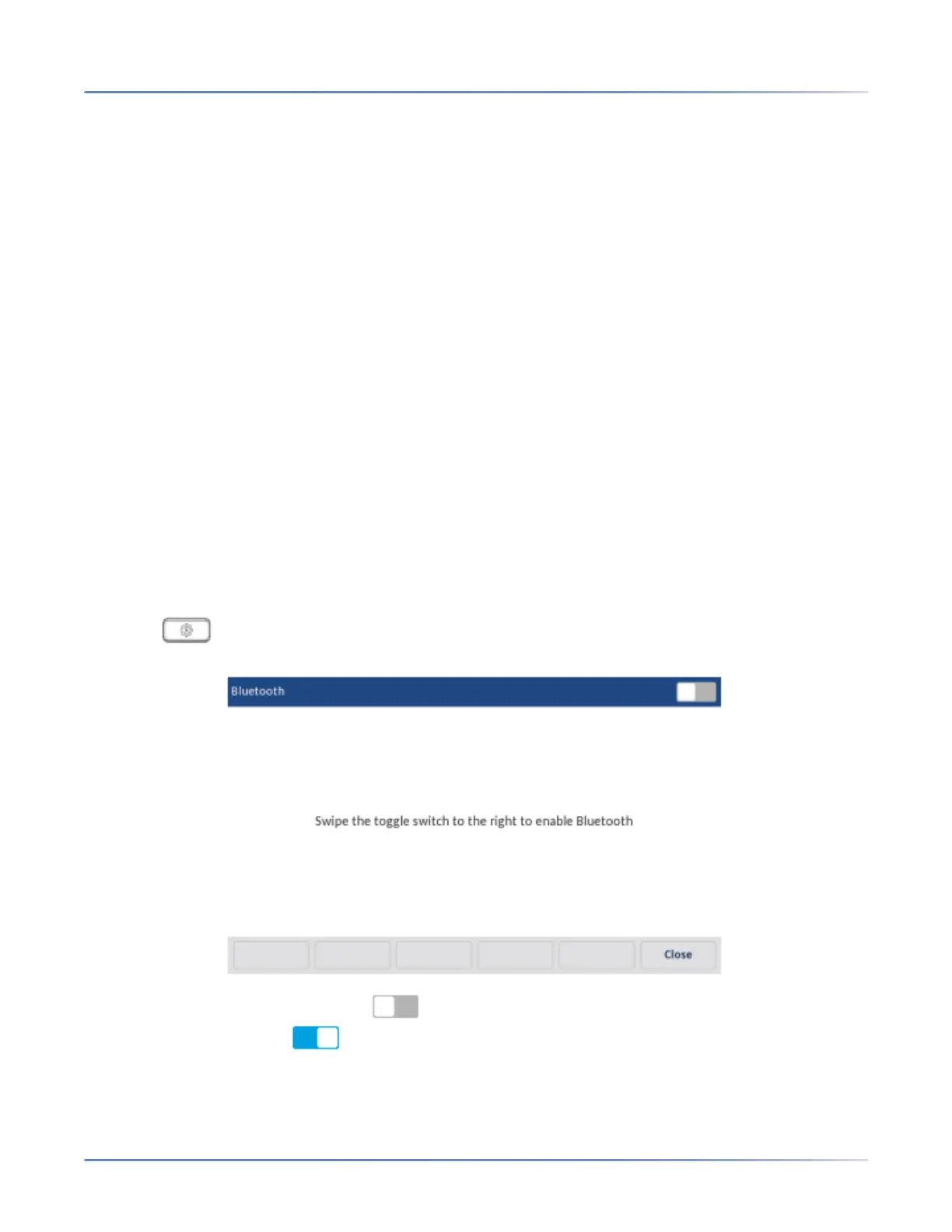
Using the Bluetooth settings menu on the phone UI, you can enable and disable the Bluetooth function-
ality on your phone as required.
You can also pair, connect, and unpair Bluetooth devices as applicable.
For 6940 SIP phone, the default “bluetooth” value is set to 1 and hence Bluetooth is always enabled. The
Bluetooth connectivity is retained on the phone even after a factory reset.
NOTE: Auto detection is no longer supported on 6940 IP Phone from Release 6.0.0.
Enabling and Disabling Bluetooth Functionality
1. Press on the phone to enter the Options List.
2. Press the Bluetoothicon.
3. Swipe the Bluetooth toggle switch to the right to enable Bluetooth functionality.orSwipe the
Bluetooth toggle switch to the left to disable Bluetooth functionality.



 To Next Page