57
C
USTOMIZING YOUR PHONE LANGUAGE
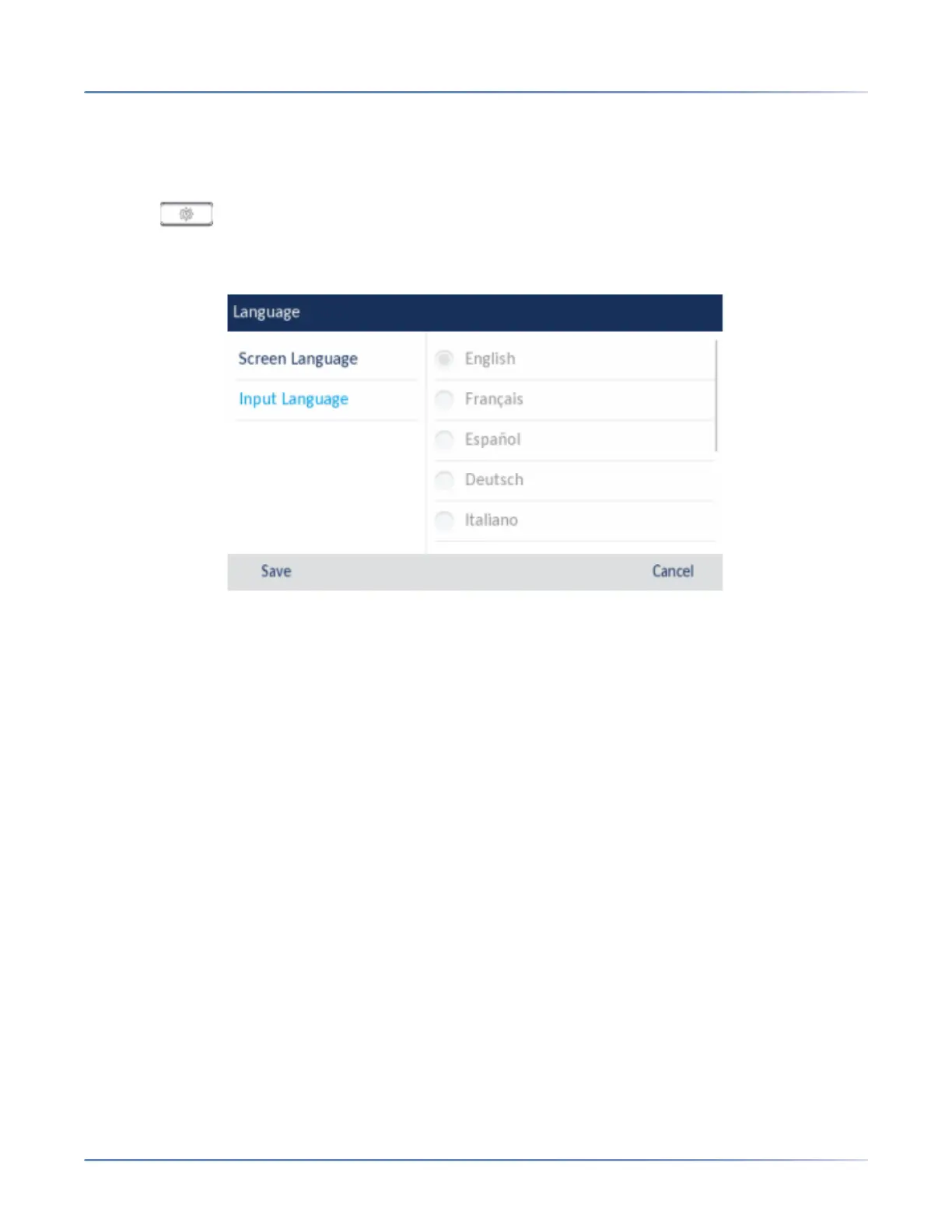
Specifying the Input Language Using the IP Phone UI
You can configure the language you use for input on the phone by setting the Input Languageoption. The
default input language setting is English.
1. Press on the phone to enter the Options List.
2. Press the Language icon.
3. Press Input Language.
4. Choose the desired input language. Valid values are:
– English (default)
– Français (French)
– Español (Spanish)
– Deutsch (German)
– Italiano (Italian)
– Português (Portuguese)
– Русский (Russian)
– Nordic
– ελληνικά (Greek)
NOTE: Available input languages are dependent on the configuration enabled by your System
Administrator
5. Press the Savesoftkey to save your changes.The change is dynamic. The phone and the Mitel Web
UI allow you to enter text and characters in the language you selected.



 To Next Page