158
H
ANDLING CALLS PLACING A CALL ON HOLD
Handling Calls
When you are connected to a call, you can use the softkeys or hard keys on the phone to place a call on
hold, transfer a call, or create a conference call.
Placing a Call on Hold
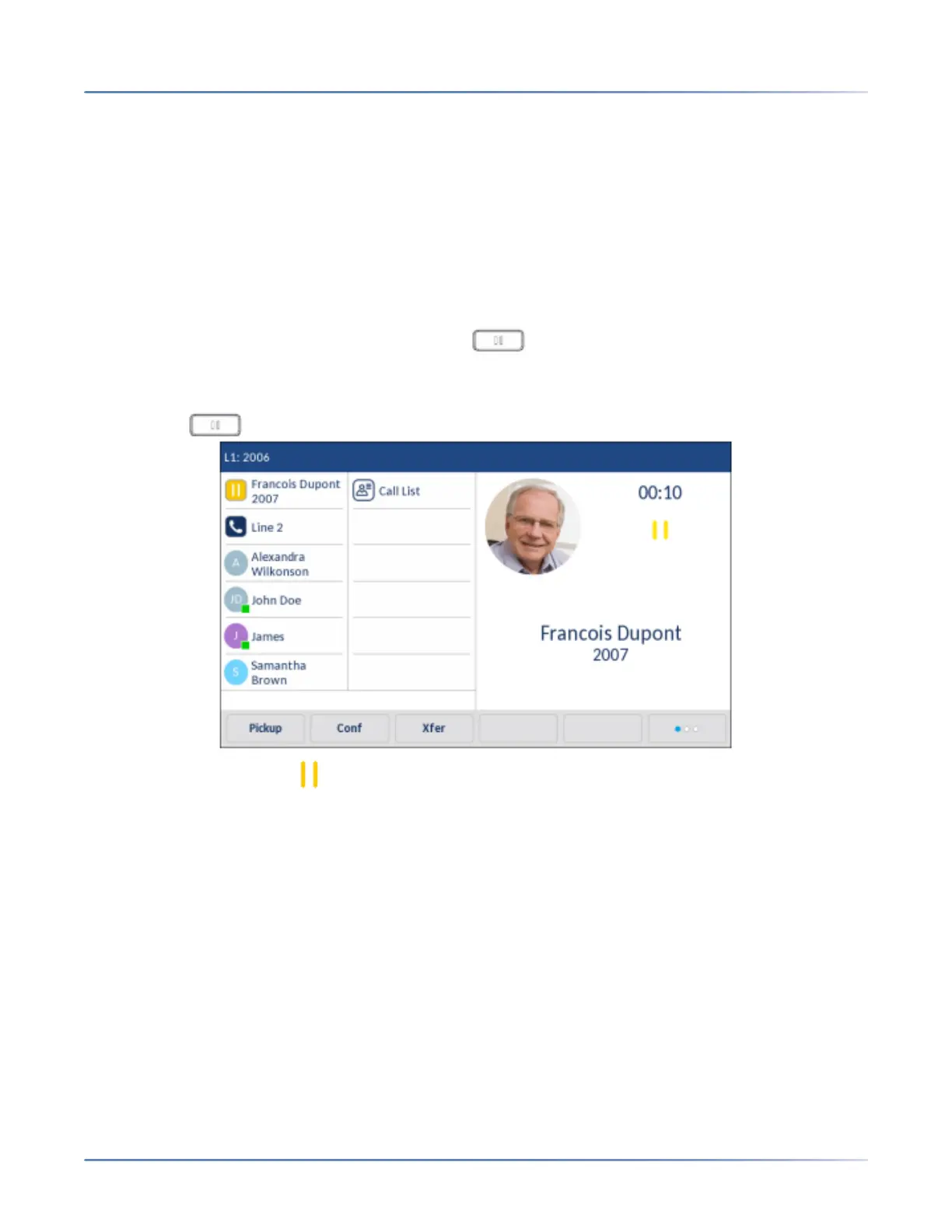
You can place an active call on hold by pressing the key. When you place a call on hold, only your
phone can retrieve the call.
1. Connect to the call (if not already connected).
2. Press the key.
The screen displays the icon indicating the call is on hold. Additionally, the line/call ap-pearance
light begins to flash slowly and after a short time the phone beeps softly to remind you that you still
have a call on hold.
NOTE: If you are connected to another call, the phone does not beep to remind you that you still have
a call on hold.
When on Hold
To let your caller know that they are still on hold, music plays softly (if this has been set up for your
system). The call/line appearance light for the line you are on remains solid to indicate that you are still
connected.



 To Next Page