12
IP P
HONE KEYS INPUT METHODS
Input methods
Dialpad keys
The Mitel 6940 SIP IP phone has a dialpad with digits from 0 through 9, a * key, and a # key. Keys 2
through 9 contain the letters of the alphabet. These dialpad keys can be used to dial a phone number to
make a call (see Making Calls) and to press keys requested by an Interactive Voice Response (IVR)
system. The basic inputs for the Mitel 6940 SIP IP phone dialpad includes the following:
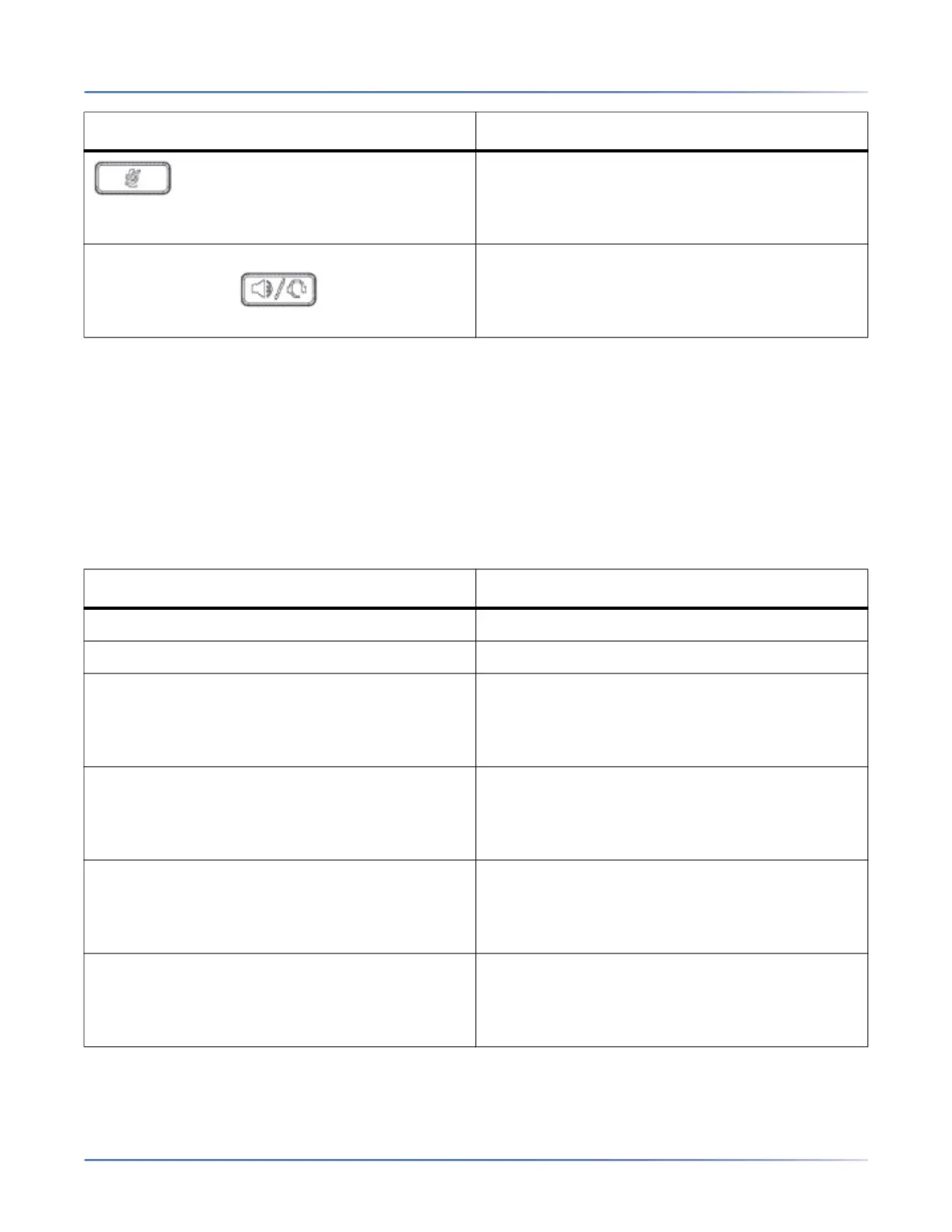
Mute key - Mutes the microphone so that your
caller cannot hear you (the LED beside the key
turns on when the microphone is on mute).
For more information, see Mute.
Speaker/Headset key - Transfers the active call to
the speaker or headset, allowing handsfree use
of the phone.
For more information, see Audio.
Dialpad Key Description
0 Dials 0
1 Dials 1
2 ABC Dials 2
When entering text, this key enters A with one
press, B with two presses, and C with three
presses.
3 DEF Dials 3
When entering text, this key enters D with one
press, E with two presses, and F with three
presses.
4 GHI Dials 4
When entering text, this key enters G with one
press, H with two presses, and I with three
presses.
5 JKL Dials 5
When entering text, this key enters J with one
press, K with two presses, and L with three
presses.
Key Description



 To Next Page