140
C
ONFIGURING SOFTKEYS DISCREET RINGING KEY
Using the Paging Key
The following procedure describes the use of the Pagingkey on the IP phone. The procedure assumes
you have already configured the Paging key using the Mitel Web UI.
NOTE:
1. The recipient of a paging call can set a global DND to ignore any incoming pages.
2. For incoming paging, the phone uses the Intercom configuration settings. The incoming page is
dependent on the Allow Barge In parameter setting and the idling/on call state.
1. On the IP phone, press the softkey or expansion module key you configured for Paging.The phone
opens a multicast RTP session and an outgoing OR incoming phone screen displays.
2. Press the Drop key to end the multicast RTP session and return to the Homescreen.
NOTE: If you enable global DND on the phone, the incoming multicast RTP session is dropped.
Discreet Ringing Key
You can configure a Discreet Ringing key on the phone that when pressed allows you to toggle on/off
the Discreet Ringing feature. When the Discreet Ringing feature is enabled, if a call is incoming, the phone
will play the configured ring tone once only. All applicable visual indicators (LED for the corresponding
Line key, Message Waiting Indicator [MWI], etc...) will behave normally.
NOTE: If a custom ring tone is selected and Discreet Ringing is enabled, the phone will not play the custom
ring tone during an incoming call. Ring tone 1 will be played once instead.
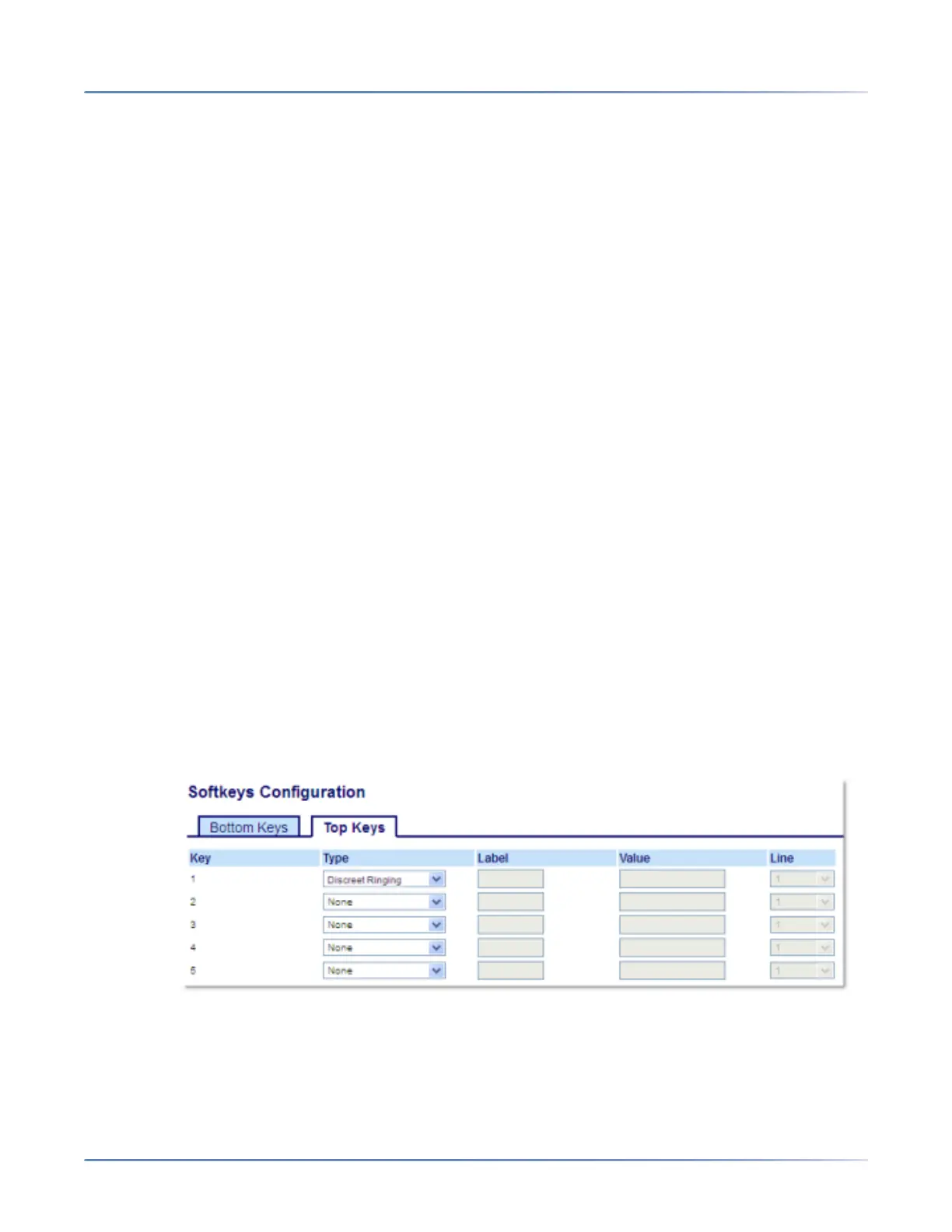
Configuring a Discreet Ringing Key
1. Click on Operation > Softkeys and XML.
or
Click on Operation > Expansion Module <N>.
Softkeys
2. Select from Key 1 through Key 48 on the Top keys.
or
Select from Key 1 through Key 30 on the Bottom keys.
3. In the Type field, selectDiscreet Ringing.



 To Next Page