28
G
ETTING STARTED UI OVERVIEW
Screen Saver
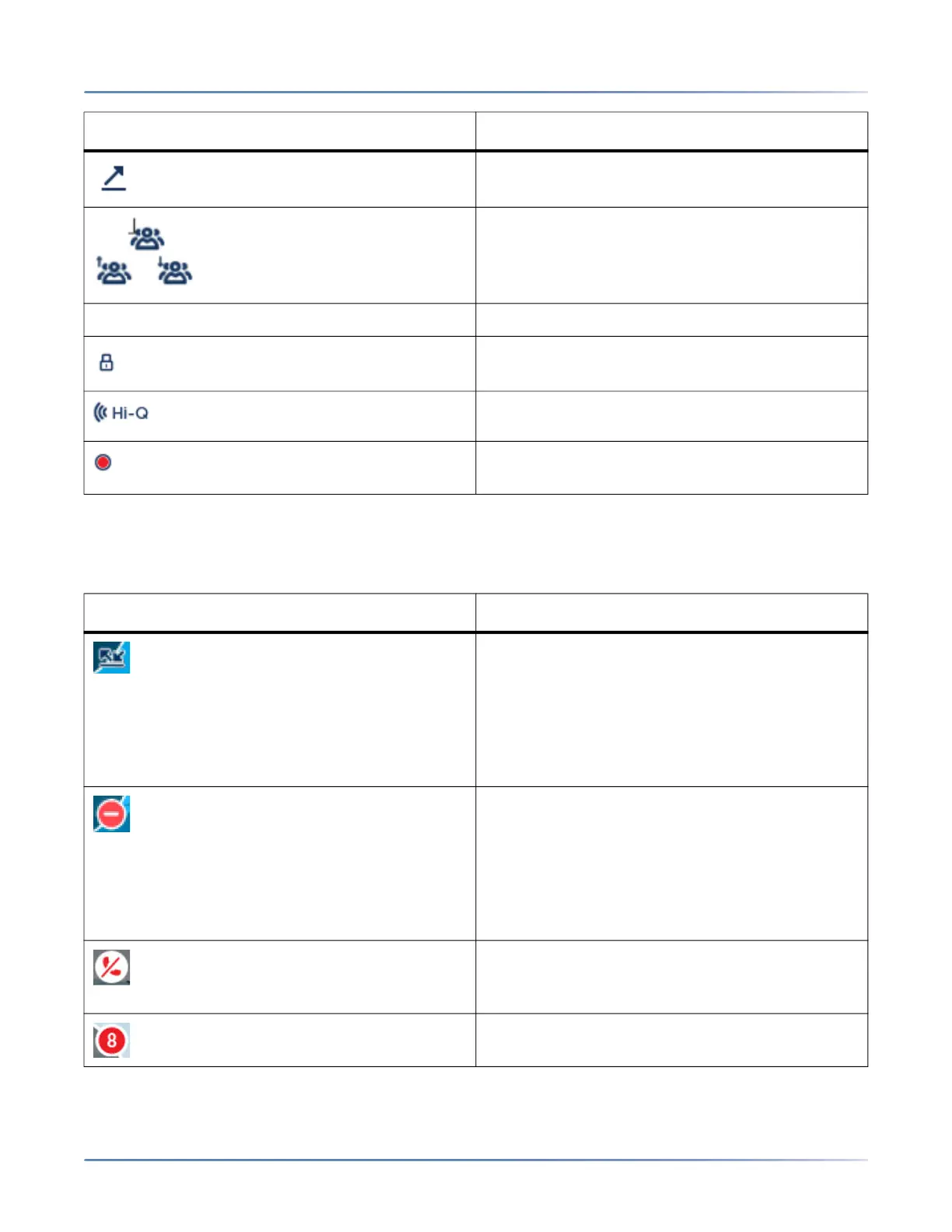
The following icons are displayed on the screen saver if enabled:
Indicates the call is an outgoing call.
Indicates the party is a conference call
participant. The direction of the arrow (if
applicable) denotes where the other conference
call participant is in the list of calls.
Call Feature Indicators
Indicates the call is secured using TLS/SRTP
encryption.
Indicates the call is using Mitel Hi-Q™ audio.
Indicates active VoIP recording is enabled and
the call is being recorded.
Icon Description
Call Forward Always- The Call Forward Always
icon displays on the screen saver when the
feature is enabled. Call Forward Always allows
you to quickly enable and disable call forwarding
for all calls on your phone even if you have other
call forward modes enabled through your Call
Forward settings menu.
DND- The Do Not Disturb (DND) icon displays on
the screen saver when the DND feature is
enabled. When DND is enabled, callers calling
into the phone may hear a DND signal and a "Do
Not Disturb" message is displayed on their
phones, depending on the setting in the System
Administrator Tool.
When a paired Bluetooth Handset
losesconnectivity with the 6930 SIP Phone, an
iconappears on the screen saver.
The count on the screen saver indicates a total of
missed calls and voicemail messages.
Indicator/Icon Description



 To Next Page