198
DND
AND CALL FORWARD DND CONFIGURATION
DND and Call Forward
The 6940 has a feature that allows you to configure DND and Call Forward for multiple accounts on the
phone. You can set specific modes for the way you want the phone to handle DND and Call Forward. The
three modes you can set on the phone for these features are:
• Account
• Phone
• Custom
The following paragraphs describe account-based DND and Call Forward:
• DND Configuration
• Call Forward Configuration
DND Configuration
DND is a feature on the phone that prevents the phone from ringing and receiving incoming calls. When
DND is enabled with Call Forward, any incoming calls can be forwarded to your voicemail or another
number. See “Call Forward Configuration” on page 190 for more information about call forwarding to other
numbers.
On the 6940, you can set DND on the phone-side for a specific account or for all accounts on the phone.
You can set three modes for DND using the Mitel Web UI at the path, Basic Settings > Preferences
> General > DND Key Mode: Account, Phone (default), and Custom. DND performs according to the
mode you set.
You can then configure a DND key (for the phone or for an expansion module) using the Mitel Web UI at
the path, Operation > Softkeys and XML or Operation > Expansion Module <N>. You can toggle DND on
and off by pressing the key, or by setting DND for a specific account at the path, Basic Settings > Account
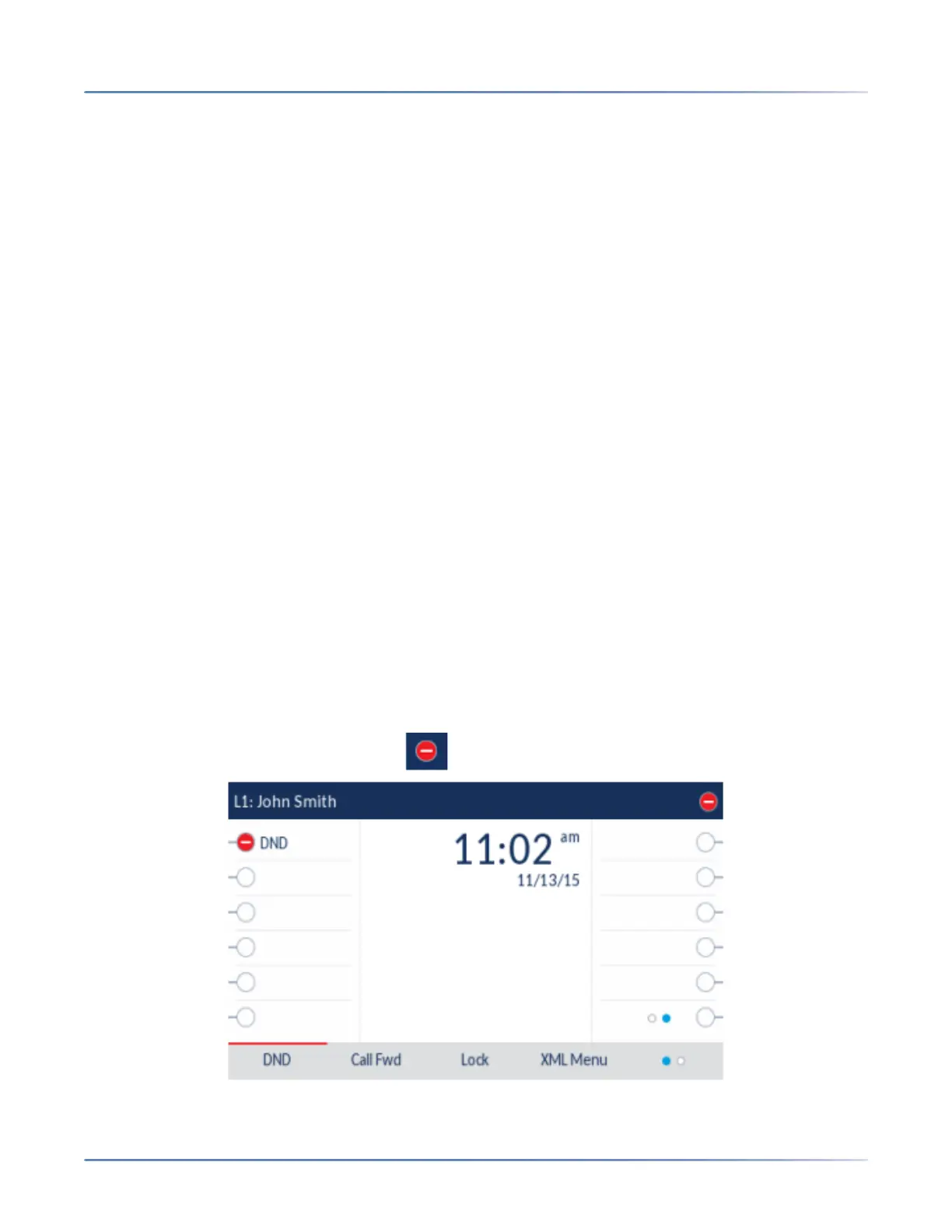
Configuration. Once you enable DND, the icon displays on screen for the applicable account.



 To Next Page