220
M
OBILELINK ANSWERING AN INCOMING MOBILE CALL USING YOUR MITEL 6940 IP PHONE
Answering an incoming mobile call using your Mitel 6940 IP
phone
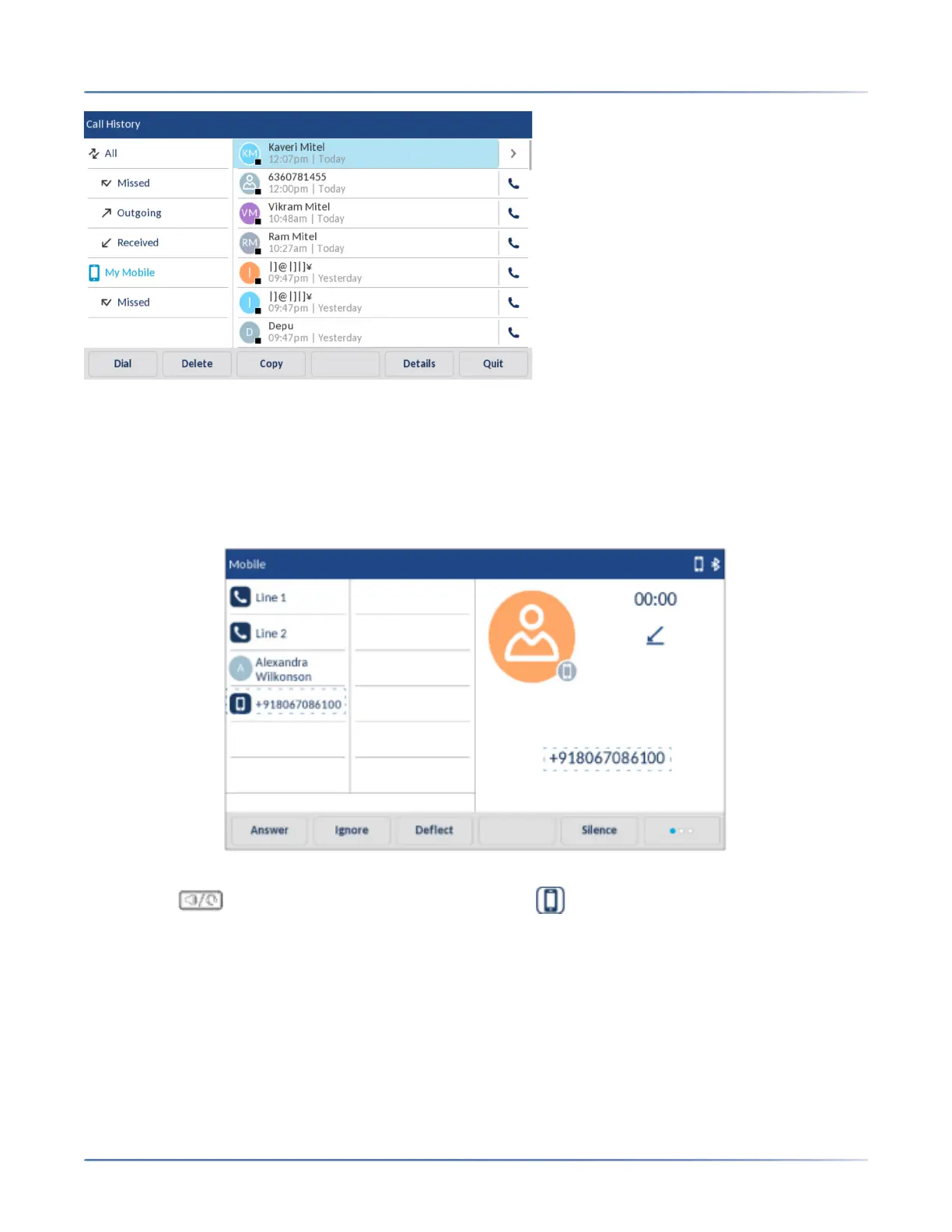
When your mobile phone is paired and connected to your Mitel 6940 IP phone, incoming calls on your
mobile phone will be indicated on your Mitel 6940 IP phone as well.
To answer the incoming mobile call using your Mitel 6940 IP phone, lift the handset for handset operation,
or press the (Speaker/Headset) key, tap the blinking Bluetooth Line key, or tap the Answer
softkey for handsfree operation.
NOTE:
1. Tap the Decline key to reject the incoming mobile phone call.
2. When there is an incoming call on both SIP line and the mobile line and you lift the SIP terminal
handset, the IP call takes priority over the mobile call.
3. During an active Bluetooth mobile call, the call hold reminder tone will not be heard even if the Call
Hold Reminder option is enabled on the phone.



 To Next Page