177
M
ANAGING CALLS DIRECTORY
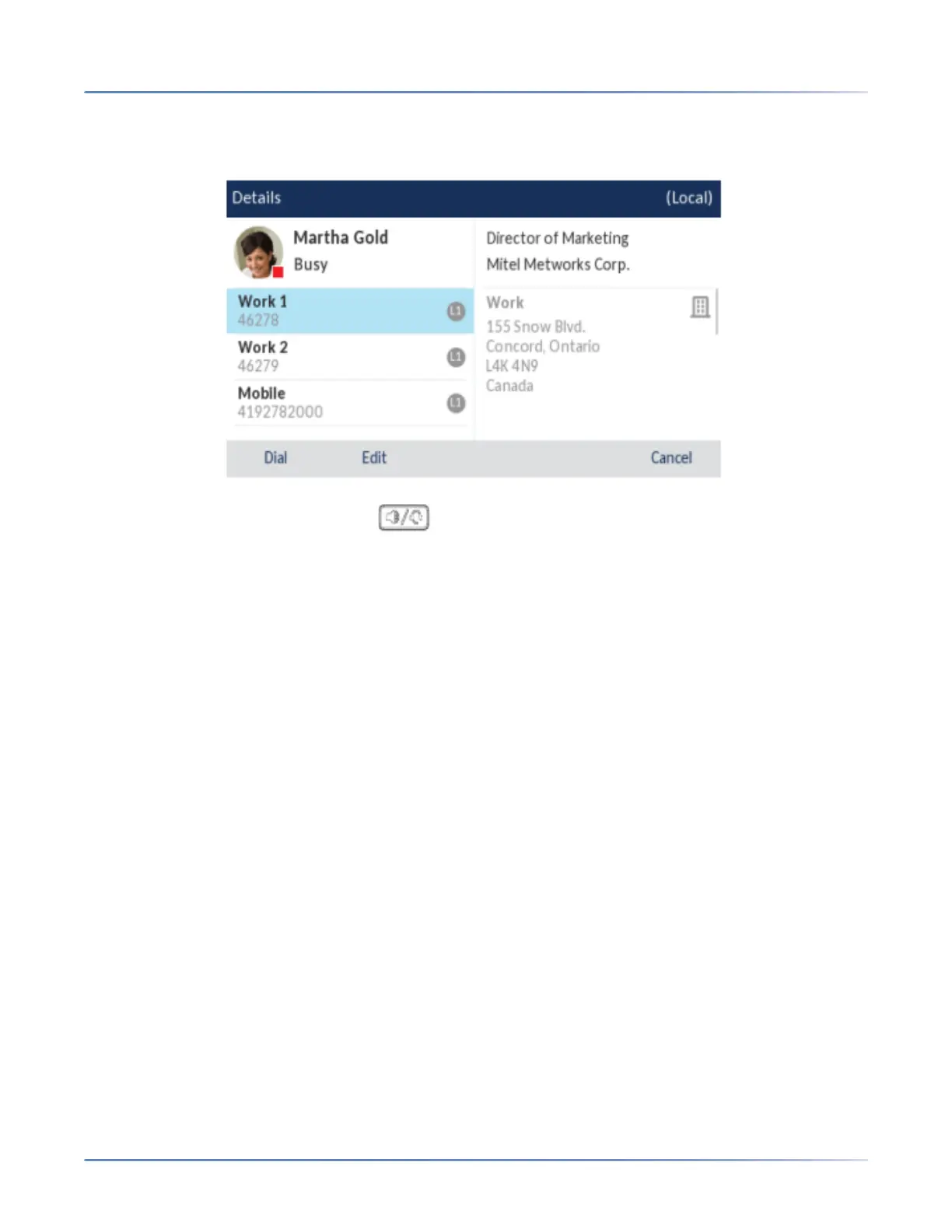
(Optional) If the contact has multiple phone numbers defined, press the desired number on screen (if
no external Directory sources are configured/enabled) or press the entry and then the right arrow but-
ton or Details softkey to select the desired phone number.
4. Press the Dial softkey, Line button, button, or pick up the handset to dial the contact’s phone
number.
Local Directory Features
The internal Local Directory contains the contacts that have been created or copied directly to the phone
using the phone UI. If no external directory sources are available, pressing on the Directory key will open
the Local Directory menu.
WARNING: When upgrading a phone to Release 4.3.0 SP1 or later from a Firmware version previous
to 4.0.0, all Local Directory entries will be migrated accordingly. However, if downgrading back to
a firmware version previous to Release 4.0.0, all Local Directory entries will be lost. If you plan on
downgrading at any time in the future and would like to retain your Local Directory information, it
is recommended to save your Local Directory entries before any upgrade or downgrade by using
the phone’s Web UI under the Operation > Directory menu See “Downloading the Local Directory to
Your PC” for details.
From the Local Directory menu, you can search for a contact, place a call to the selected contact, add
new contacts to the Local Directory, delete all contacts, delete individual contacts, or edit existing
contacts. Users can also view contact details (e.g. title, company name, numbers, work and home
addresses, e-mail addresses, etc...).
NOTE:
1. Up to 1000 Directory contacts can be stored locally on the phone.
2. For details on the total number of Local Directory entries currently stored on your phone, see “Phone
Status through IP Phone UI”.
You can also assign an individual contact ring tone to contacts in your Local Directory. Individual contact
ring tones can be used during incoming calls to help you identify the party calling. You can select
contact-specific ring tones (from the phone’s 15 preloaded as well as the 8 custom ring tones) for respec-



 To Next Page