261
C
ONNECTING TO WI-FI ON 6940W IP PHONE CONNECTING TO A HOME NETWORK
NOTE: After the phone restarts the LAN and PC ports are disabled (as it relates to network commu-
nications).
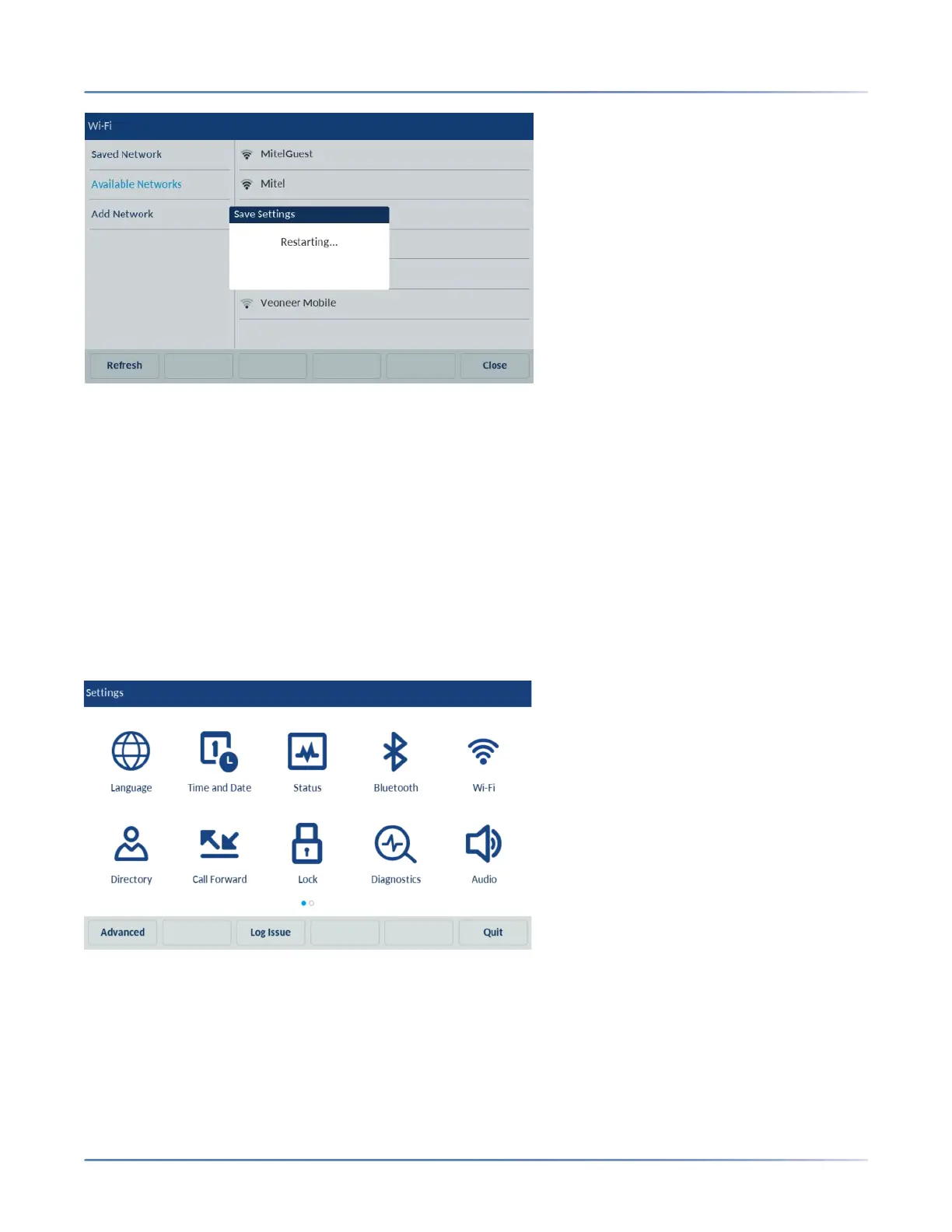
7. After the phone reboots, it is successfully connected to the network. The connected network (Mitel) is
listed under Saved Network.
8. To disable Wi-Fi and use the LAN port again, navigate to Settings > Wi-Fi and tap the Disconnect
softkey. The Save Settings dialog box appears.
9. Tap Yes to reboot the phone and apply the changes.
Connecting to a home network
1. Navigate to Settings > Wi-Fi.
2. The Available Networks settings menu is displayed.



 To Next Page