41
P
HONE STATUS FINDING YOUR PHONE’S IP ADDRESS
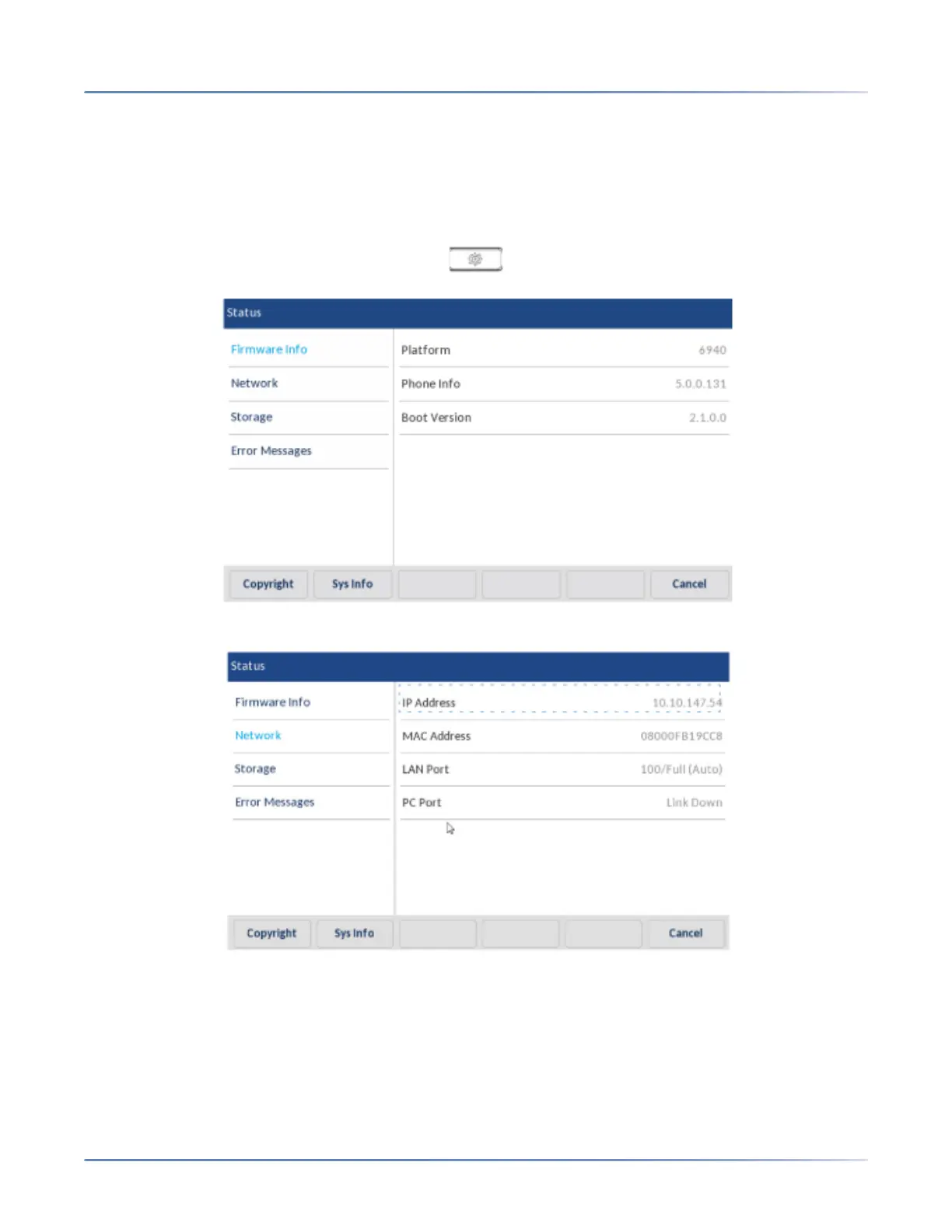
Finding Your Phone’s IP Address
If you want to access your phone’s options using an Internet browser, you need to enter the IP address
of the phone in the browser to open the Mitel Web UI. Use the following procedure to find your phone’s
IP address.
1. Press to enter the Options List.
2. The Status icon.
3. Press Network.The IP address of your 6940 displays in the IP Address field in the right column.



 To Next Page