66
C
USTOMIZING YOUR PHONE BLUETOOTH
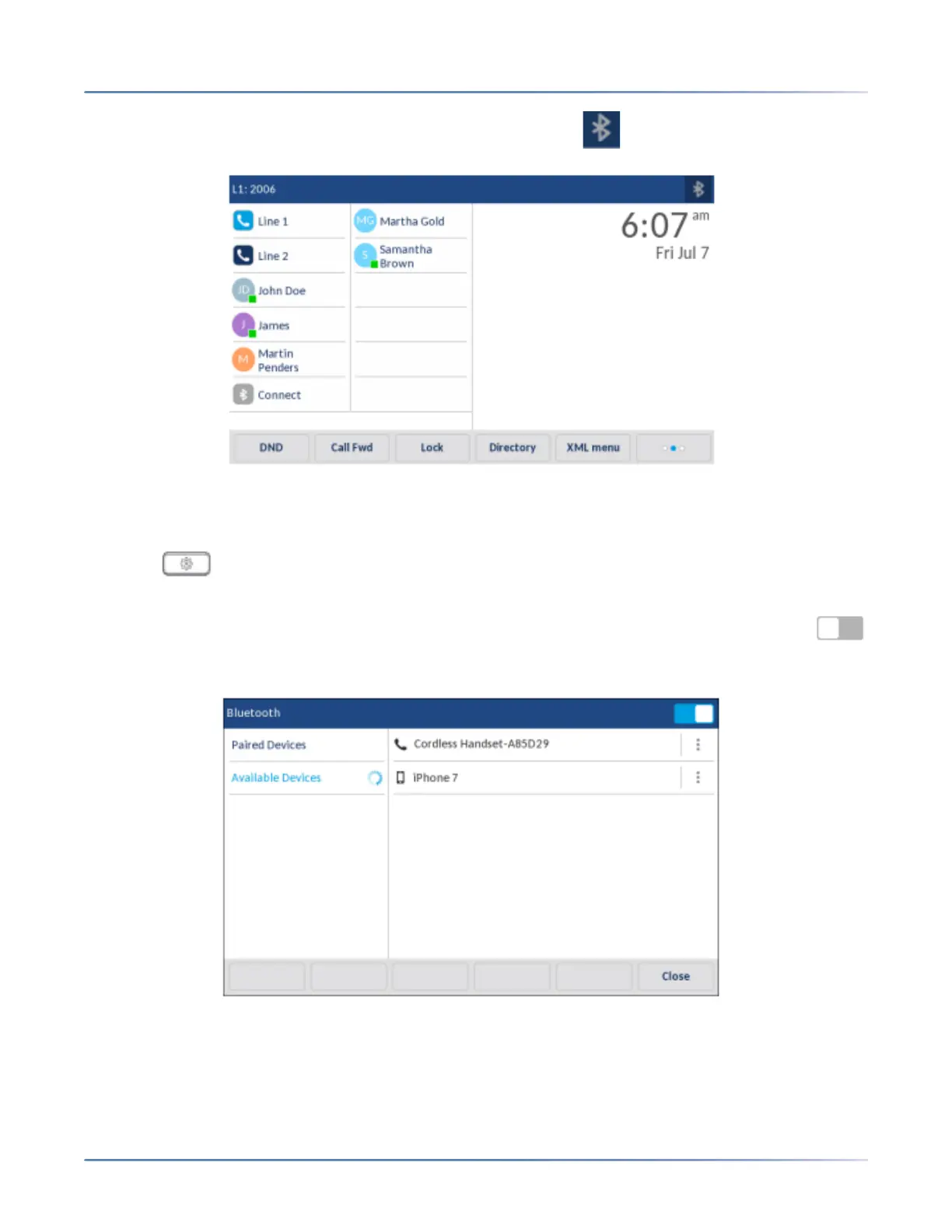
When Bluetooth functionality is enabled, a Bluetooth enabled icon appears in the status bar on the
Home screen.
Pairing a Bluetooth Device
1. Press on the phone to enter the Options List.
2. Press the Bluetooth icon.
3. Ensure Bluetooth functionality is enabled. If it is not enabled, swipe the Bluetooth toggle switch
to the right.
4. Press Available Devices.



 To Next Page