169
H
ANDLING CALLS CONFERENCING CALLS
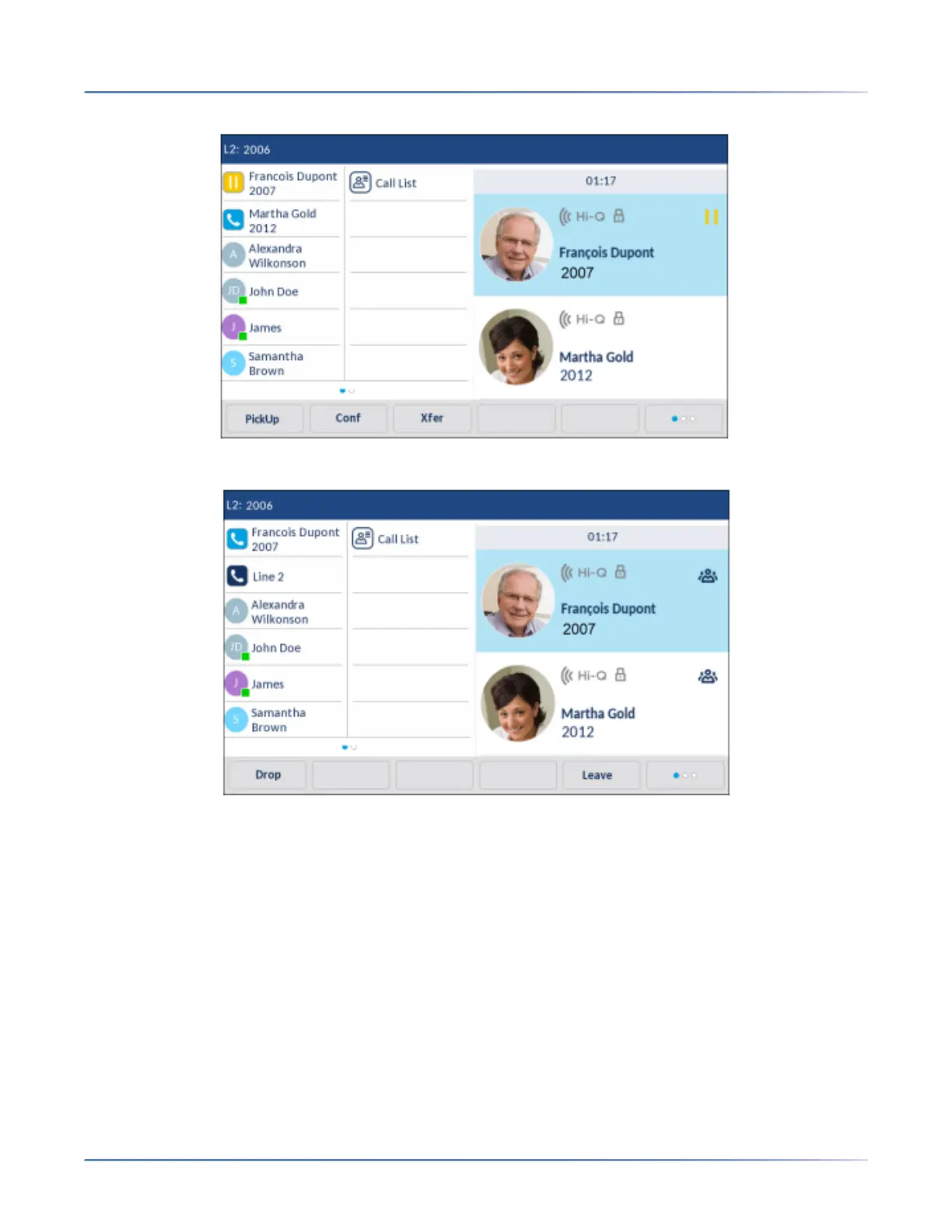
2. Swipe up or down to scroll and press the party you wish to conference in.
3. Press the Conf softkey. The two parties will connect with you to form a conference call.
Ending a Conference and Transferring Remaining Parties
The 6940 allows a host to easily leave a three-way conference call without disrupting the connection of
the other two remaining parties. If you are the host of a conference call and want to leave the conference,
simply press the Leave softkey on the phone. Your phone leaves the three-way conference call but the
remaining parties are still connected together.



 To Next Page