264
C
ONNECTING TO WI-FI ON 6940W IP PHONE CONNECTING TO HIDDEN NETWORK
7. To disable Wi-Fi and use the LAN port again, navigate to Settings > Wi-Fi and tap the Disconnect
softkey. The Save Settings dialog box appears.
8. Tap Yes to reboot the phone and apply the changes.
Connecting to Hidden Network
A hidden network is an available wireless network which does not broadcast its SSID to all searching
devices. Mitel IP phones can connect to a hidden network by manually entering Wi-Fi credentials.
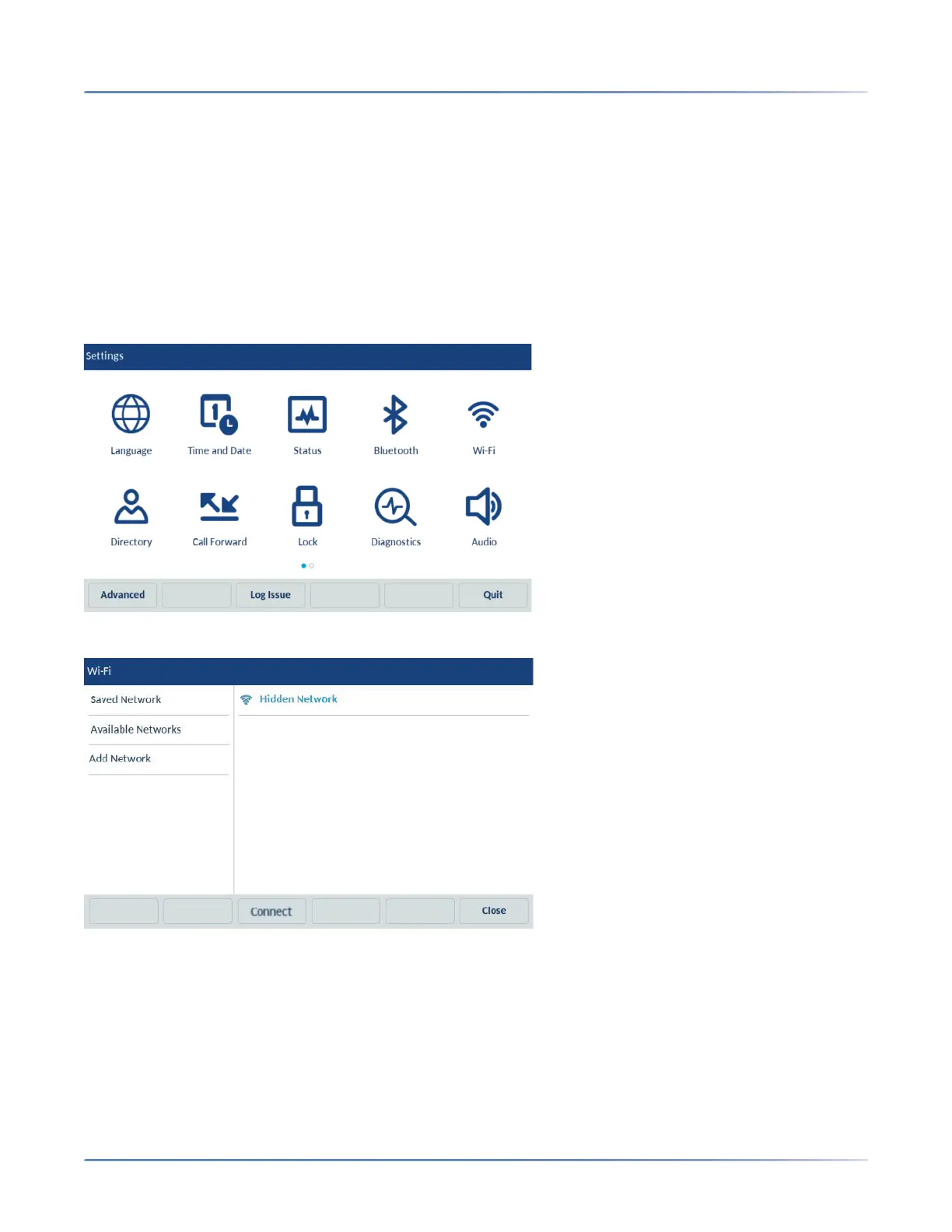
1. Navigate to Settings > Wi-Fi.
2. Select Add Network > Hidden Network and press Connect softkey.
3. In the Hidden Network screen, select the type of Security of the Network you are trying to connect.
The available options are:
a. WPA2-Personal- To connect to a WPA2-Personal network enter the Network Name (SSID)
and Password.
b. WPA2-Enterprise- To connect to a WPA2-Enterprise network enter the Network Name (SSID),
Username and Password.
c. Open- To connect to a Open network enter the Network Name (SSID).



 To Next Page