265
C
ONNECTING TO WI-FI ON 6940W IP PHONE CONNECTING TO HIDDEN NETWORK
NOTE: You can connect to only one SSID at a time. The SSID can be any alphanumeric, case-sensi-
tive entry from 2 to 32 characters. The characters allowed for the SSID depend on the router config-
uration.
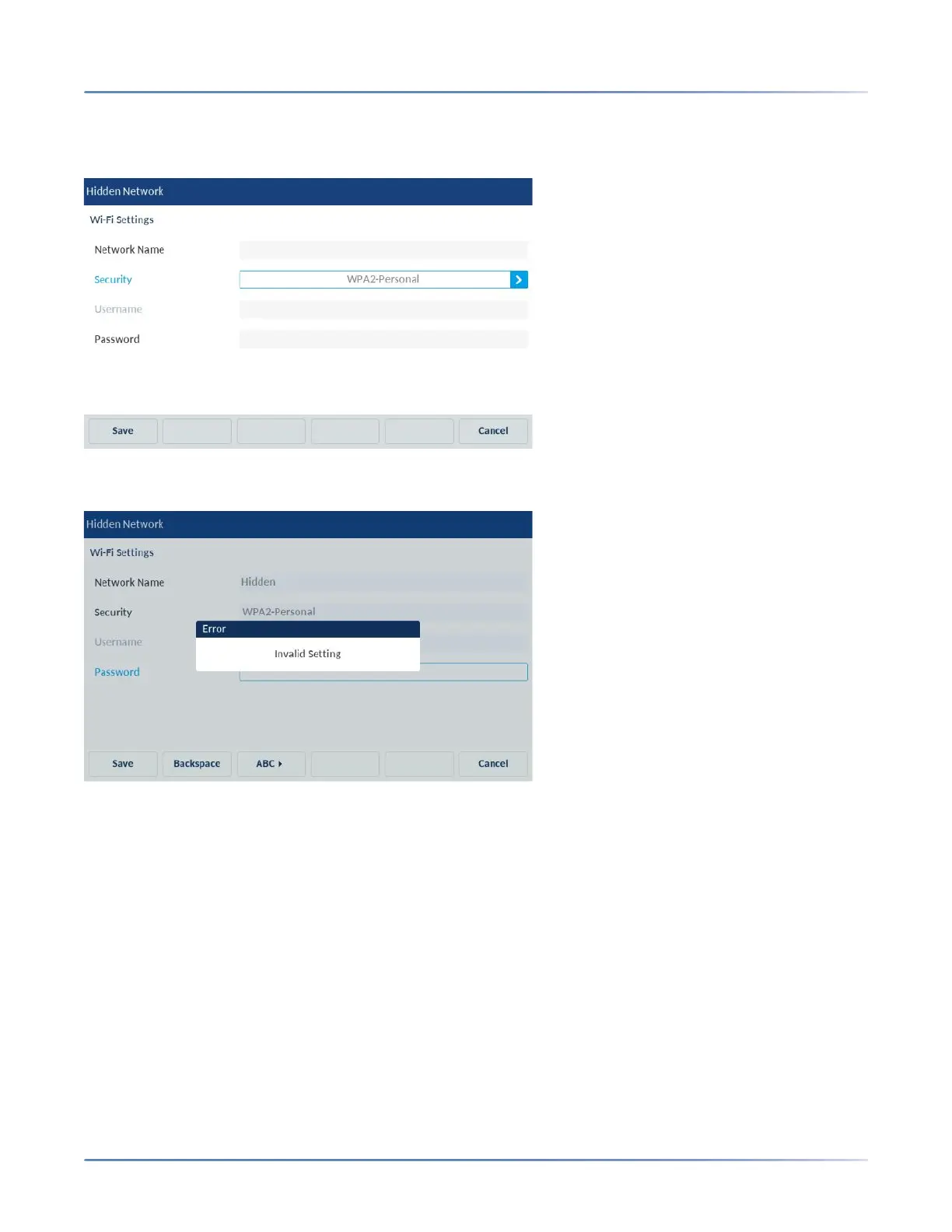
NOTE: If you enter an incorrect Network Name or Username or password, Invalid Setting dialog box
appears. Ensure you enter the correct credentials.
4. Press Save softkey.
5. The Save Settings dialog box appears. Click Yes to reboot the phone and apply the changes.



 To Next Page