146
M
AKING CALLS USING HANDSFREE SPEAKERPHONE
With the phone in an idle state and on-hook, simply use the dialpad to enter the number you wish to call,
and after reviewing the number, press the Dial softkey. Use the Backspace softkey to correct any errors
and the Pause softkey to insert pauses.
Using Handsfree Speakerphone
The handsfree feature allows you to speak to someone without using the handset or headset. Your phone
must be in either the Speaker or Speaker/Headset audio mode. For more information about setting the
audio mode on your phone, see “Audio Mode” on page 80.
• To dial using handsfree, first press and enter a number at the dial tone.
• To answer a call on your phone using handsfree, press or the line/call appearance button.
• If you are inSpeaker audio mode, lift the handset and press to switch between handsfree and
handset.
• If you are in Speaker/Headset audio mode, press to switch between handsfree and headset.
• When the handset is on hook, press to disconnect the call.
NOTE: When handsfree is on, the speaker light turns on.
Using a Headset
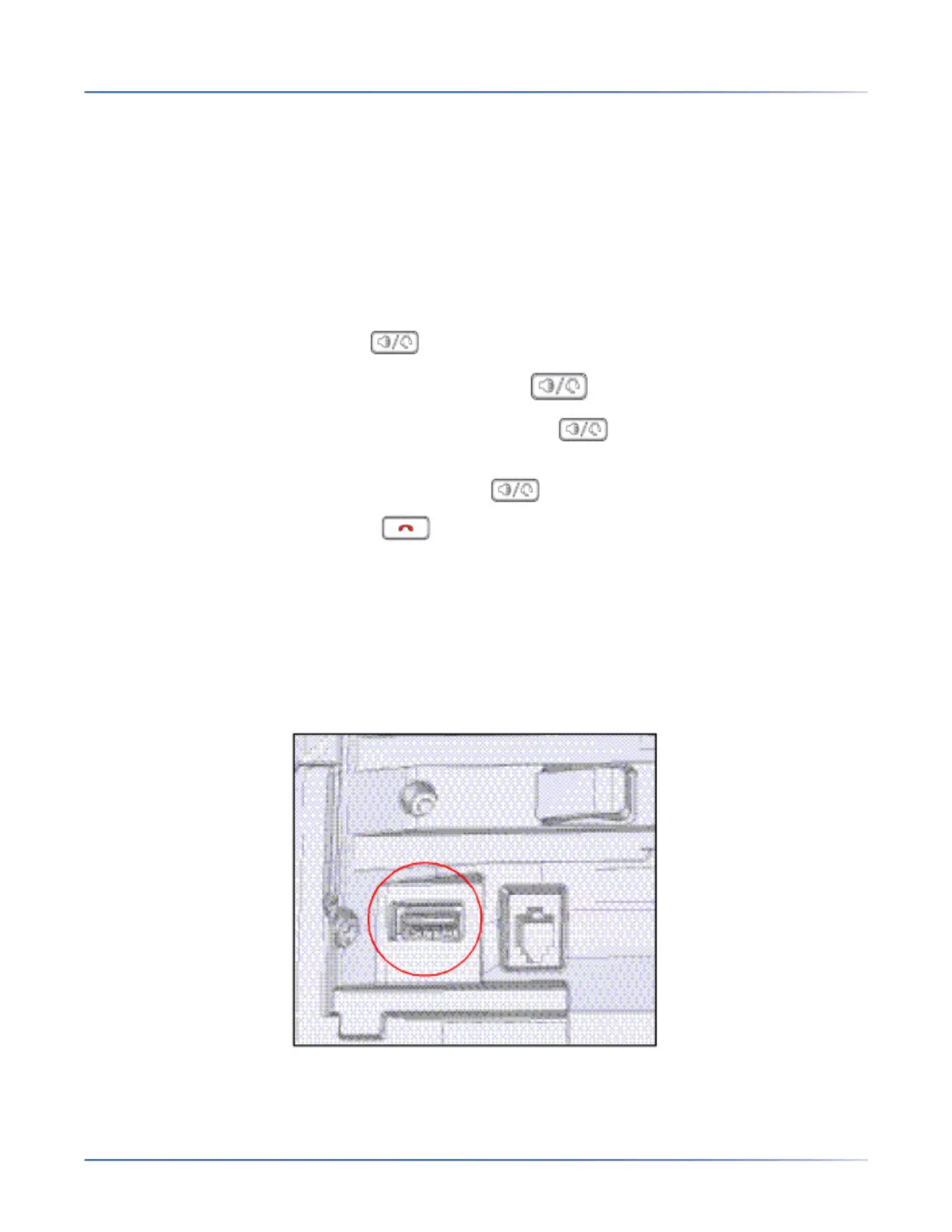
The 6940 supports USB headsets (connected through the USB port located on the back of the phone) as
well as Bluetooth-compliant headsets. Bluetooth must be enabled and the Bluetooth device must be
paired and connected with the 6940 for it to function.



 To Next Page