131
C
ONFIGURING SOFTKEYS DIRECTORY KEY
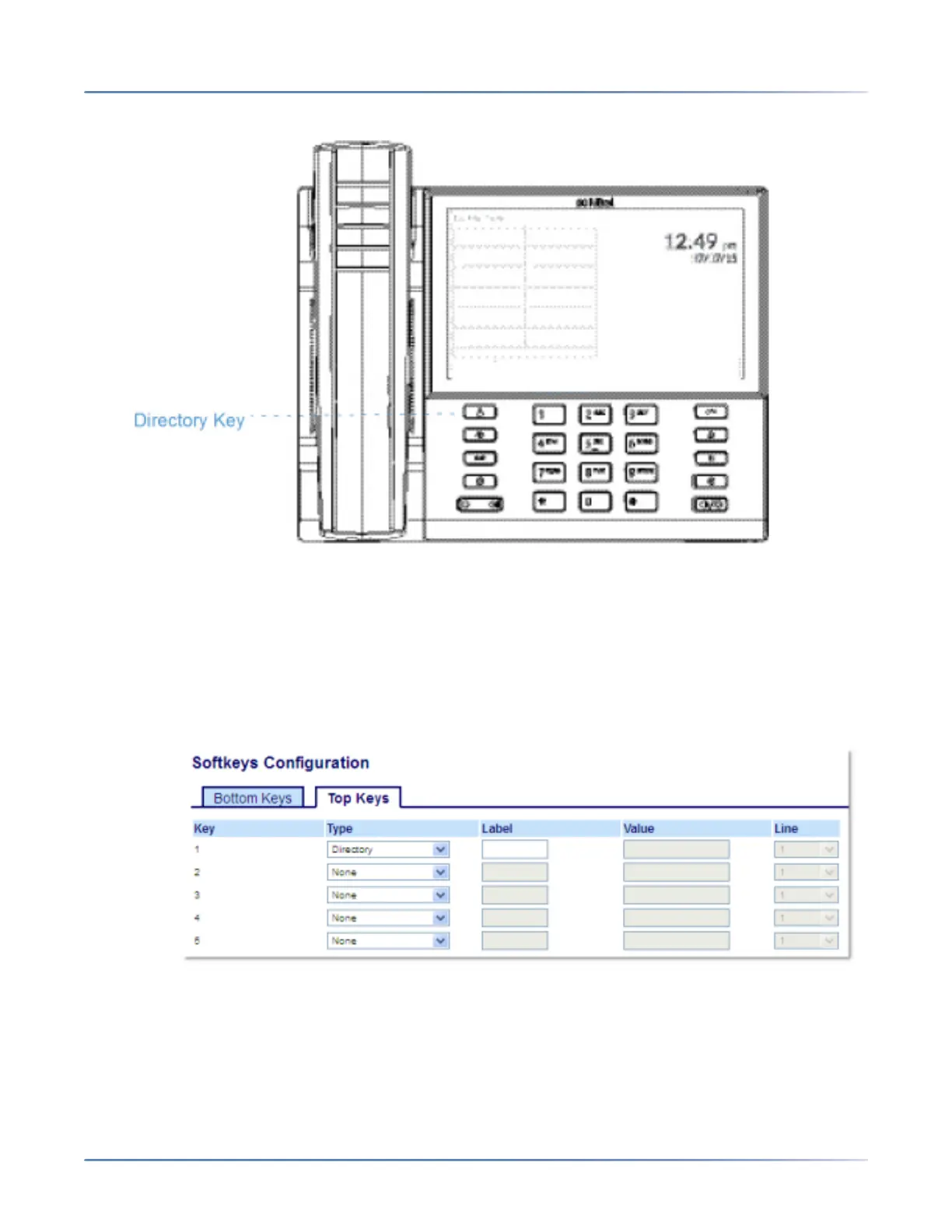
frequently used names and numbers on the phone. You can also dial directly from a Directory
entry.
In addition to creating a Directory key, you can also download a Directory to your PC, if required, using
the Mitel Web UI.
NOTE: For more information about the Directory, see “Directory” on page 163.
Configuring a Directory Key Using the Mitel Web UI
1. Click on Operation > Softkeys and XML.orClick on Operation > Expansion Module <N>.
Softkeys
2. Select from Key 1 through Key 48 on the Top keys.orSelect from Key 1 through Key 30 on the Bottom
keys.
3. In the Type field, selectDirectory.
4. In the Label field, enter a label to apply to this key.



 To Next Page