197
V
OICEMAIL
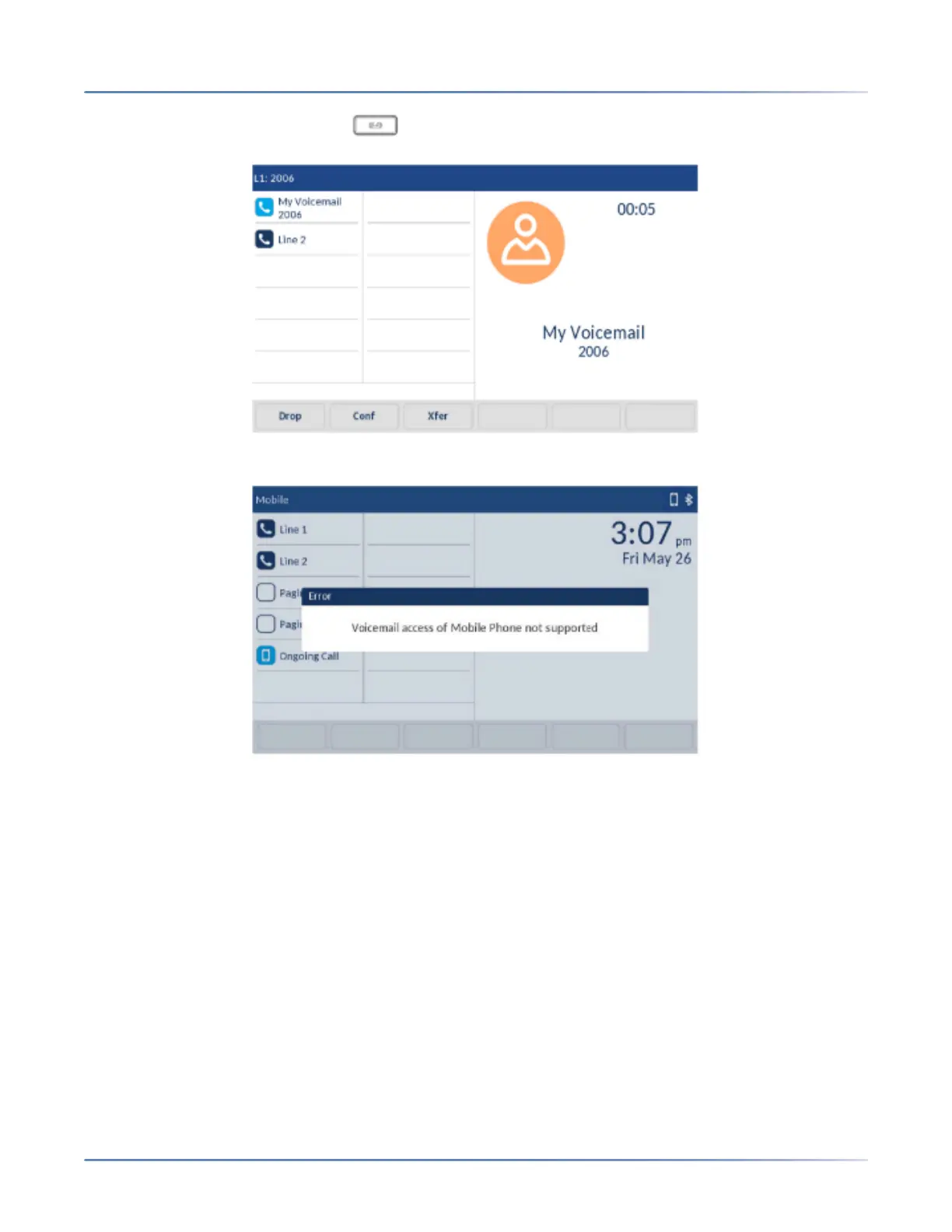
• On the SIP phone, pressing the Voicemail hardkey and dialing the Voicemail number (config-
ured by your System Administrator) connects the call to Line 1 Voicemail box.
• In the mobile line, pressing the Voicemail hardkey displays an error message on the SIP phone screen
- Voicemail access of Mobile Phone not supported.
• In the mobile line, when the call is received from the mobile phone, pressing the Voicemail hardkey
results in no action since the mobile line is in connected state and displays an error message on the
SIP phone screen -Voicemail access of Mobile Phone not supported.
• In the mobile line, when the call is received from the SIP phone, pressing the Voicemai hardkey results
in no action since the mobile line is in connected state but no error message is displayed.



 To Next Page