216
M
OBILELINK SYNCING MOBILE CALL HISTORY
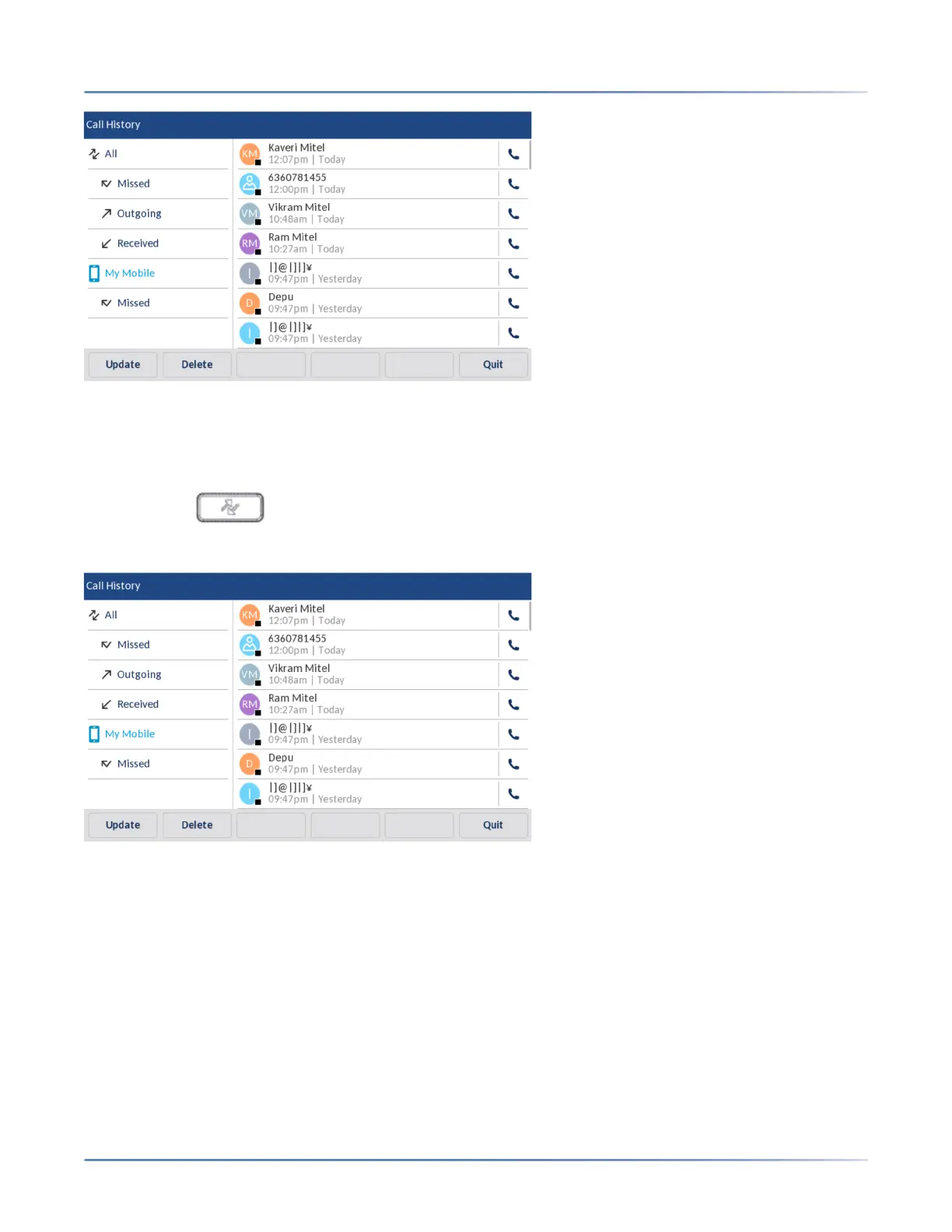
Dialing a mobile phone call history entry
To dial a mobile phone call history or missed call entry:
1. Ensure that you have paired your mobile phone with your 6940 IP phone. See Pairing a Bluetooth
device.
2. Press the ( Call History) key.
3. Tap My Mobile or Missed.
4. Tap an entry in the call history or missed calls selection column.



 To Next Page