230
PCL
INK CONFIGURE COLLABORATION APPLICATIONS
– From the MiTeam Meetings home screen, click your avatar and from the panel that opens, click
Settings.
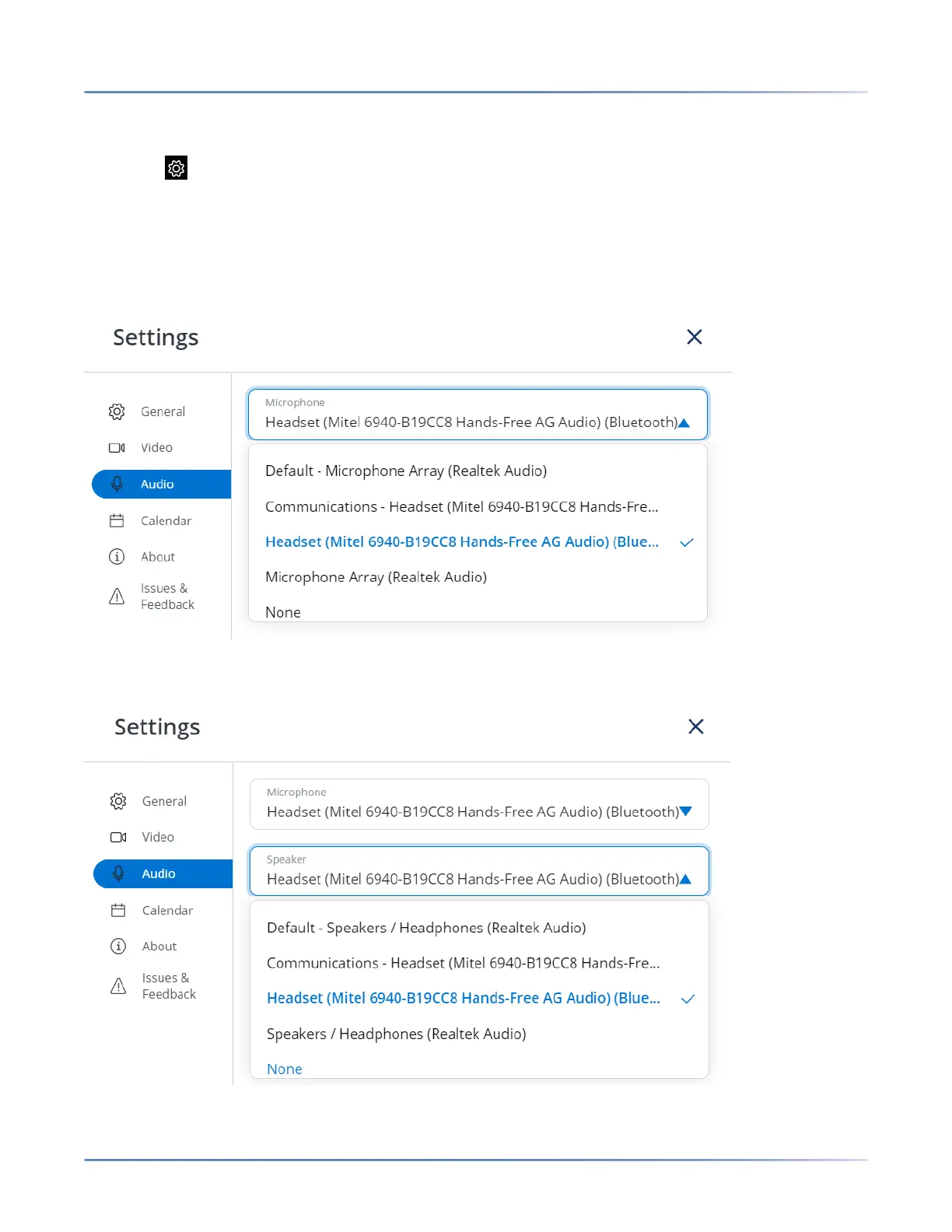
– Click from the control panel. The Settings panel is displayed.
4. Click the Audio tab.
5. To move audio from the currently selected audio device to the Mitel 6940 IP Phone:
a. From the Microphone drop-down list, select Mitel 6940... (for either Communications or
Headset if both are listed).
b. From the Speaker drop-down list, select Mitel 6940... (for either Communications or Headset if
both are listed).



 To Next Page