63
C
USTOMIZING YOUR PHONE TIME AND DATE
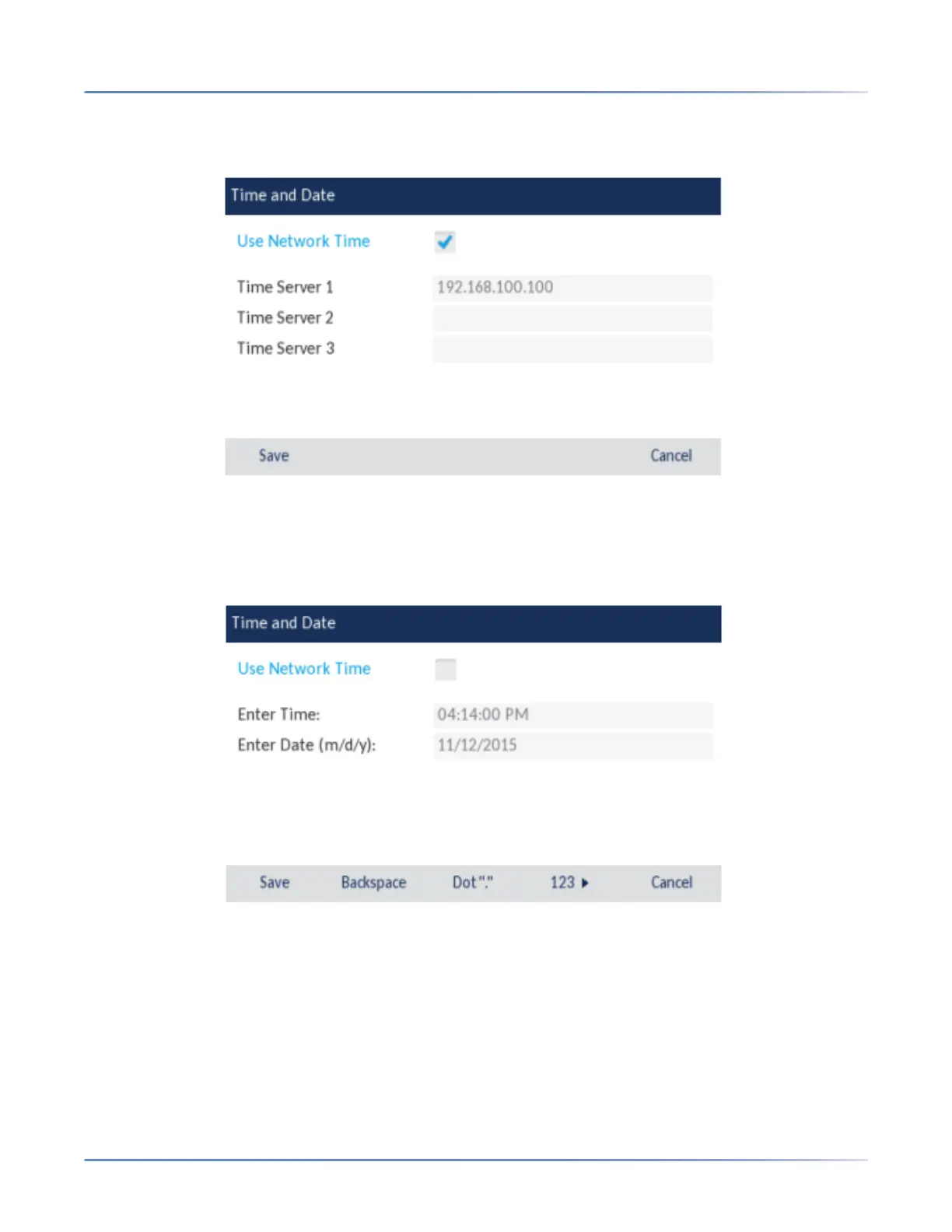
4. If you want to synchronize the time and date using a time server, ensure there is a checkmark in the
box corresponding to the Use Network Time setting. If there is no checkmark, press the checkbox to
enable the Use Network Time setting.
1. Press the Time Server 1,Time Server 2, orTime Server 3 field.
2. Using the on-screen keyboard, enter an IP address or domain name for the time server.
3. If you want to manually set the date and time, press the Use Network Timecheckbox to clear the
checkmark and disable the setting.
1. Press the Enter Time or Enter Date field.
2. Using the on-screen keyboard, change the time and date accordingly.When entering the time, use the
right arrow key on the on-screen keyboard to toggle between AM and PM.
3. Press the Savesoftkey to save your changes.



 To Next Page