77
C
USTOMIZING YOUR PHONE CALL FORWARD
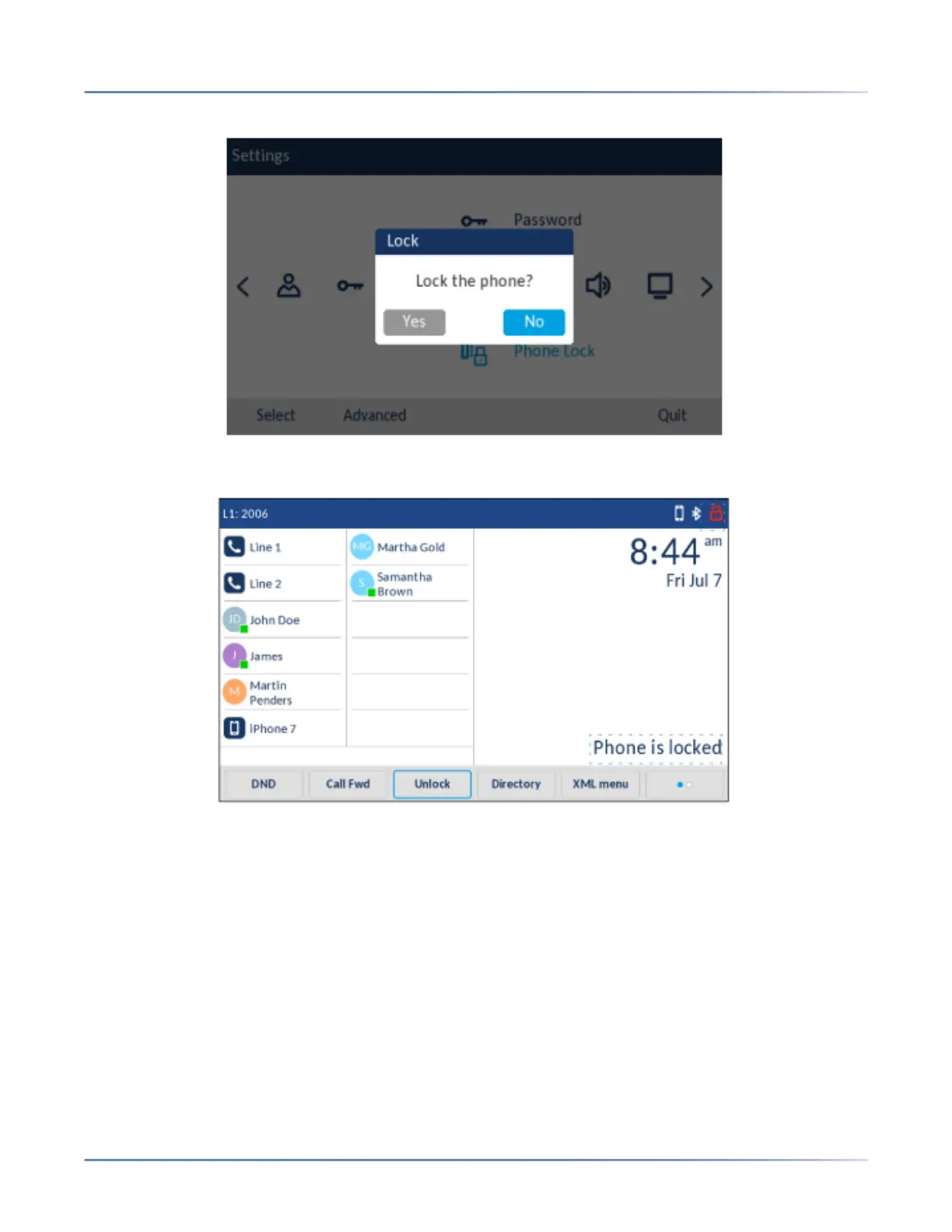
3. Press the Phone Lock icon.
4. At the Lock the phone? prompt, press Yes.The message Phone is locked and a lock icon displays
on the Home screen. Additionally the Message Waiting Indicator (MWI) will turn on.
NOTE: Alternatively, if configured, you can lock the phone by simply pressing a Lock softkey.



 To Next Page