Spitfire – Maintenance Manual
142
AP-74096, Rev. 1.0, 09/06/05
5.2.2. Starting Up
To use the self-diagnosis function, you should first display the self-diagnosis menu on the operation panel.
The self-diagnosis menu is completely independent of the normal operation mode and self-diagnosis display
mode. To call up the self-diagnosis menu, follow the steps below.
Step 1 : If the system is in the operation mode or the self-diagnosis menu mode, press the [POWER] key
to power off the unit.
¾ The power is turned off.
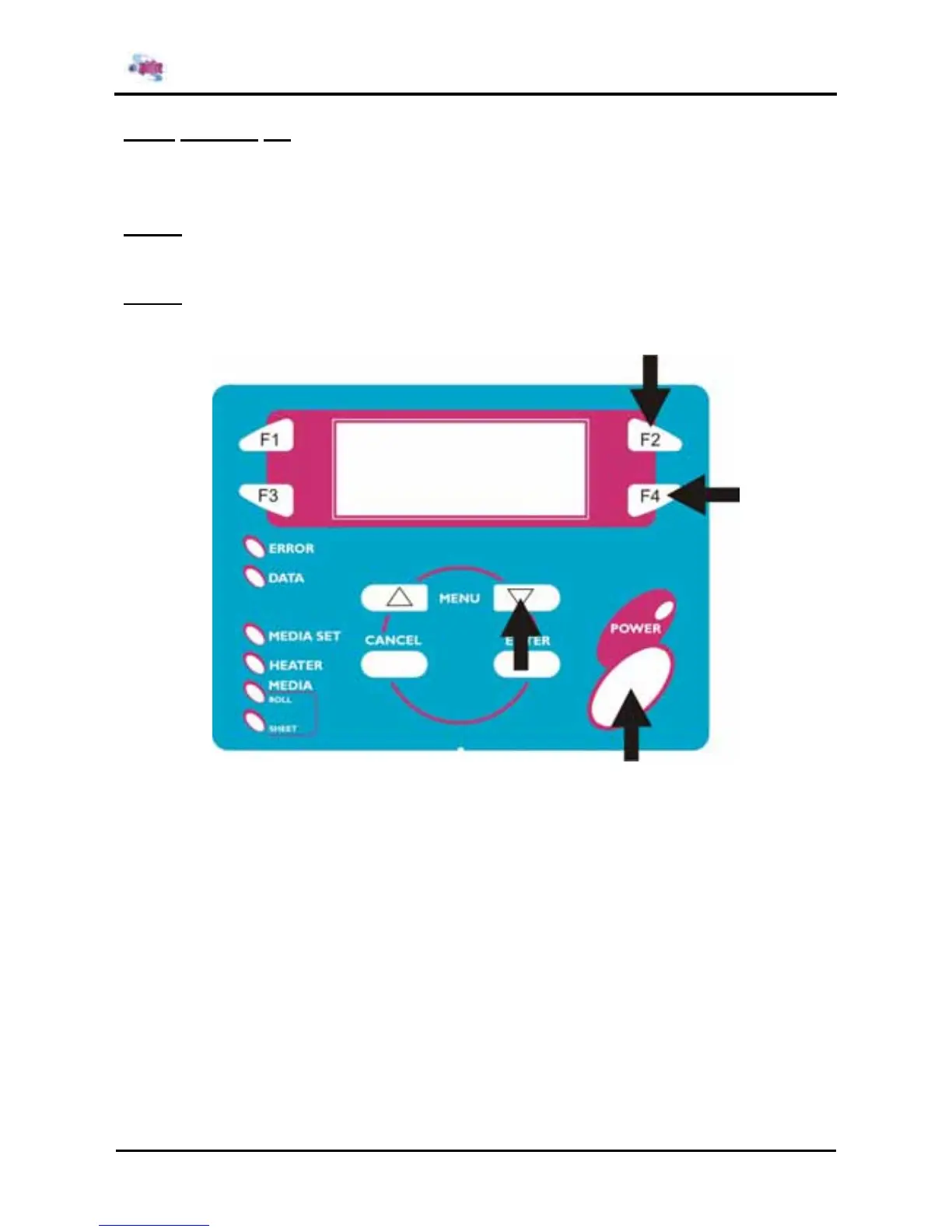
Step 2 : Press and hold the [F2] key, [F4] key, and [MENU ↓] key simultaneously. While holding down
these keys, press the [POWER] key.
¾ The system will enter the self-diagnosis mode and display the self-diagnosis menu.















 To Next Page