Spitfire – Maintenance Manual
137
AP-74096, Rev. 1.0, 09/06/05
4.11. REPLACING SUPPORTS AND SCROLLER
4.11.1. Replacing the waste fluid bottle assembly
Notes :
¾ When replacing the waste fluid bottle assembly, be sure to perform following
operation to clear the counter. "High ink initialization" or " Cleaning initialization":
refer to "Counter Initialization Menu"
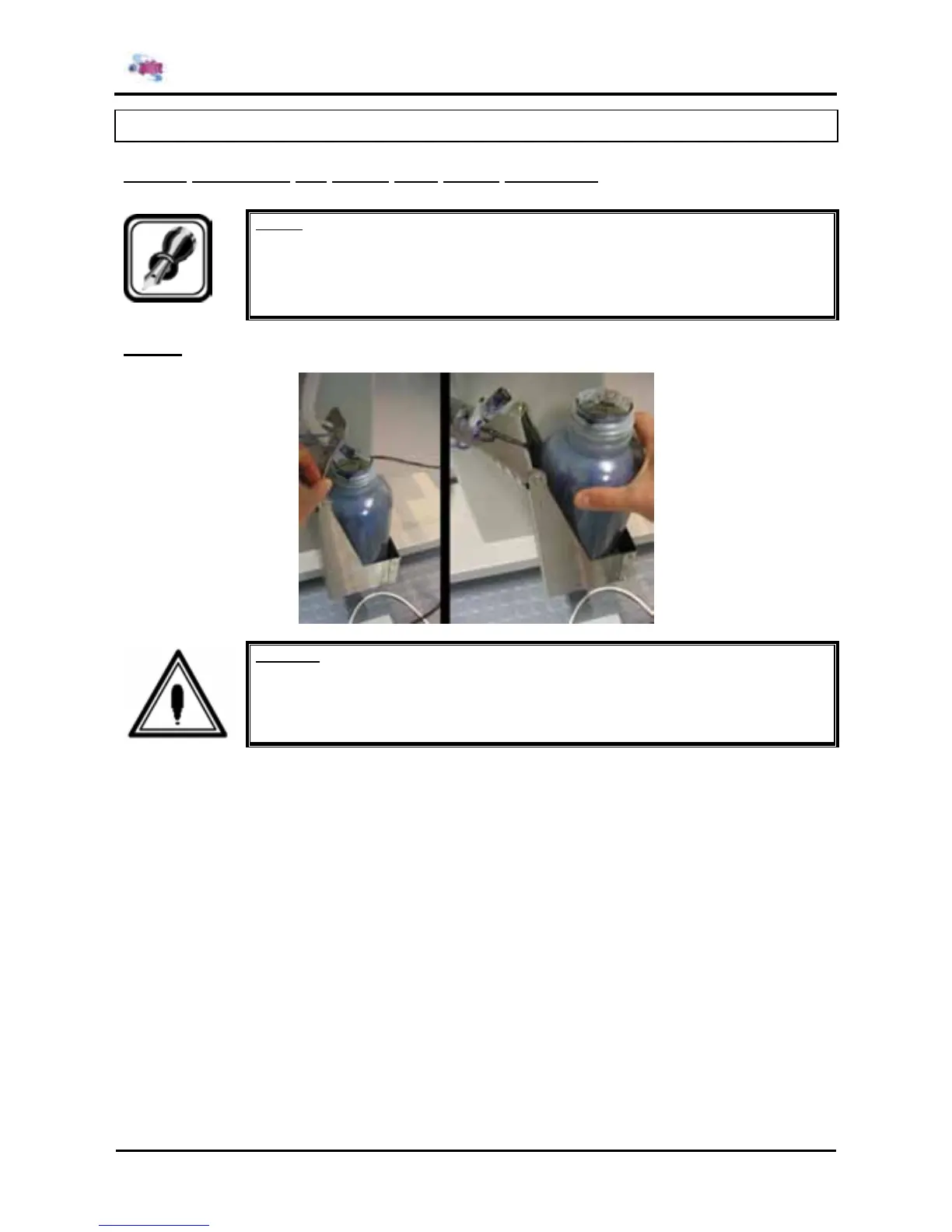
Step 1 : Remove the waste fluid bottle assembly.
Caution :
Waste ink will remain inside the tubes. Be careful that the ink is not spilled from the tube
onto the printer or items close to the printer.















 To Next Page