Spitfire – Maintenance Manual
136
AP-74096, Rev. 1.0, 09/06/05
(4) Replacing the ink sensor assembly (ink NOT sensor, ink END sensor)
Step 1 : Remove the I/H assembly.
Step 2 : Remove the cables from the I/H assembly clamp.
Step 3 : Remove the cartridge frame assembly.
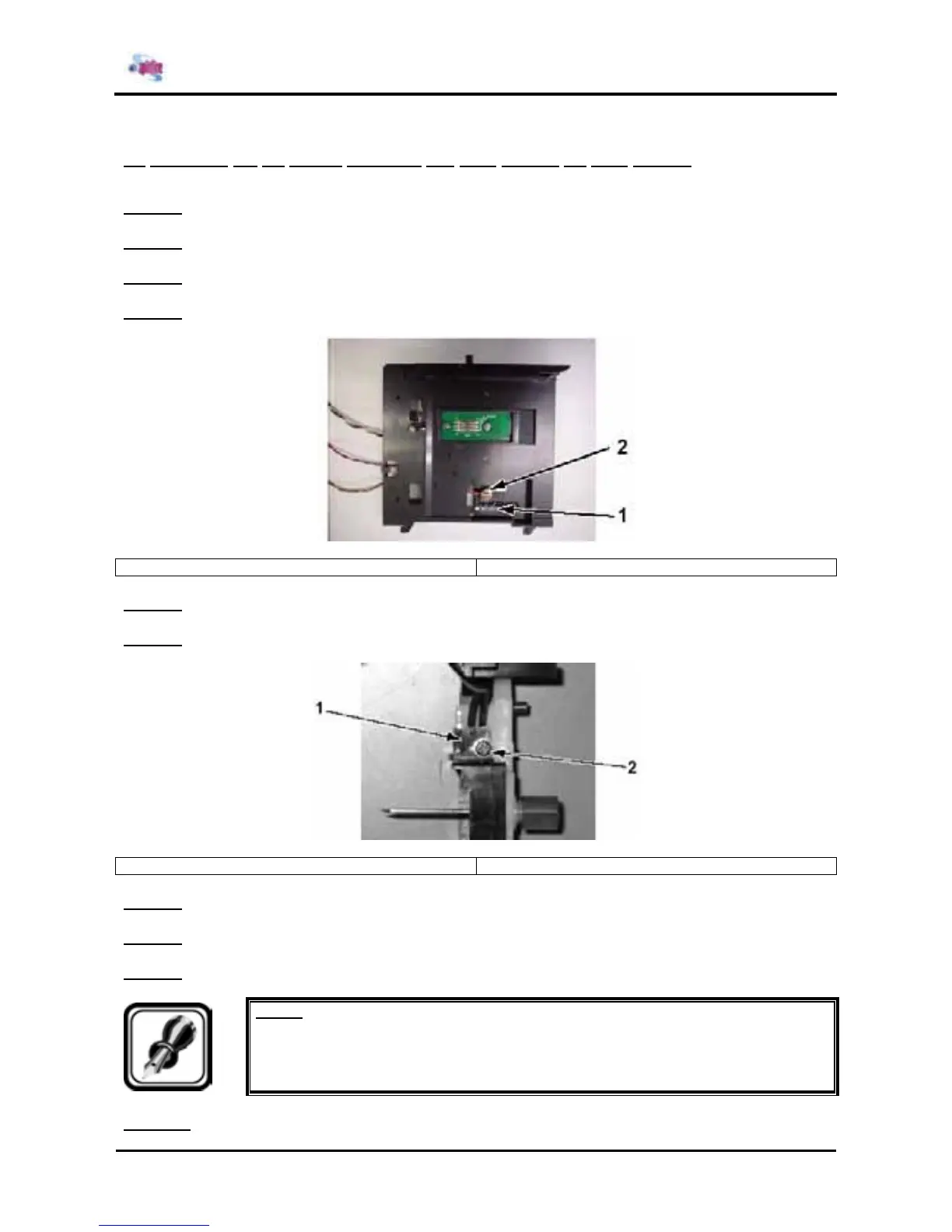
Step 4 : Remove the screw fixing the ink END sensor.
1 = Ink END sensor 2 = Screw (M3x10) fixing the ink END sensor
Step 5 : Remove the ink END sensor.
Step 6 : Remove the screw fixing the Ink NOT sensor to the Cartridge frame assembly.
1 = Ink NOT sensor 2 = Screw (M2x8) fixing the ink NOT sensor
Step 7 : Remove the ink NOT sensor.
Step 8 : Replace the ink sensor assembly.
Step 9 : Reinstall all parts in the opposite order of the removal procedure.
Notes :
¾ When installing the ink NOT sensor, do not tighten the screw firmly. Otherwise, the
switch may not come out.
Step 10 : Make sure that the Ink NOT sensor switch moves.















 To Next Page