Spitfire – Maintenance Manual
143
AP-74096, Rev. 1.0, 09/06/05
5.3. OPERATIONS IN SELF-DIAGNOSIS MODE
This section explains how to operate in the self-diagnosis mode and provides the list of available diagnosis
items.
5.3.1. Operating Self-Diagnosis Mode
Follow the operation flow shown below to operate the self-diagnosis mode.
For more detailed operation steps, refer to the flow chart of the applicable diagnosis item.
Step 1 : Make sure the printer is in the diagnostic mode
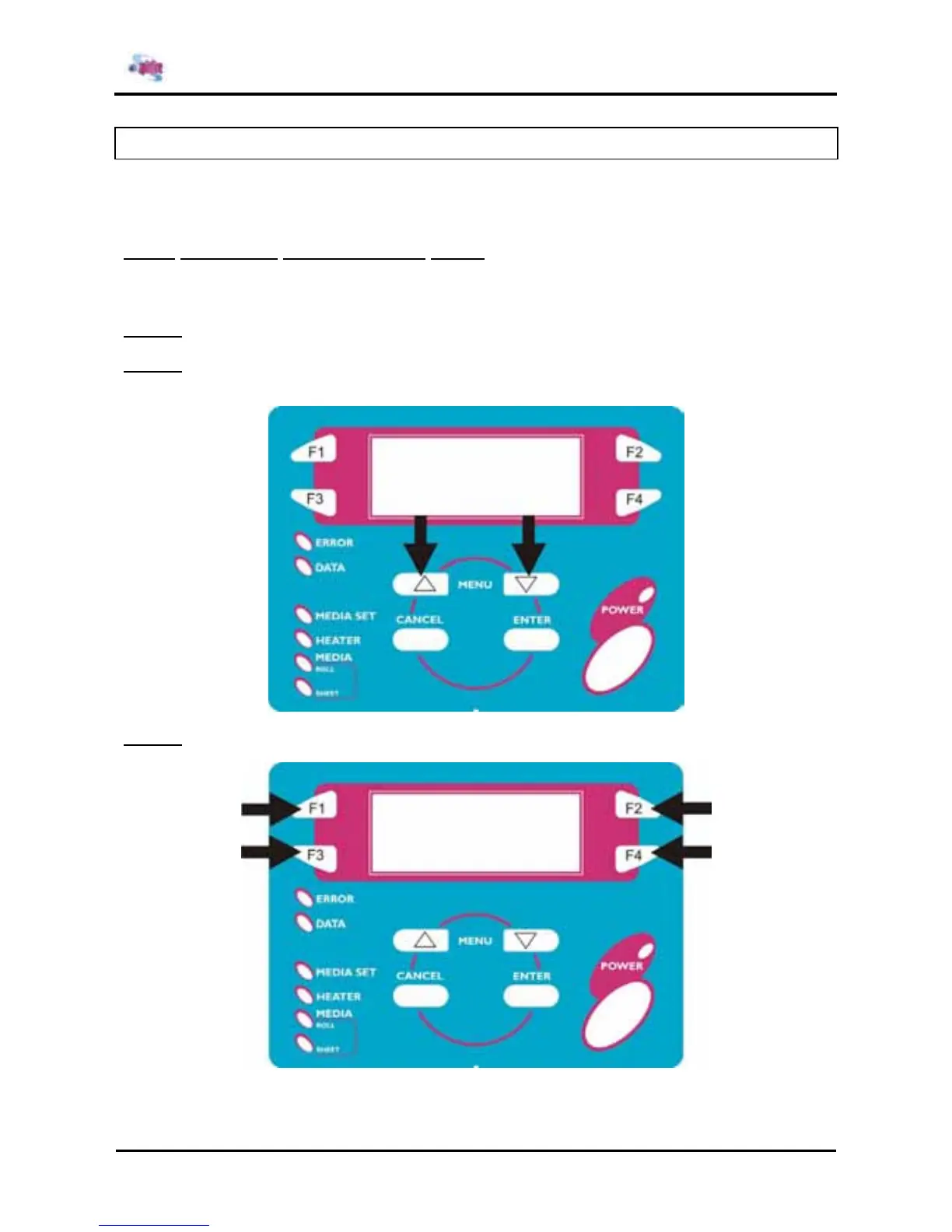
Step 2 : Press the [MENU ↑] key or the [MENU ↓] key on the operation panel to change over in the
diagnosis menu.
Step 3 : Press the [F1] key, [F2] key, [F3] key or [F4] key to select the applicable diagnosis item.















 To Next Page