Spitfire – Maintenance Manual
42
AP-74096, Rev. 1.0, 09/06/05
4.2. REMOVING THE COVER
When replacing any of the parts inside the printer, it is necessary to remove all covers.
The procedures for removing the covers are given below.
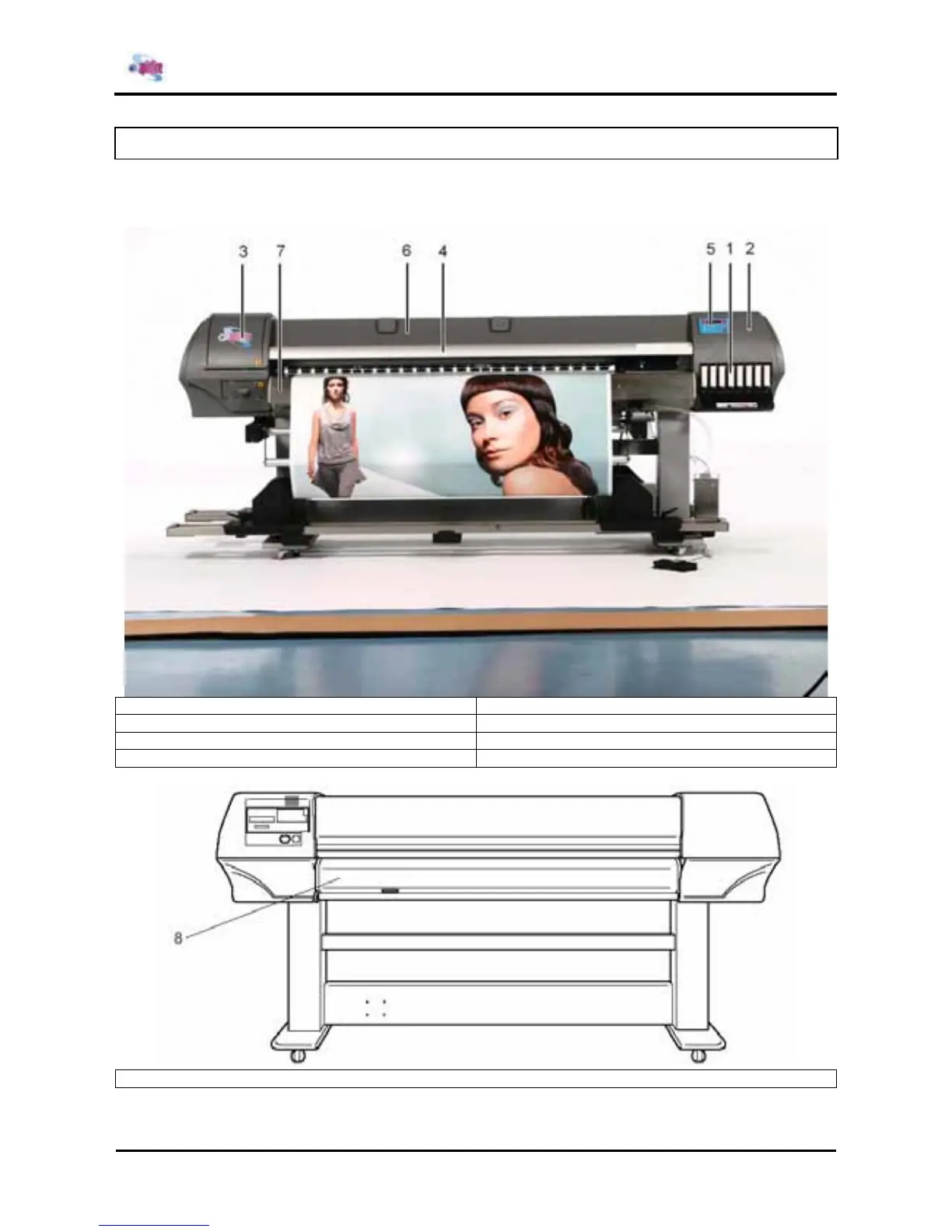
1 = I/H cover 5 = Panel unit assembly
2 = Side cover R 6 = Y-rail cover
3 = side Cover L 7 = Front paper guide
4 = Front cover
8 = Rear paper guide















 To Next Page