Spitfire – Maintenance Manual
138
AP-74096, Rev. 1.0, 09/06/05
4.11.2. Replacing the waste bottle box sensor assembly
Step 1 : Follow the instructions in "Replacing the waste fluid bottle assembly" to remove the waste fluid
bottle assembly.
Caution :
Waste ink will remain inside the tubes. Be careful that the ink is not spilled from the tube
onto the printer or items close to the printer.
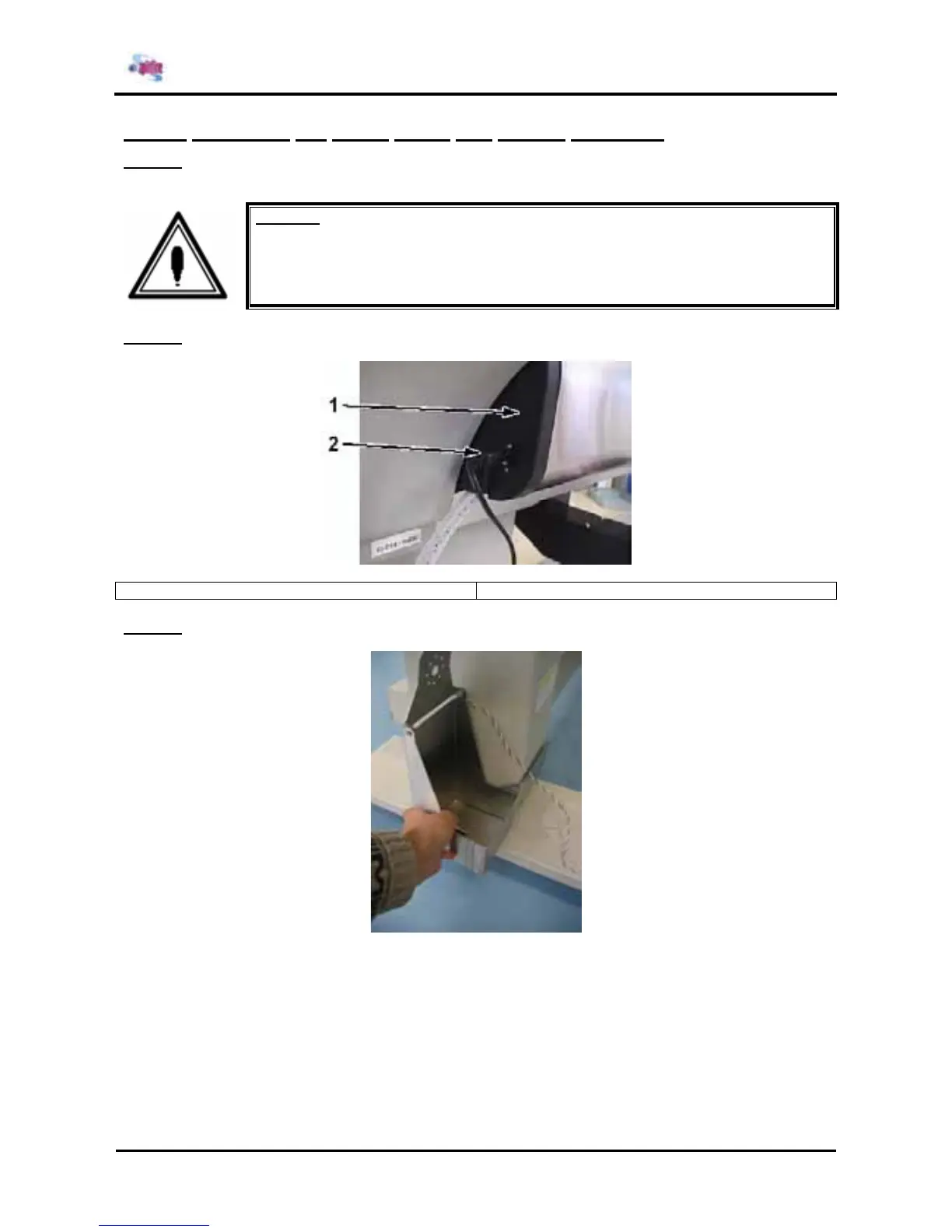
Step 2 : Remove the waste liquid BOX sensor assembly connector from the rear side cap R.
1 = Rear side cap R 2 = Waste liquid BOX sensor assembly connector
Step 3 : Remove the waste liquid box assy from the stand.















 To Next Page