Spitfire – Maintenance Manual
146
AP-74096, Rev. 1.0, 09/06/05
5.4. TEST / INSPECTION MENU
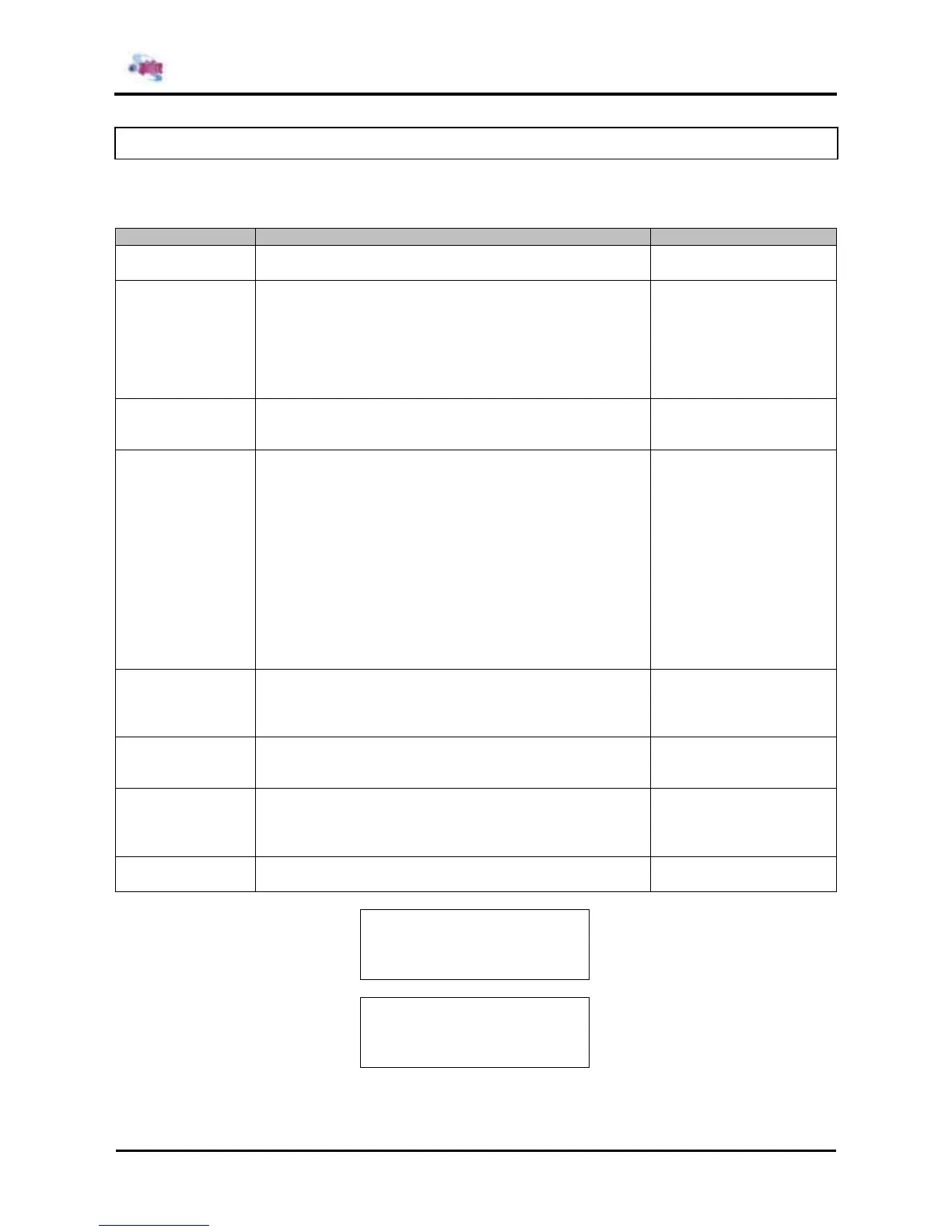
In the Inspection menu, you can perform various inspections on the circuit boards, sensors and fans.
The Inspection menu includes the following diagnosis items.
Initialization item Description Refer to
RamCapacity This menu displays the memory size.
→ Ram Capacity Menu
Ver Displays the versions of the firmware and mainboard
assembly.
¾ Firmware version
¾ Backup parameter version
¾ Setting of dip switches
¾ Revision of mainboard assembly
→ Version Menu
Panel Used to check the functions of the operation panel keys,
LCD, and LED.
→ Operation Panel Menu
Sensor This menu displays the sensor status in the operation
panel.
¾ CR_HP sensor
¾ Cover sensor
¾ Lever sensor
¾ P_EDGE sensor
¾ P_REAR sensor
¾ HD_SLIDE sensor
¾ Thermistor sensor
¾ Ink ID sensor
¾ Ink NOT sensor
¾ Ink END sensor
→ Sensor Menu
Encoder Displays the detected values from the following encoders.
¾ CR (Carriage)
¾ PF (Media feed)
→ Encoder Menu
Fan This menu is used to check if the fan operates normally by
turning ON and OFF the fan.
→ Fan Menu
Elec. Used to check the following records.
¾ Maintenance history
¾ Serious error history
→ History Menu
Head Signal This menu is used to check the head-driving signal.
→ Head Signal Menu
* Test *
F1 →
RamCapacity Version
← F2
F3 →
Panel Sensor
← F4
(1/2)
* Test *
F1 →
Encoder Fan
← F2
F3 →
Elec. Head Signal
← F4
(2/2)















 To Next Page