Spitfire – Maintenance Manual
148
AP-74096, Rev. 1.0, 09/06/05
5.4.3. Operation Panel Menu
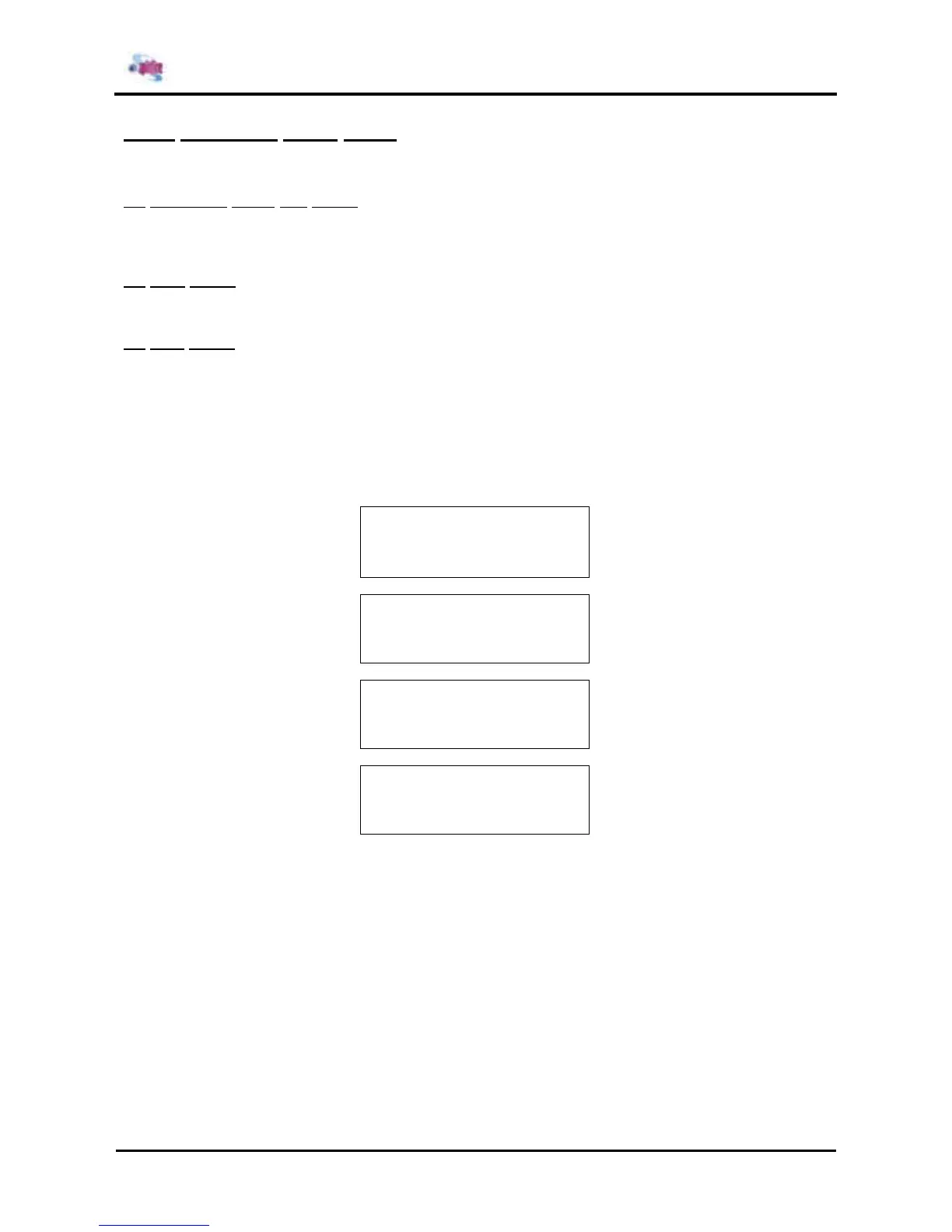
This menu is used to check the functions of the operation panel keys, LCD, and LEDs.
(1) Operation panel key check
When you press a key on the operation panel, the name of the key is displayed on the LCD. To exit the
operation panel key check, press the [CANCEL] key twice.
(2) LCD check
The entire LCD screen is filled in black. You can check for any missing dots.
(3) LED check
The following LEDs light up in order. The LCD displays the name of the LED that is currently illuminated.
¾ Power lamp
¾ Error lamp
¾ Data lamp
¾ Media set lamp
¾ Heater lamp
¾ Roll media lamp
¾ Sheet/Cut paper
* Panel *
F1 →
Key LCD
← F2
F3 →
LED
* Panel *
Key ??????
█ █ █ █ █ █ █ █ █ █ █ █ █ █ █
█ █ █ █ █ █ █ █ █ █ █ █ █ █ █
█ █ █ █ █ █ █ █ █ █ █ █ █ █ █
█ █ █ █ █ █ █ █ █ █ █ █ █ █ █
* Panel *
LED Origin















 To Next Page