Spitfire – Maintenance Manual
48
AP-74096, Rev. 1.0, 09/06/05
4.2.4. Removing the front cover
Step 1 : Open the front cover.
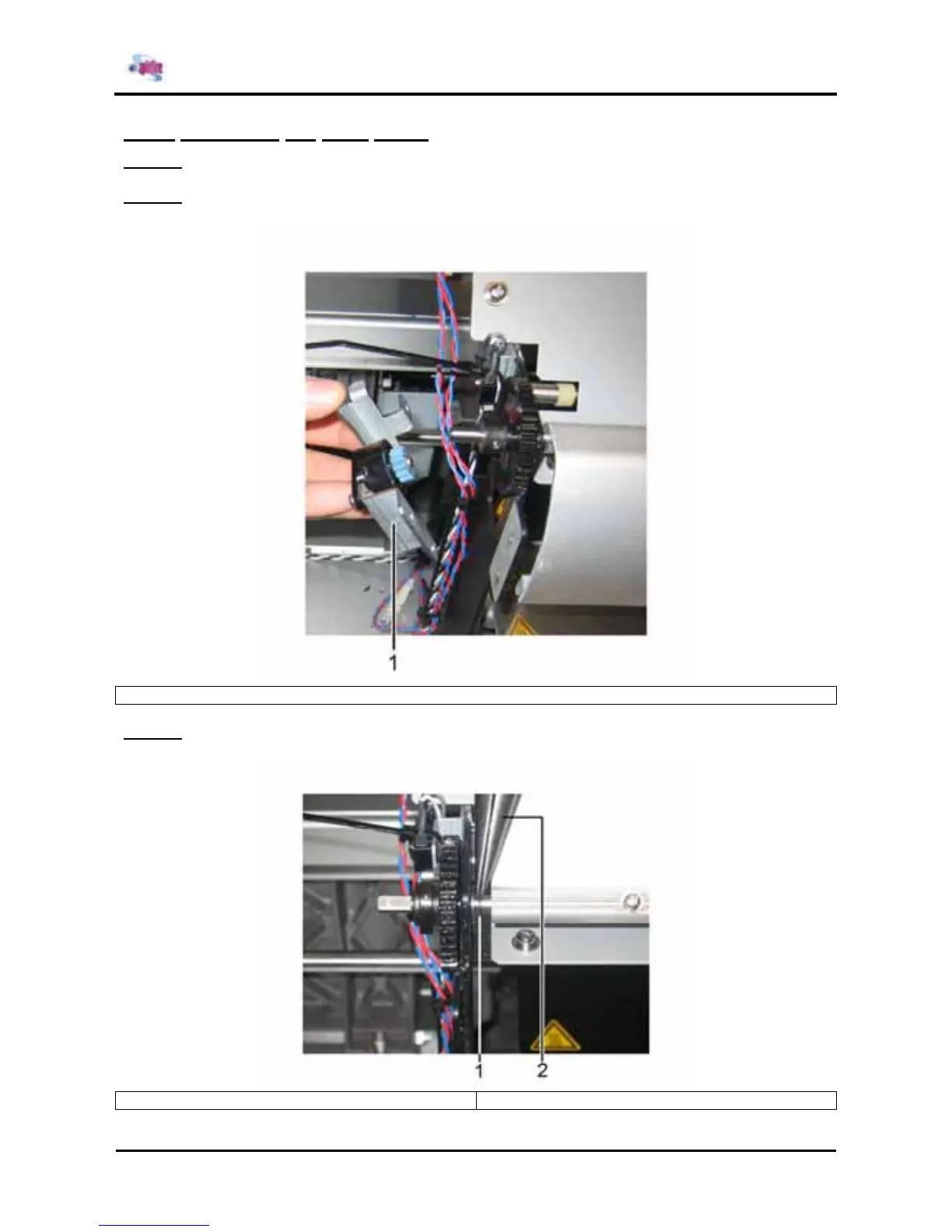
Step 2 : Remove the Support containing the slow running wheel (Left side of the printer)
1 = Support with slow running wheel
Step 3 : Remove the E-ring (Left side of the printer)
1 = E ring 2 = Grip tool















 To Next Page