Spitfire – Maintenance Manual
306
AP-74096, Rev. 1.0, 09/06/05
(1) Check if the use
conditions are within
the normal
operation
conditions.
• Be sure to use the
product under the
operation
conditions.
-
(2) Check if distance
is compensated for
the paper in use.
• Compensate the
distance.
→ Band feed
correction menu
(3) Check the PF
drive pulley for
looseness.
• Replace the PF
motor assembly.
→ Replacing the PF
motor assembly.
(4) Make sure that
the PF reduction
belt tension is
adjusted correctly.
• Adjust the tension
of the PF reduction
belt.
→ PF deceleration
belt tension
adjustment
(5) Check the
rotation of the
pressure roller with
the pressure arm at
the raised position.
• If the surrounding
area of the pressure
roller is
contaminated by
paper dust and
waste paper, wipe it
with a soft
dampened cloth.
→ User’s Guide
(6) Check the grid
roller for rugged
movement. Also,
check the rotary
movement for
irregularities.
• If foreign material
such as paper dust
and wastepaper are
found on the grid
rollers, remove them
using a nylon brush.
→ User’s Guide
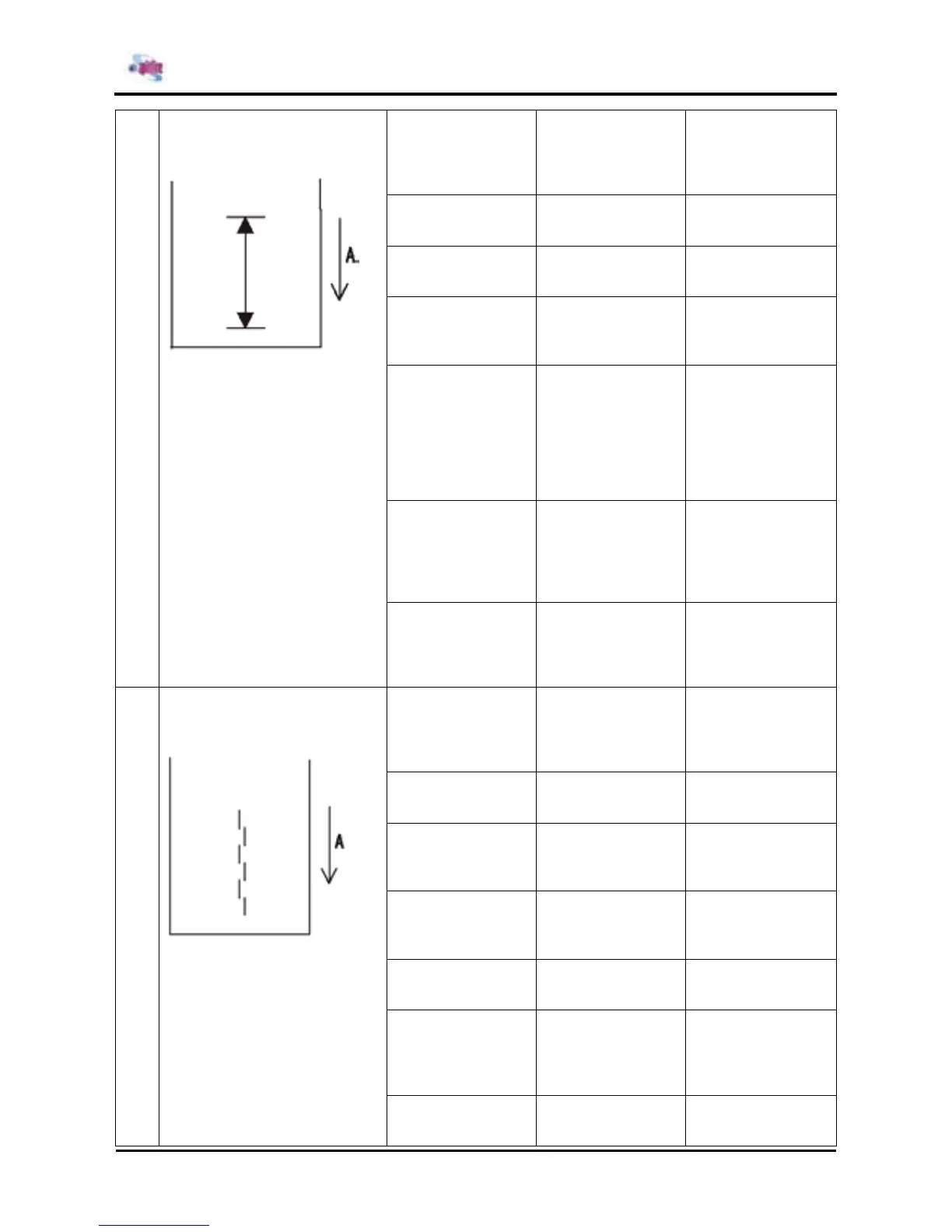
20 A limited line in the paper feed
direction is not accurate ( in the
sub scanning direction)
A : Paper discharging direction
(7) If the paper in
concern is roll
paper, check if the
scroller is rotating
smoothly.
• Make sure that the
scroller receiver is
installed correctly.
• Replace the rollers
of the scroller.
→ Replacing the
scroller R assembly.
→ Replacing the
scroller L assembly.
(1) Check if the
actually installed
head rank and the
registered head
rank match.
• Input the correct
head rank.
→ Head rank input
menu.
(2) Adjust the
inclination of the
head.
• Adjust the
inclination of the
head.
→ Head precision
adjustment.
(3) Check if the
tension of the steel
belt is adjusted
correctly.
• Adjust the steel
belt tension.
→ Steel belt tension
adjustment.
(4) Check the two-
way printing position
alignment for
problems.
• Adjust the two-way
printing position
alignment.
→ Repeatability
alignment menu
(5) Check if the CW
adjustments are
made correctly.
• Perform the CW
adjustments.
→ CW adjustments
menu
(6) Check the T
fence for
contamination.
• Clean the T fence
• If contaminants
cannot be cleaned
up, replace the T
fence.
→ Replacing the T
fence
21 Straightness in the paper feed
direction is not accurate (paper
joint accuracy).
A : Paper discharging direction
(7) Check the CR
cursor assembly for
play.
• Replace the CR
cursor assembly.
→ Replacing the CR
cursor assembly.















 To Next Page