Newtec Proprietary
Confidentiality: Unrestricted
R3.2_v1.0
103/387
General Device Settings and Actions
MDM9000 Satellite Modem
14.2.1 License Upgrade
Importing a license file is done when a new functionality needs to be activated.
Save the "standard" configuration before performing a license upgrade to a temporary
license.
• Please refer to section: SaveaConfigurationonpage110.
• Please refer to section: LicenseTypeonpage104 for more information on the
possible license types.
» Log in as Expert (Refer to section: SwitchUserProfileonpage58).
» Navigate to the Tasks Pane.
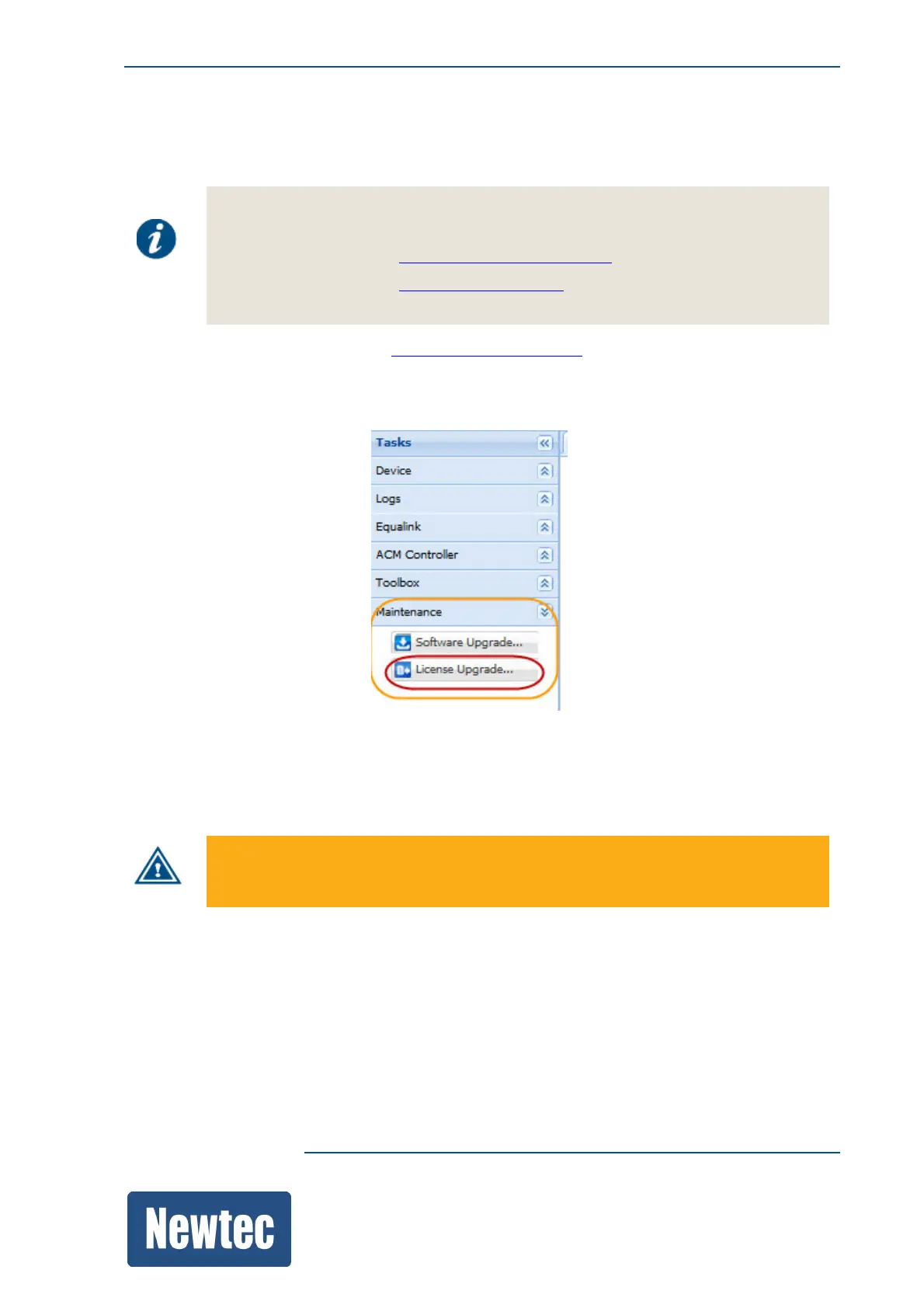
» Navigate to Maintenance.
» Select License Upgrade.
» Browse to the folder where the new license.ini file is stored.
» Select the licence.ini file and Click Open.
The following message is displayed:
Importing / upgrading a licence file reboots the device!
» Click Upgrade.
» After the upgrade, a message is displayed that the upgrade was performed successfully.
» Verify if the new functionality is active.



 To Next Page